One logistics platform, every module explained.
Real screenshots and step-by-step guides for rates, ocean, inventory, visibility, AI agents, accounting and system setup.
Signing in
- 1
Open app.infox.com/infox/login in your browser.
- 2
Enter the username and password given by your administrator.
- 3
Press Enter — you land on the Dashboard.
Pick a module
Getting Started
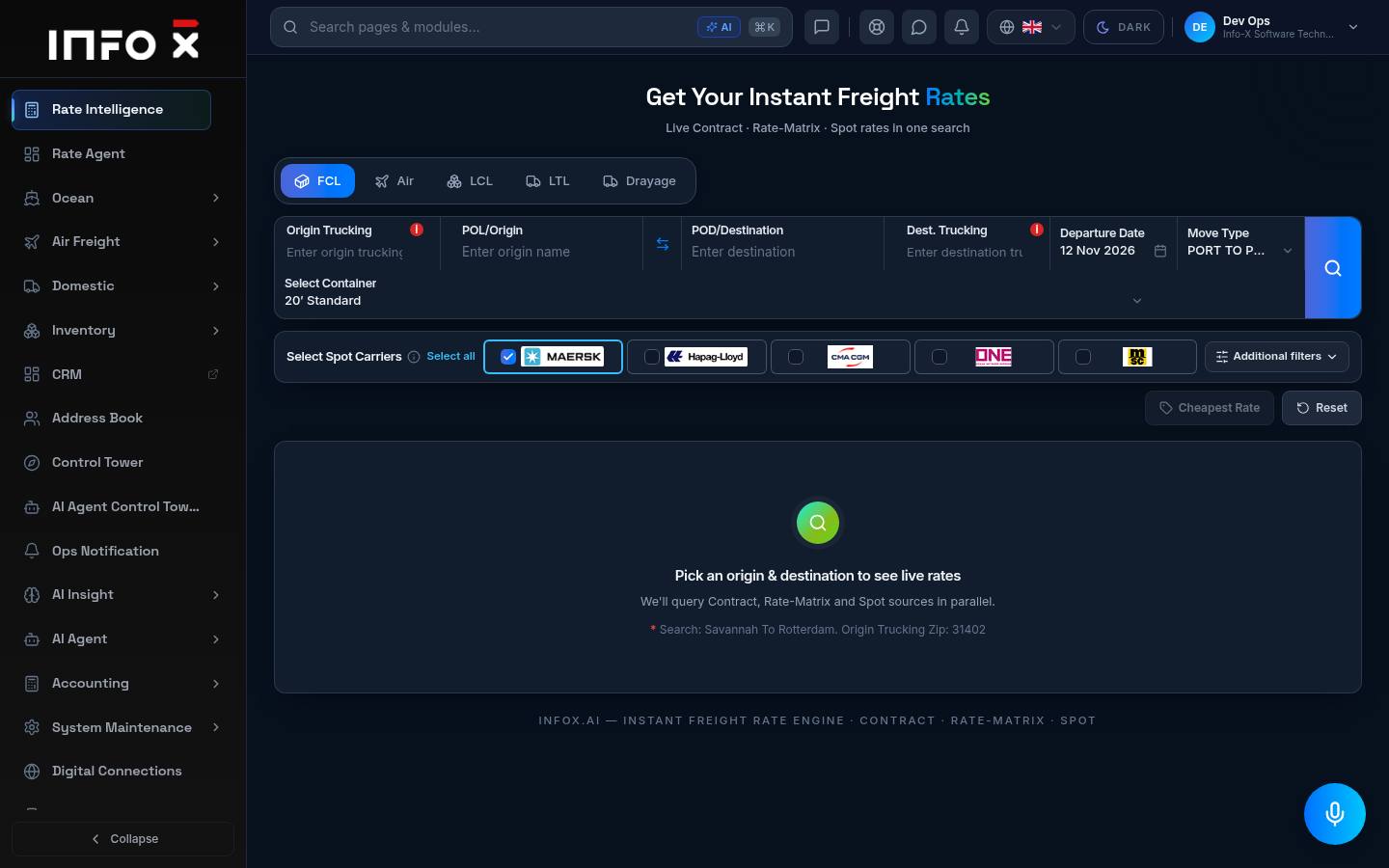
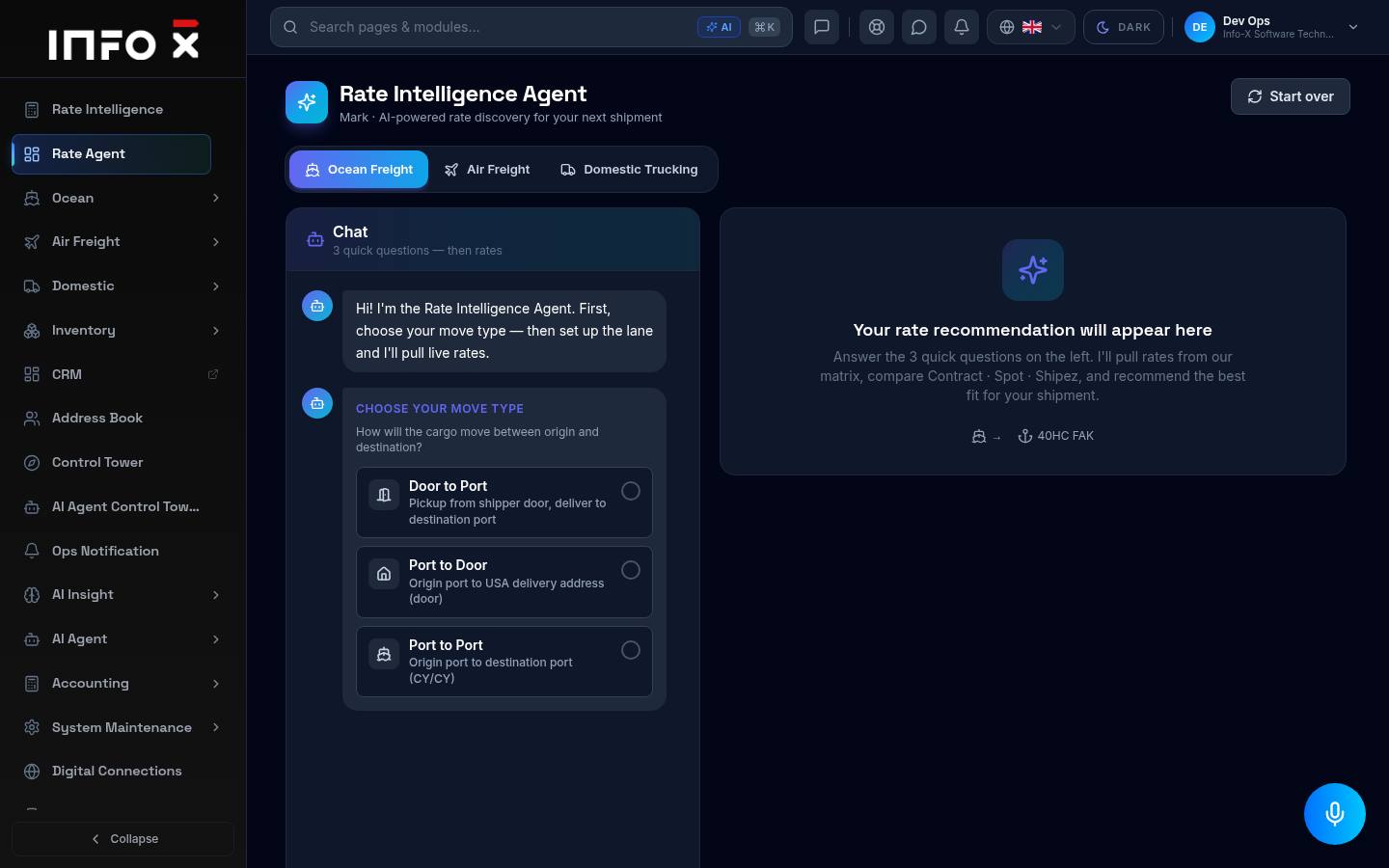
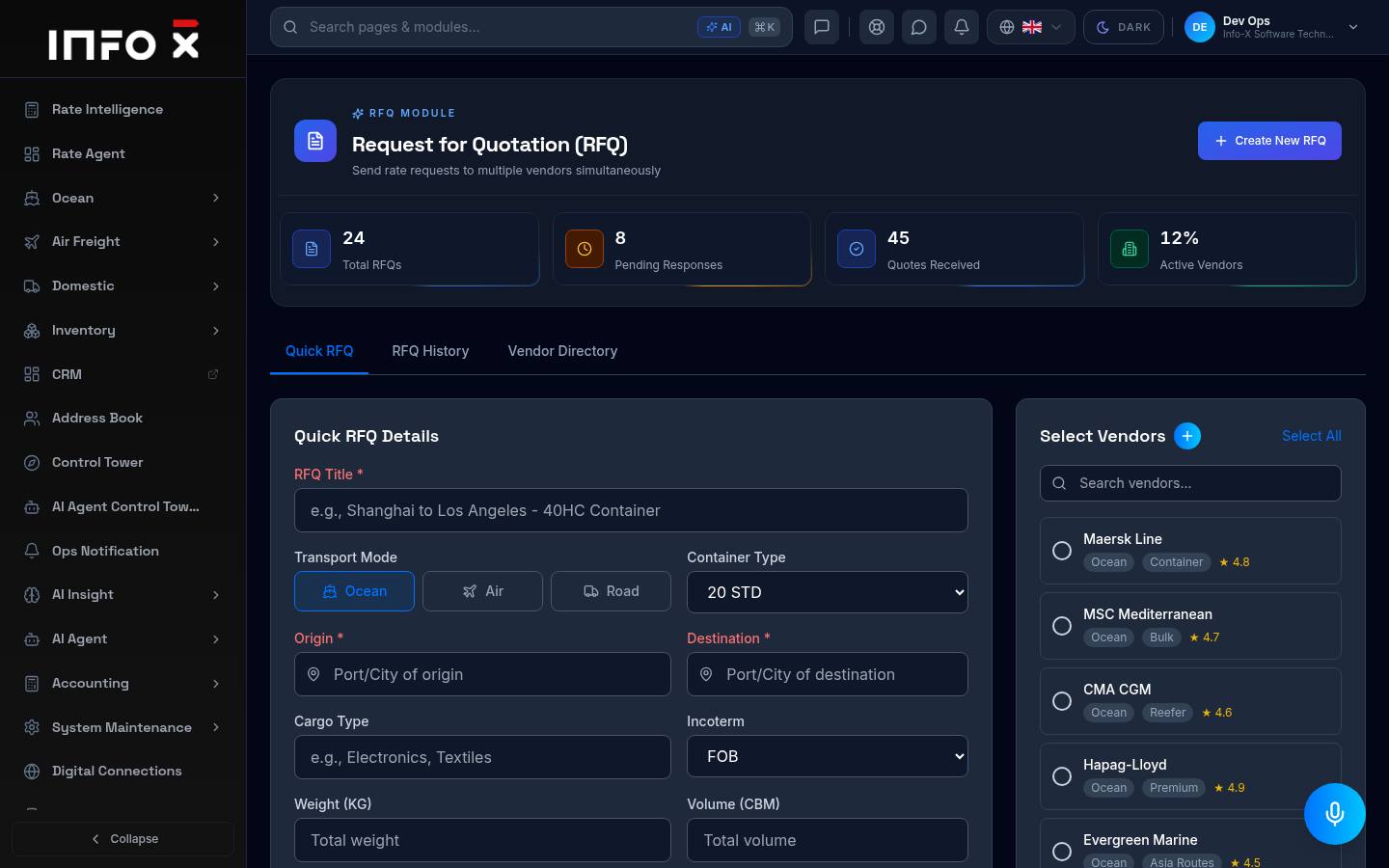
Rates
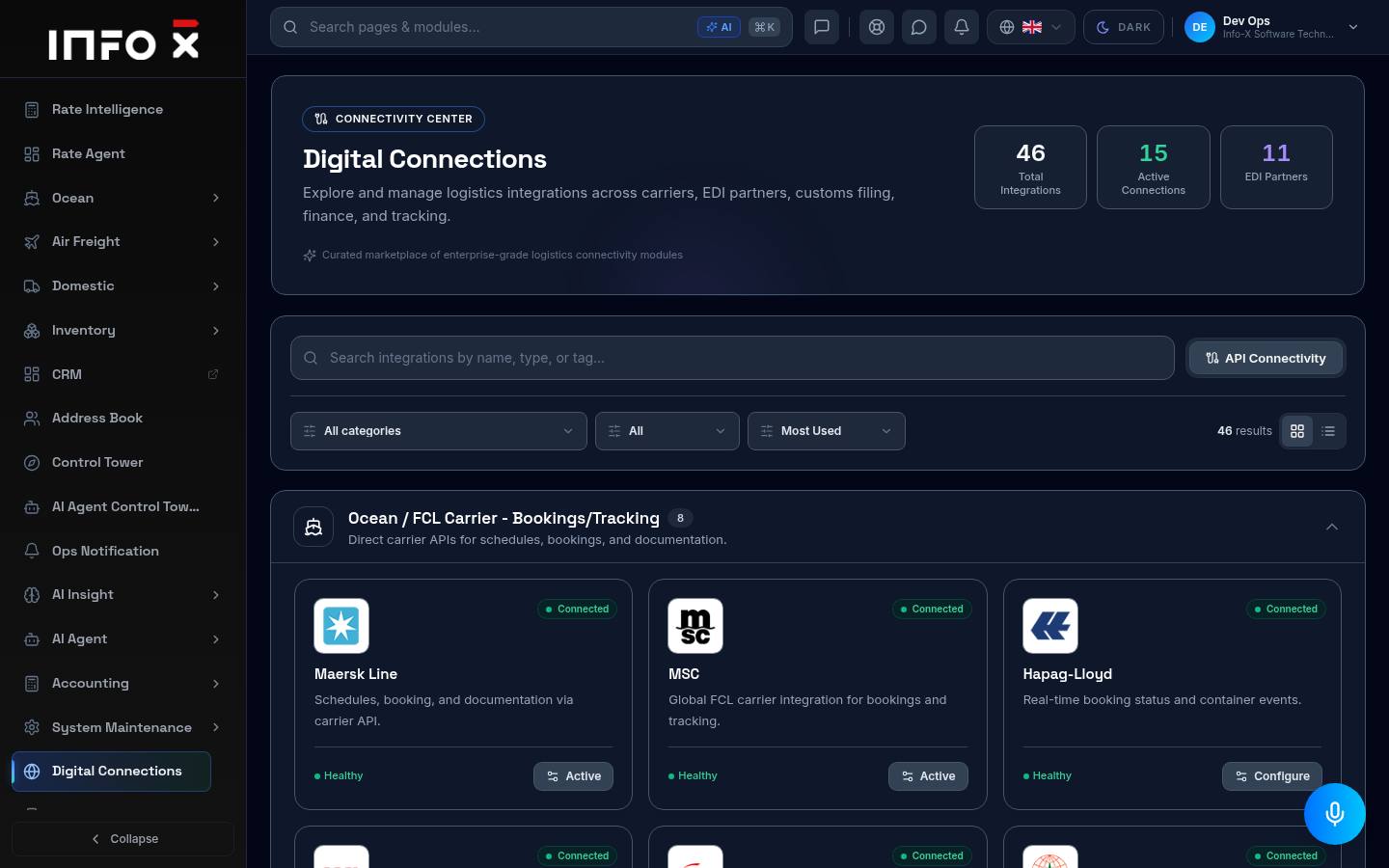
Ocean & Air
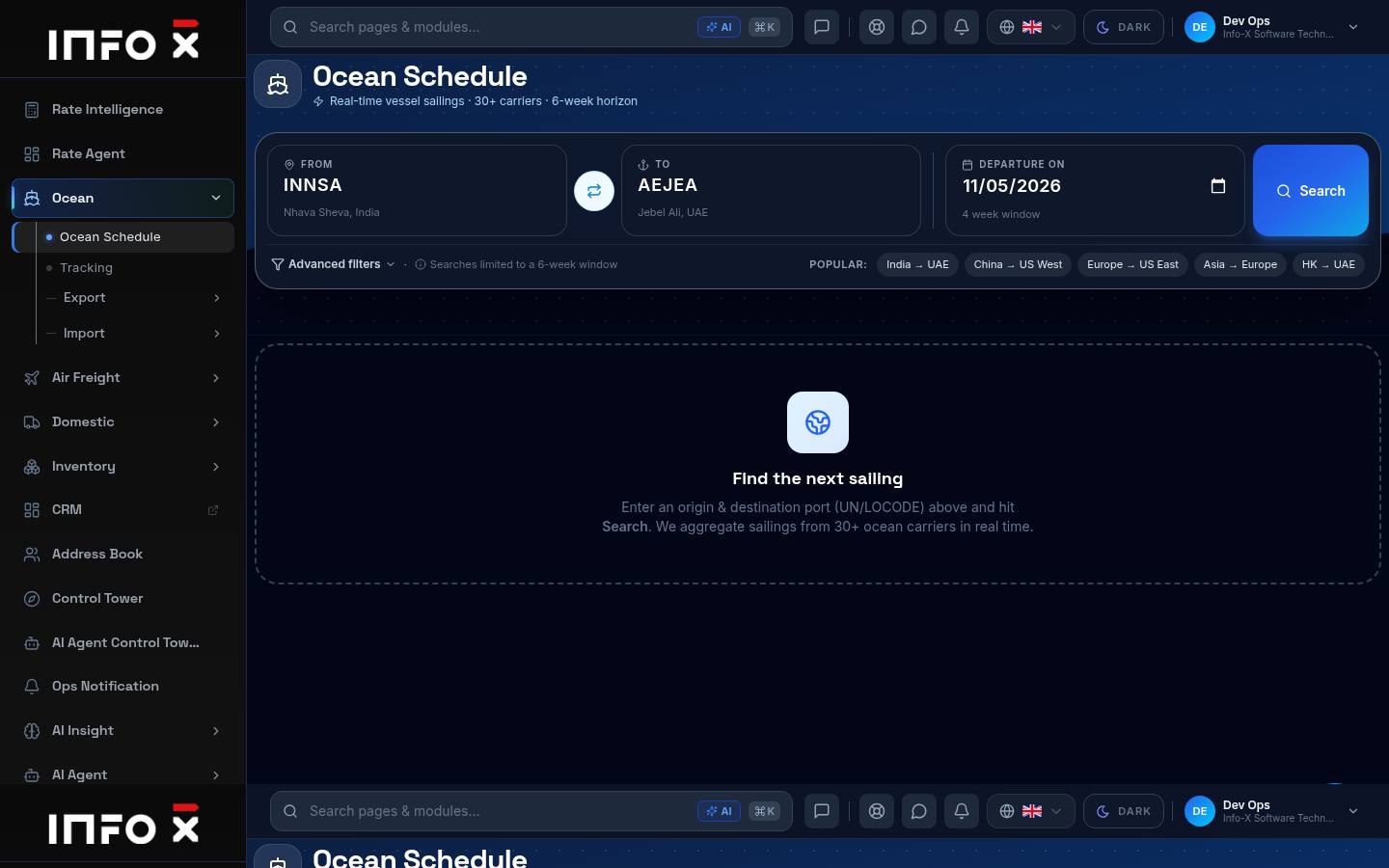
Real-time sailings from 30+ carriers over a 6-week horizon.
Open guide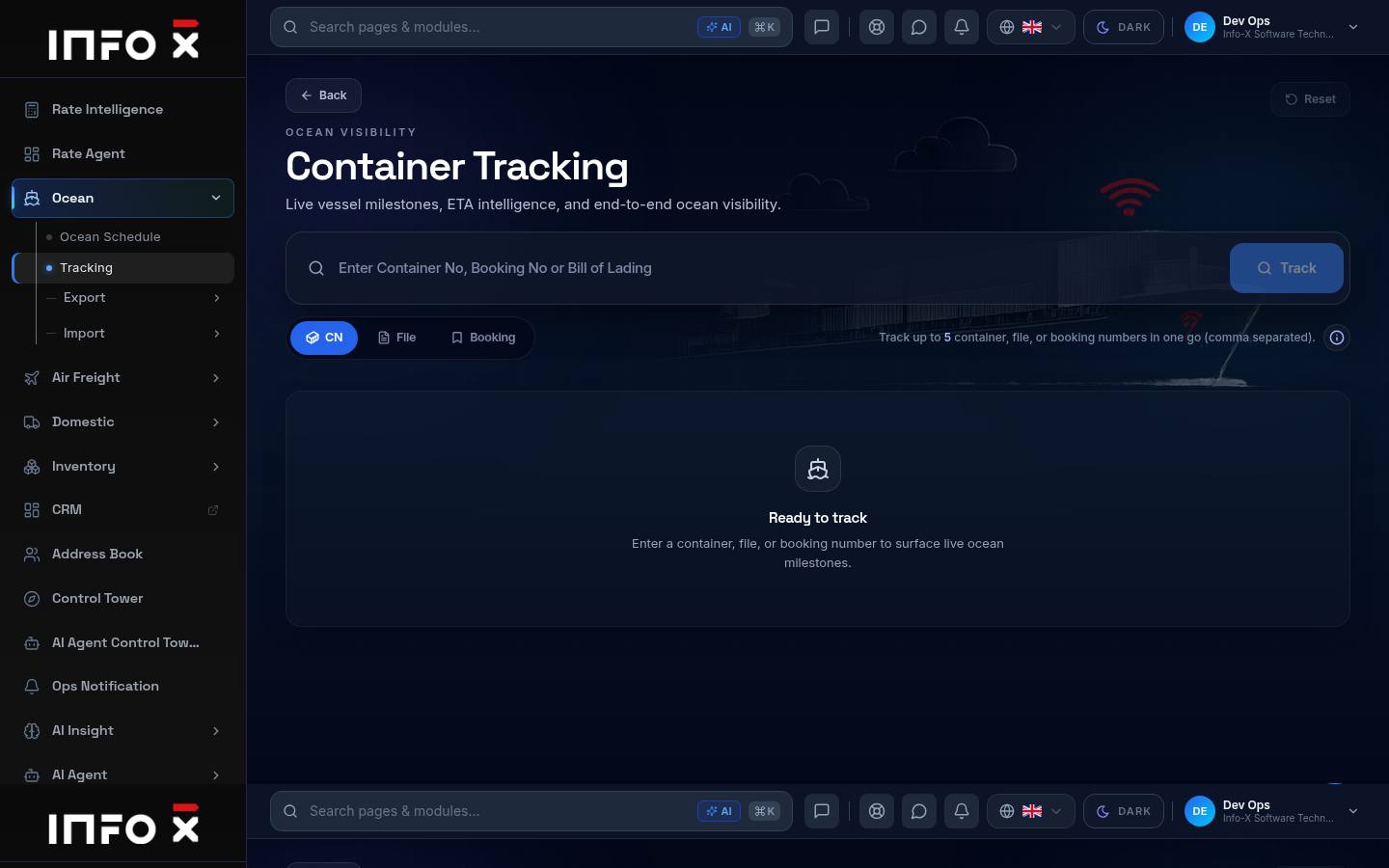
Live vessel milestones and ETA intelligence.
Open guide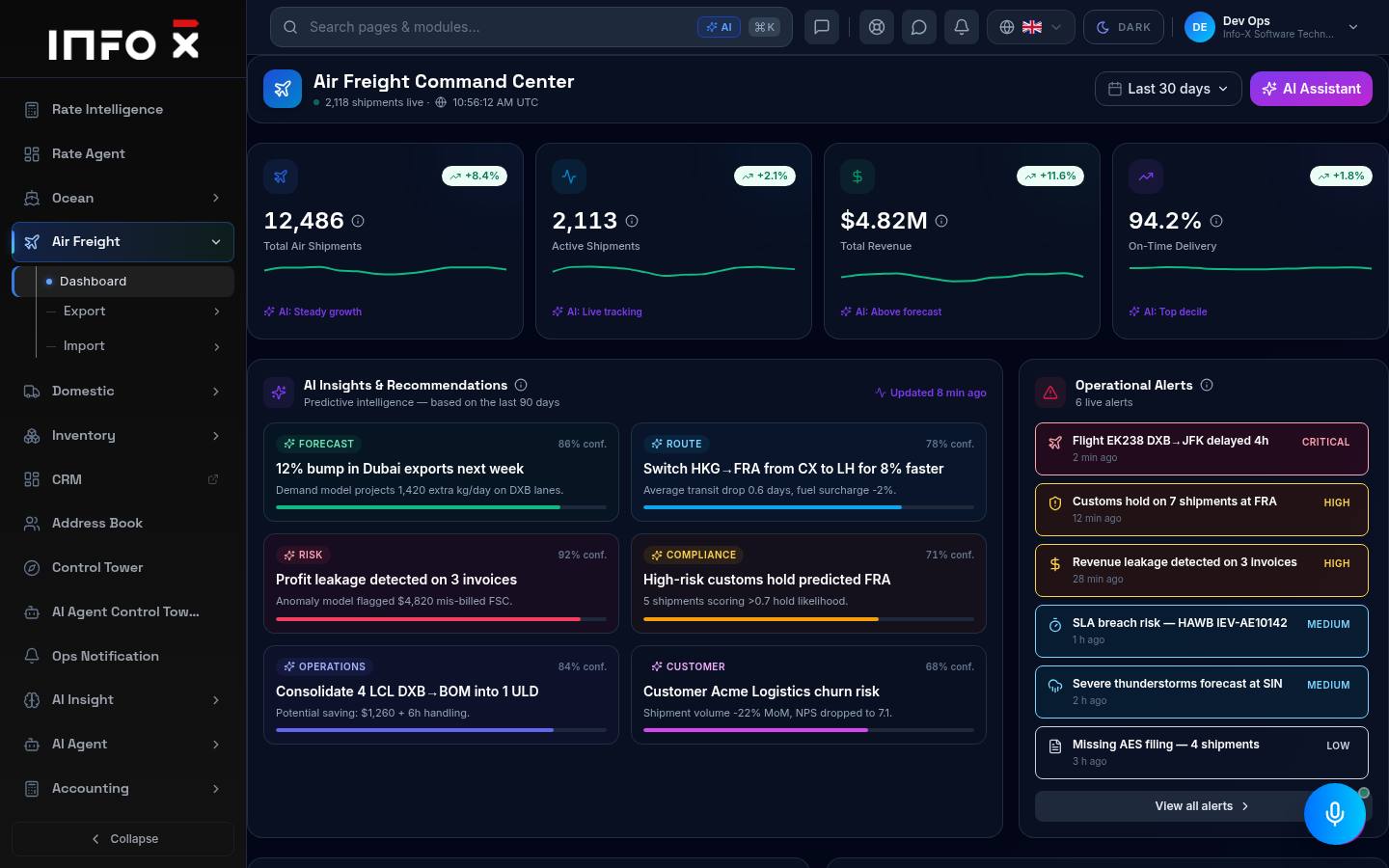
Air Freight command center.
Open guide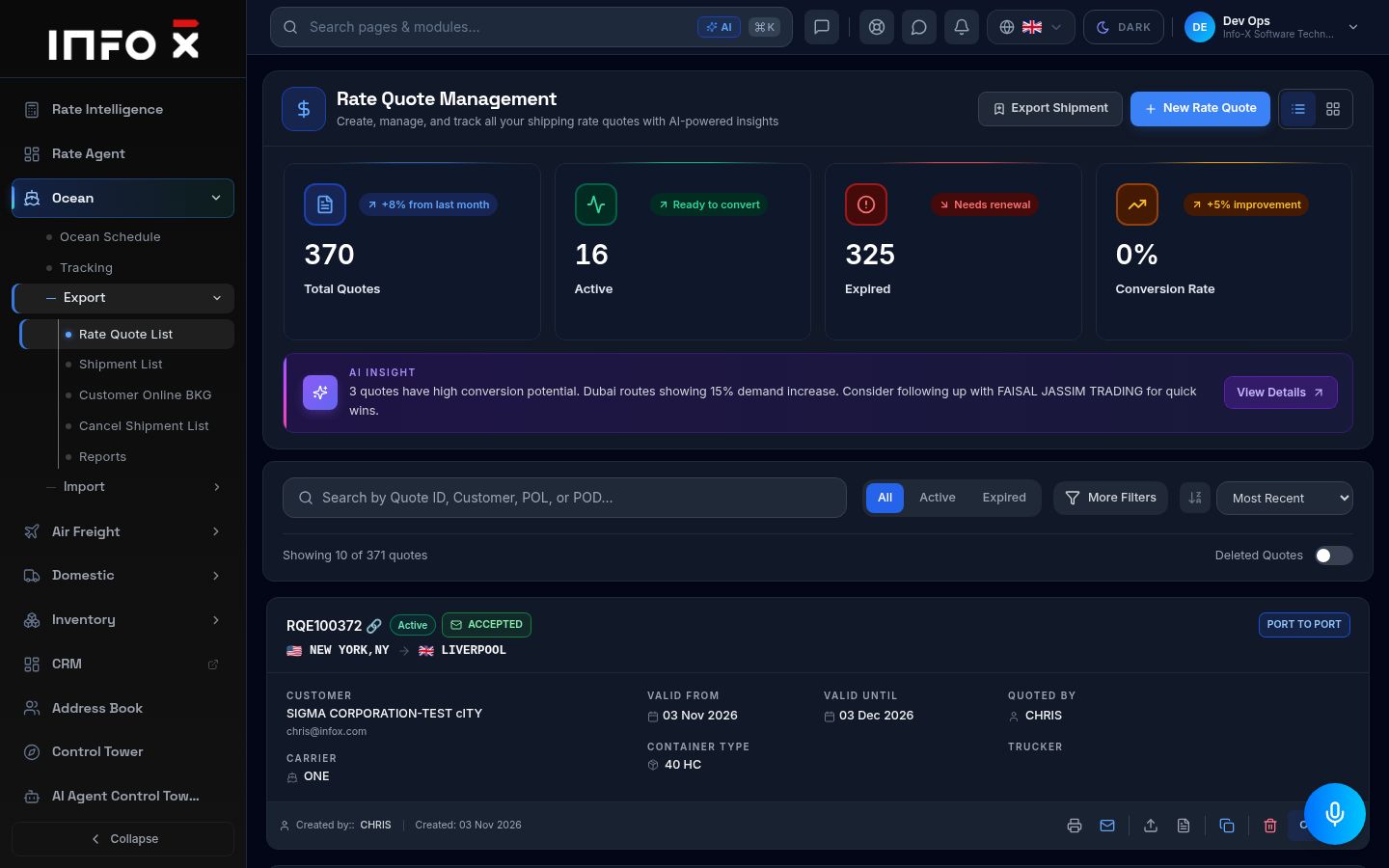
Ocean export rate quotes — create, track and convert.
Open guide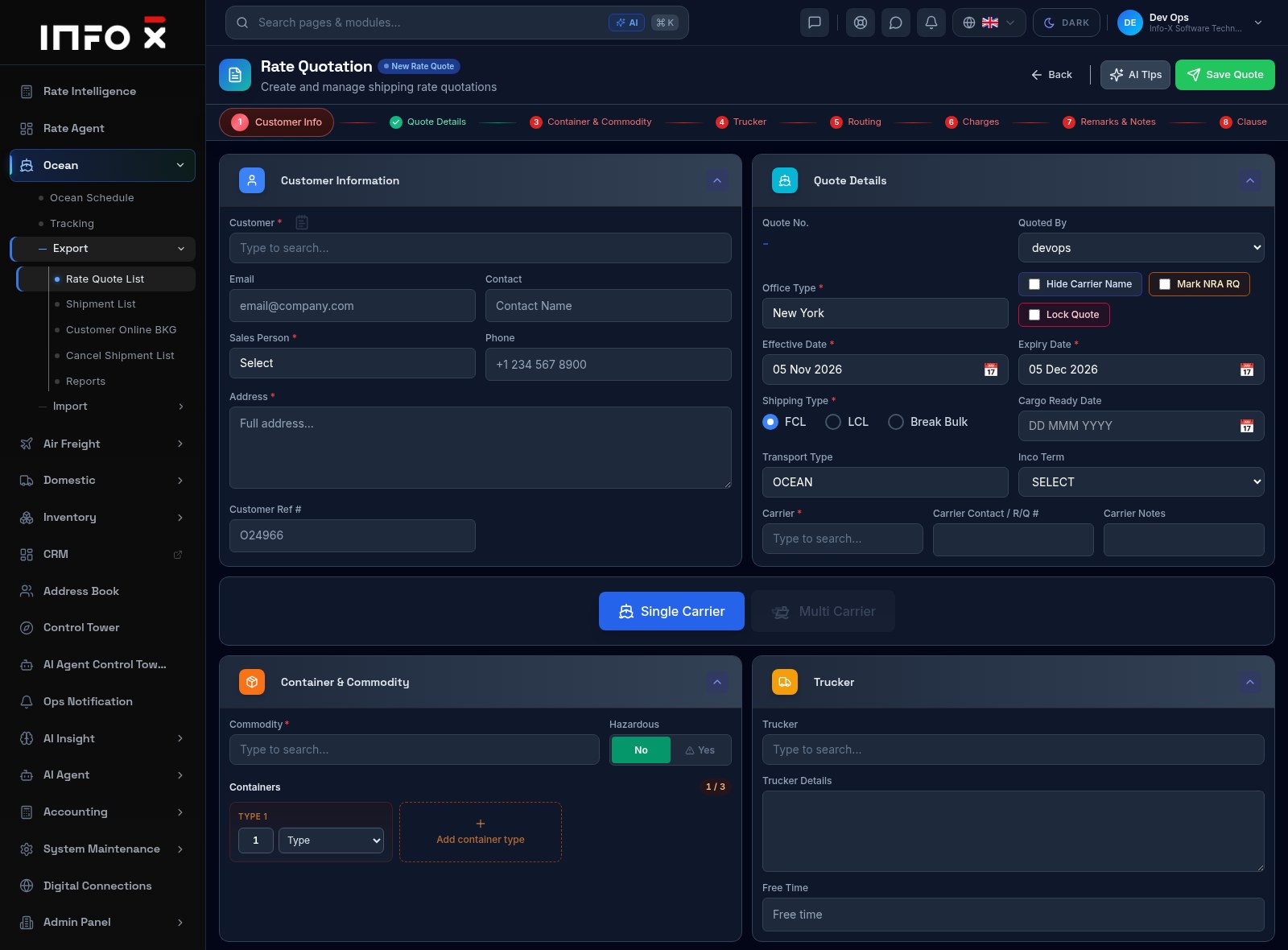
Build an ocean export quotation step by step.
Open guide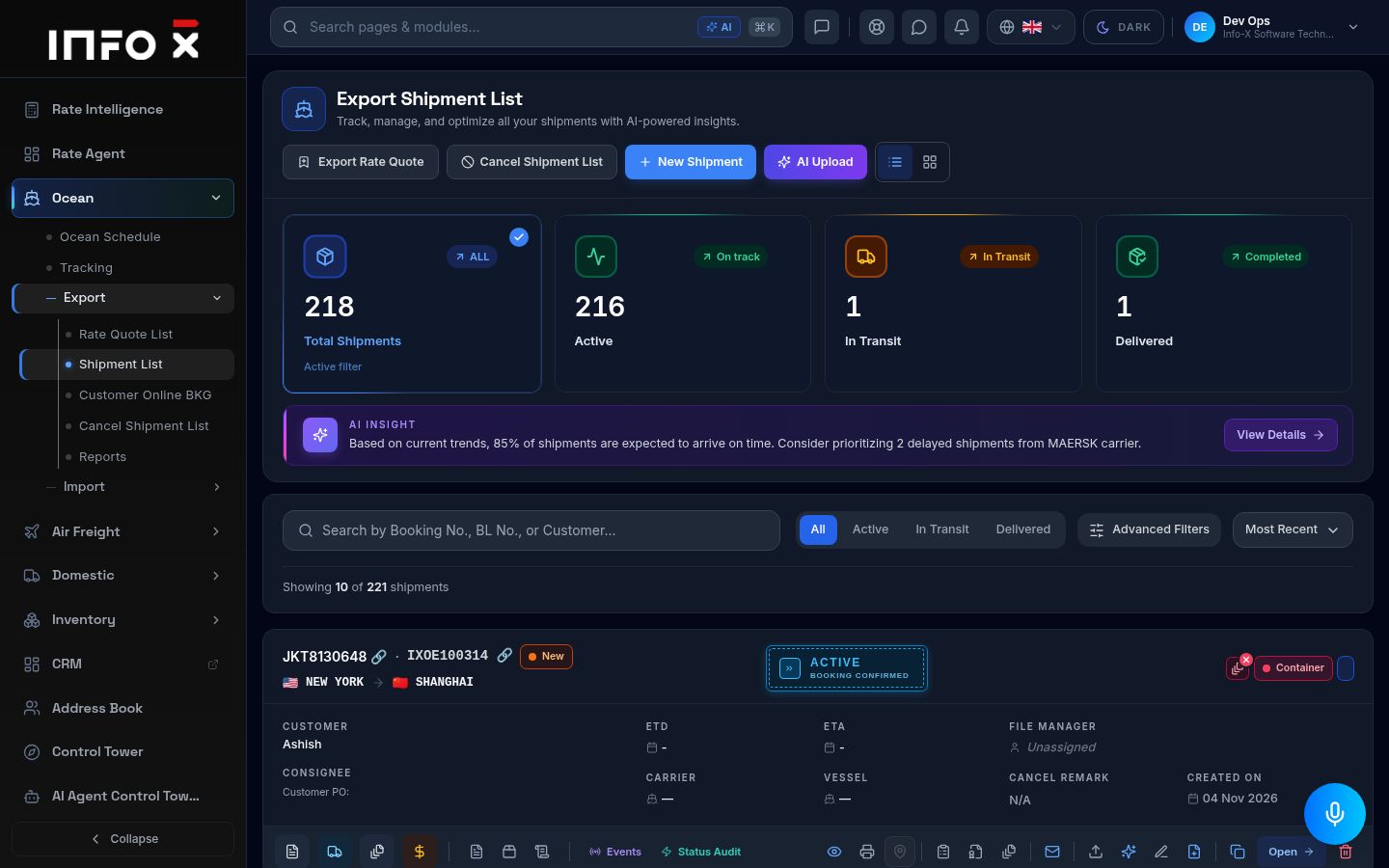
All ocean export bookings and shipments.
Open guide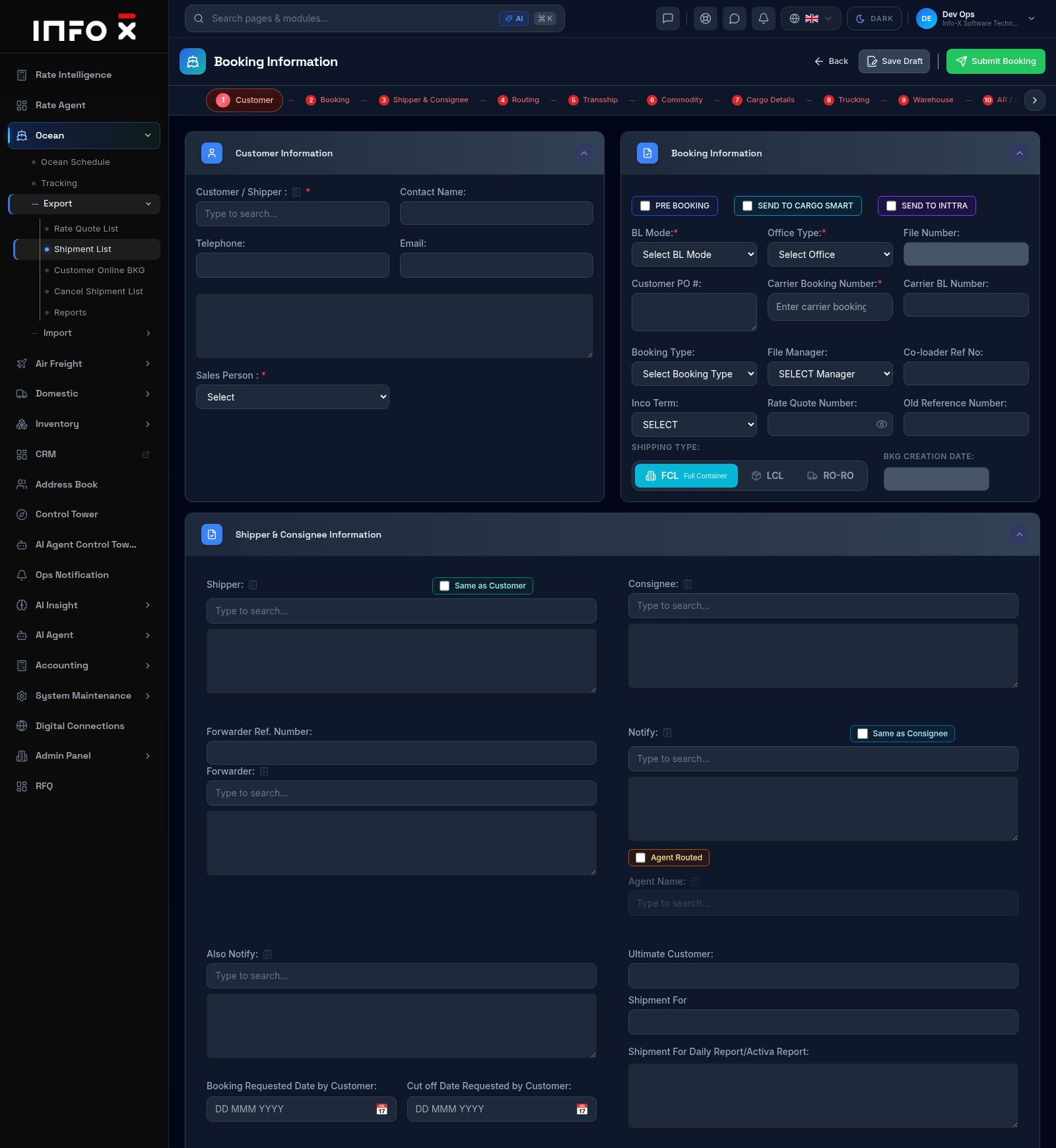
Create a new ocean export booking (shipment) step by step.
Open guide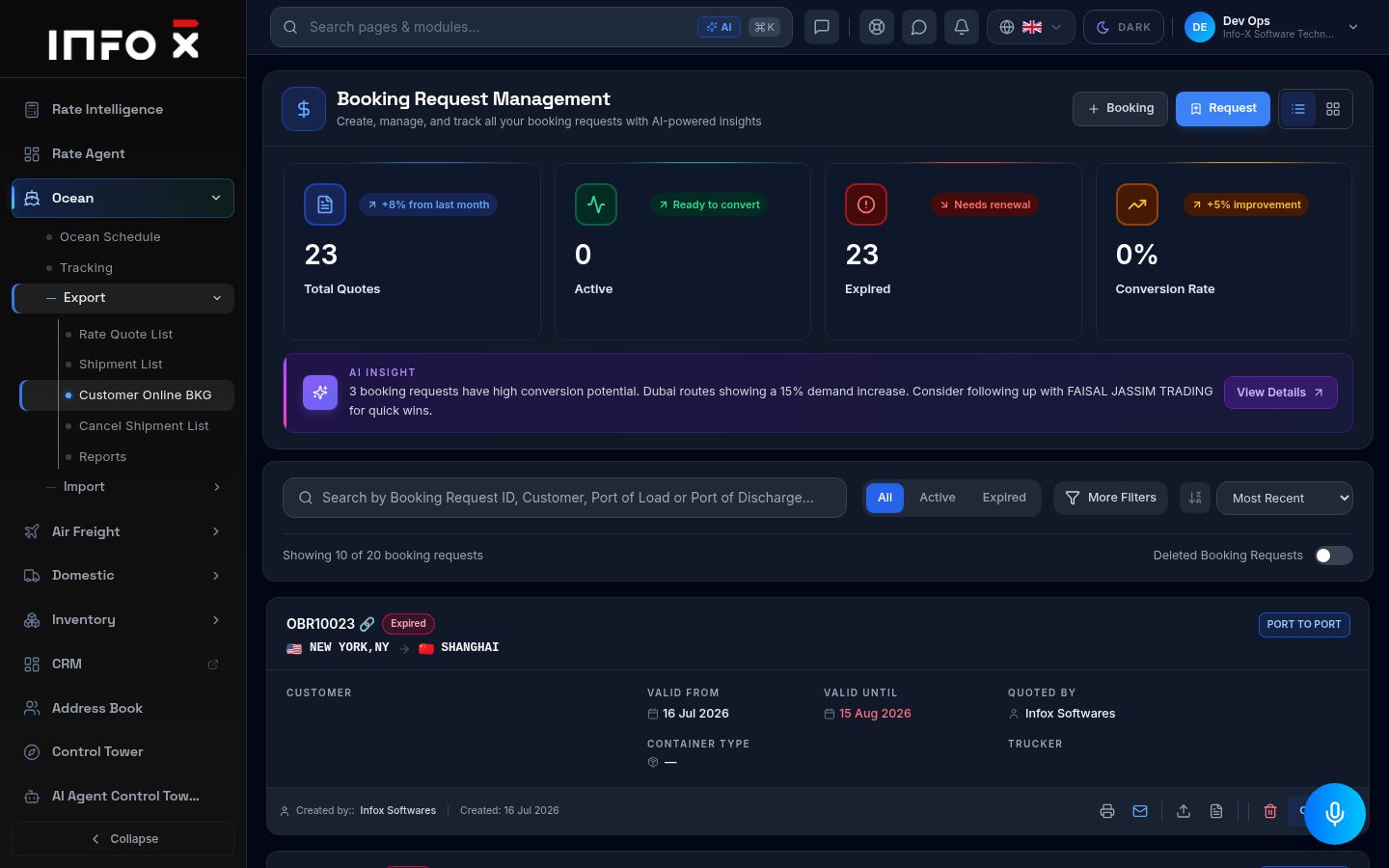
Booking requests submitted online by customers.
Open guide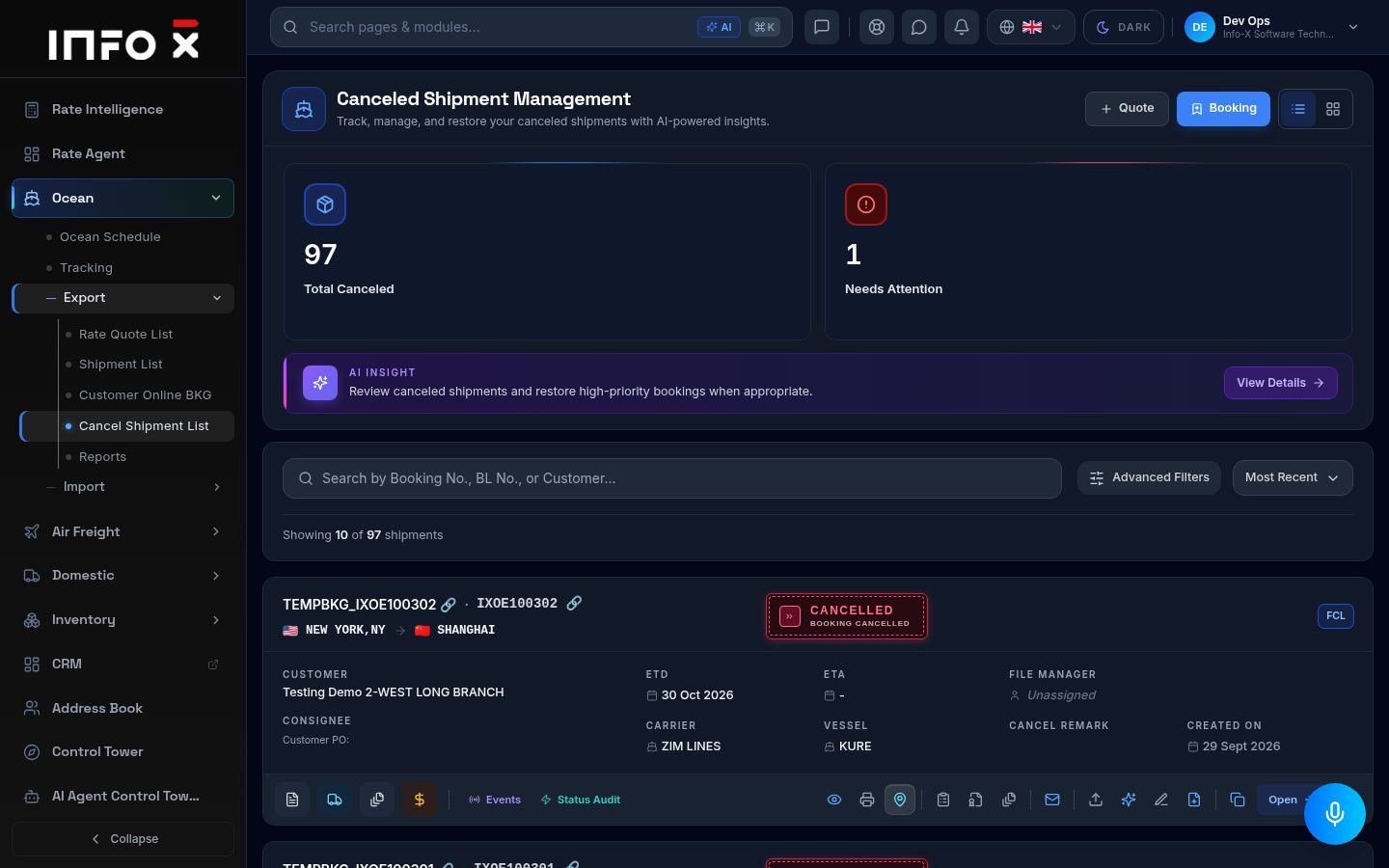
Cancelled ocean export shipments and their remarks.
Open guide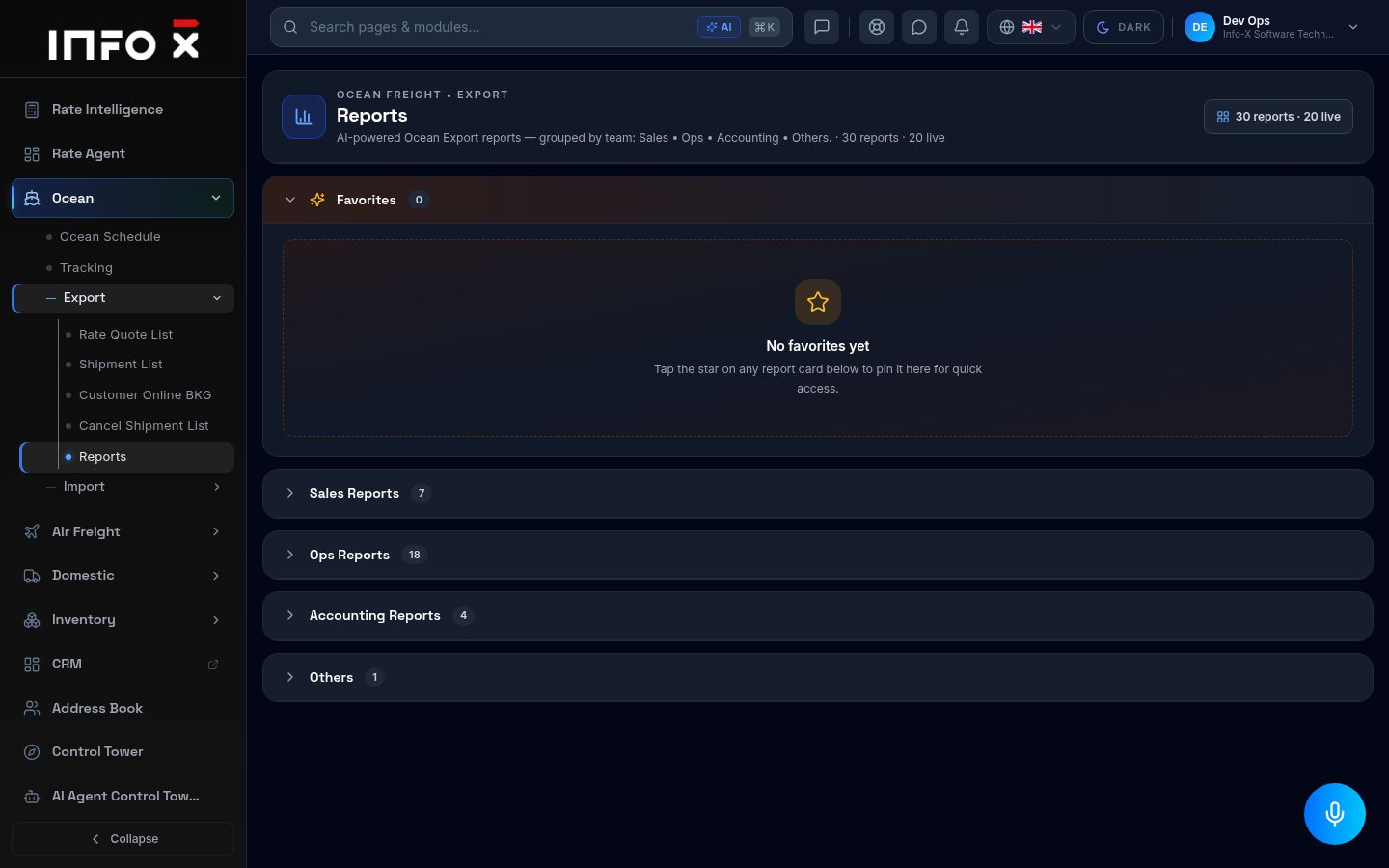
Ocean export reports grouped by team.
Open guide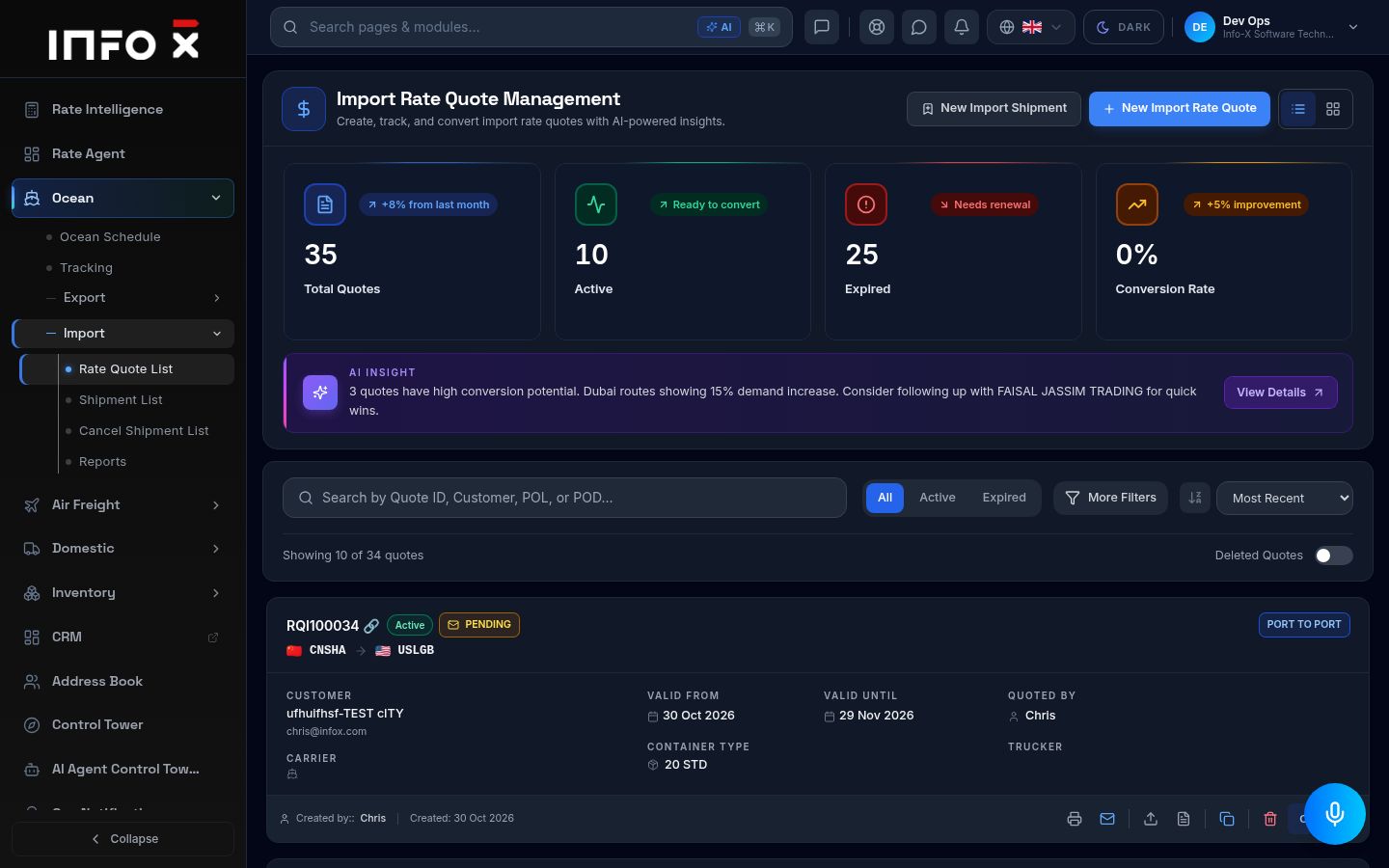
Ocean import rate quotes.
Open guide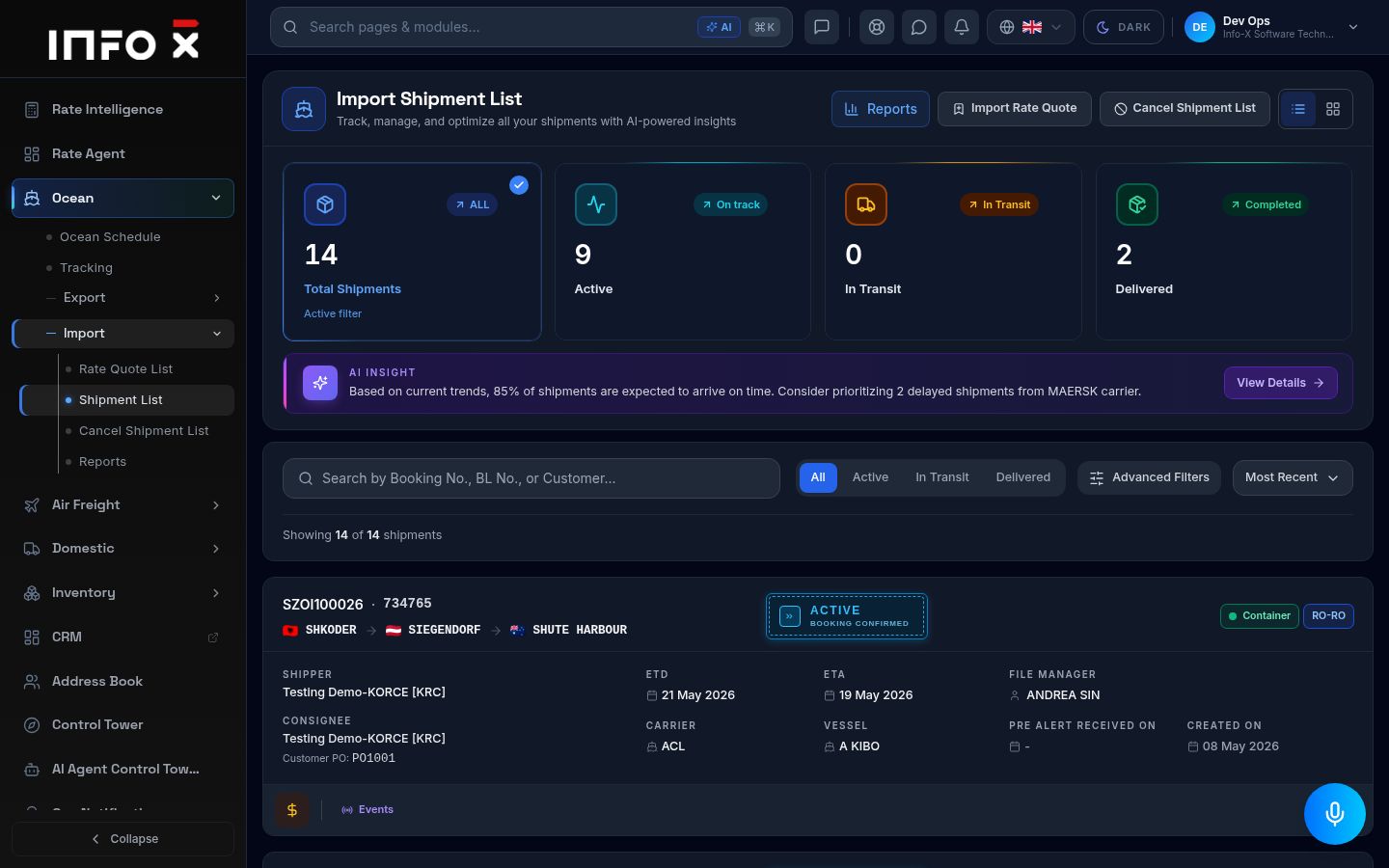
All ocean import shipments.
Open guide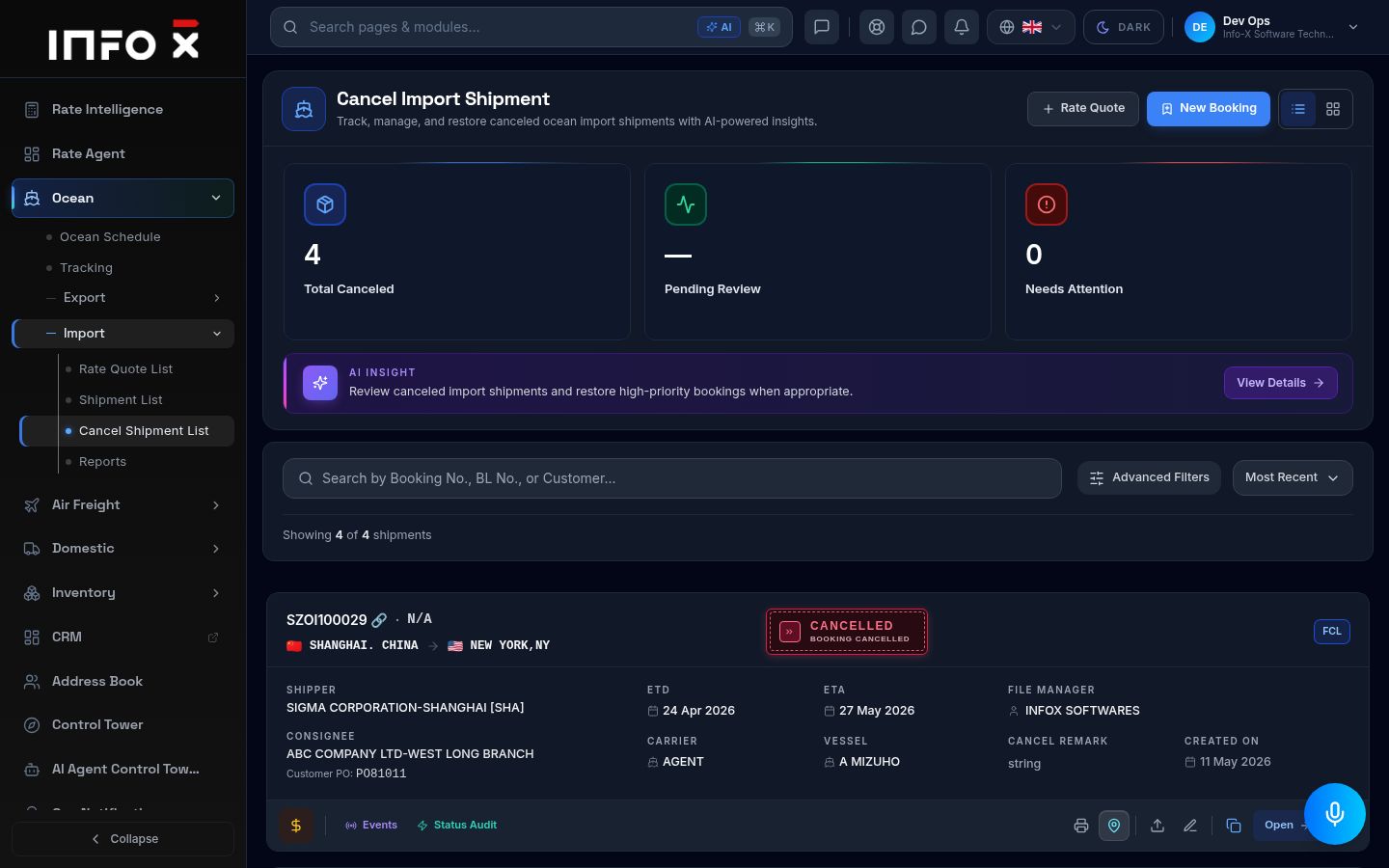
Cancelled ocean import shipments.
Open guide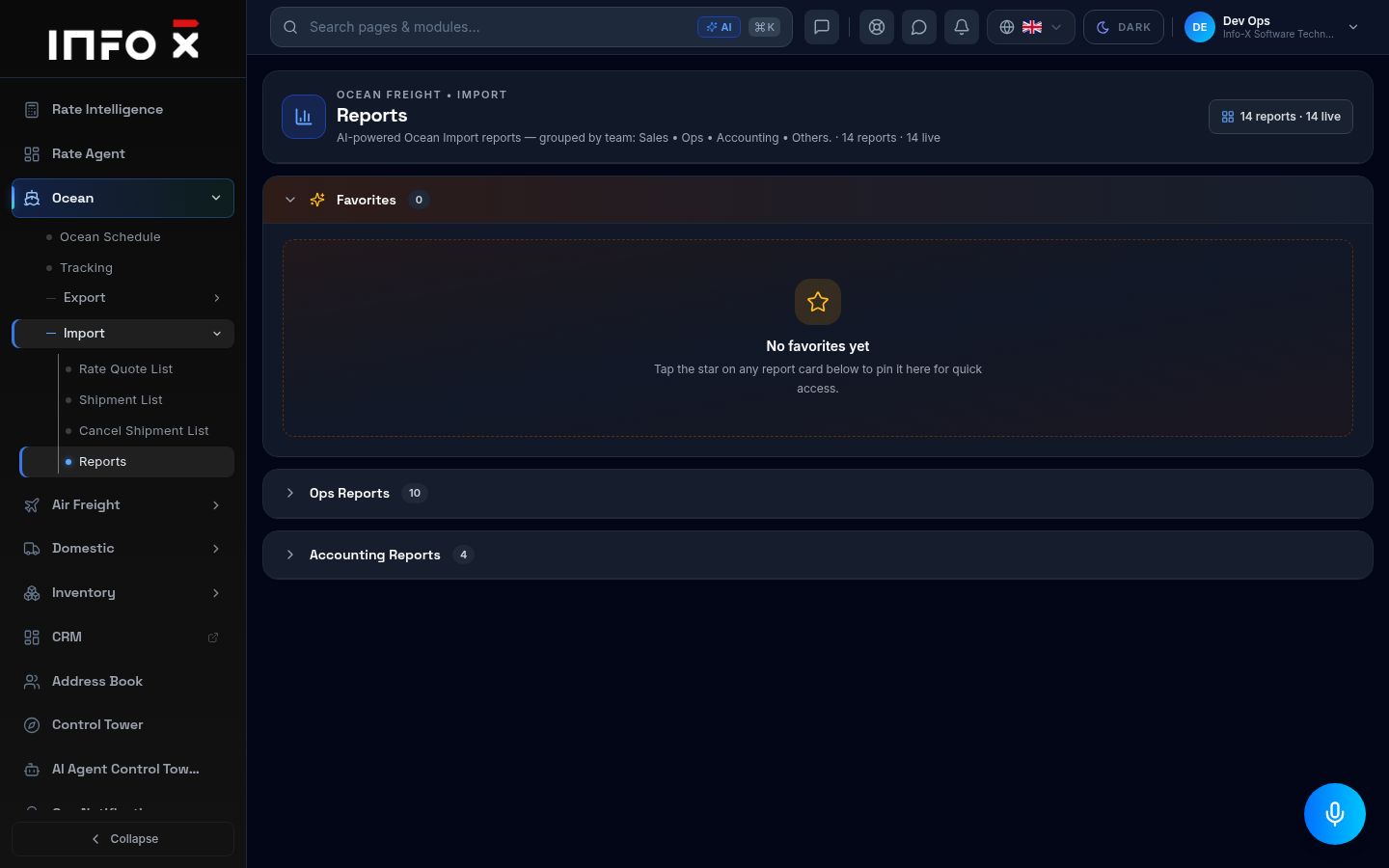
Ocean import reports grouped by team.
Open guide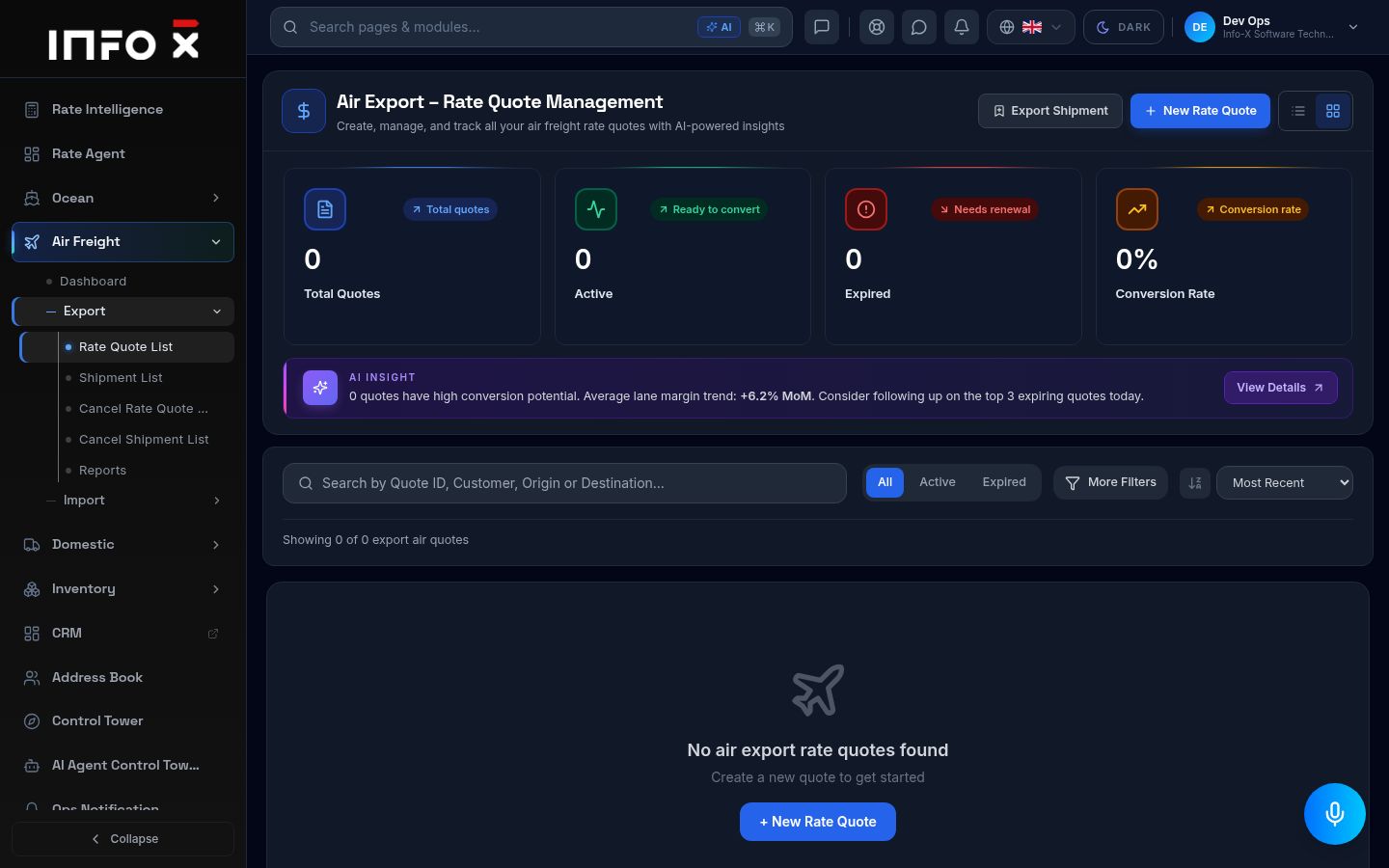
Air export rate quotes.
Open guide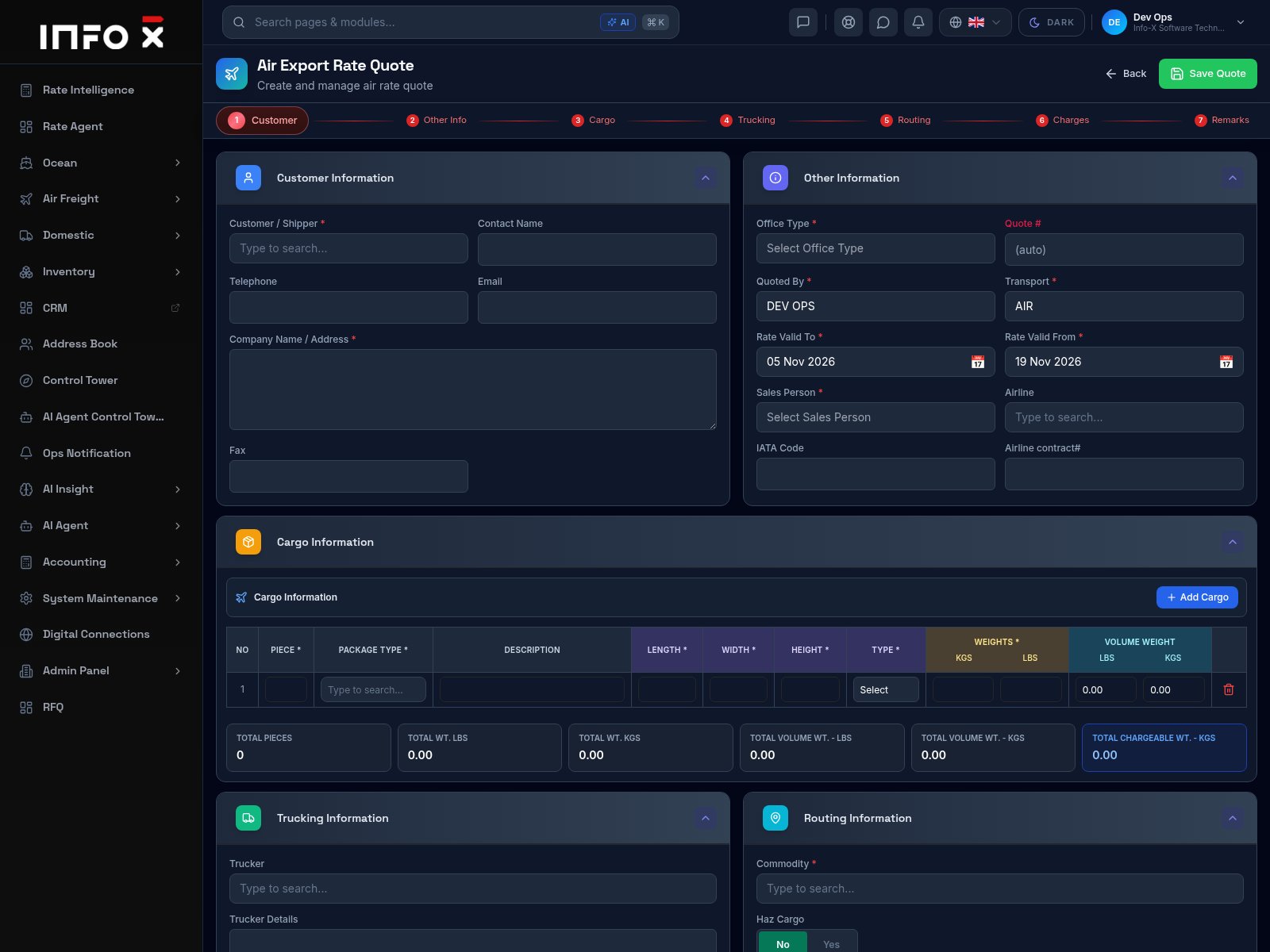
Build an air export quotation step by step.
Open guide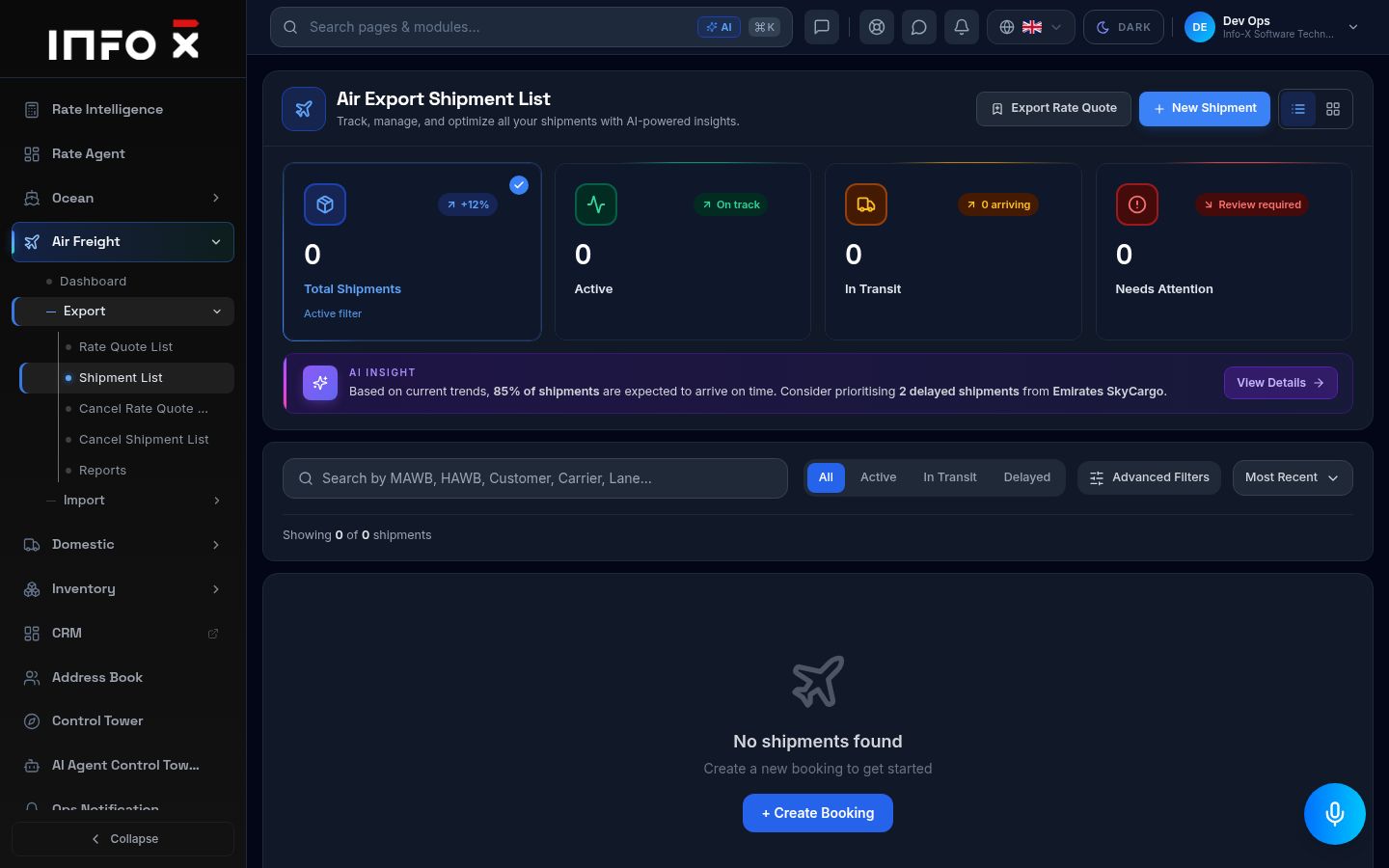
Air export shipments.
Open guide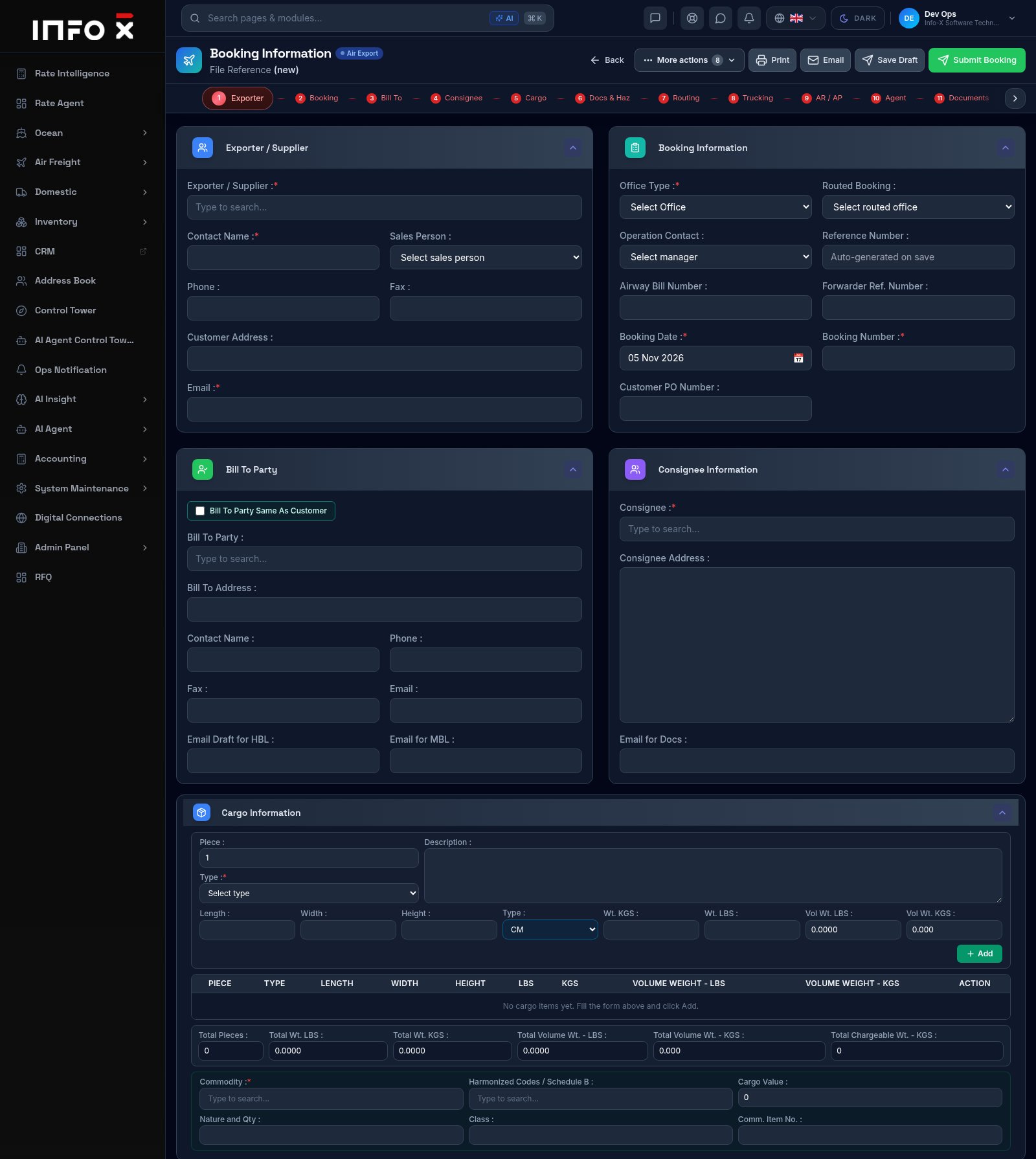
Create a new air export booking step by step.
Open guide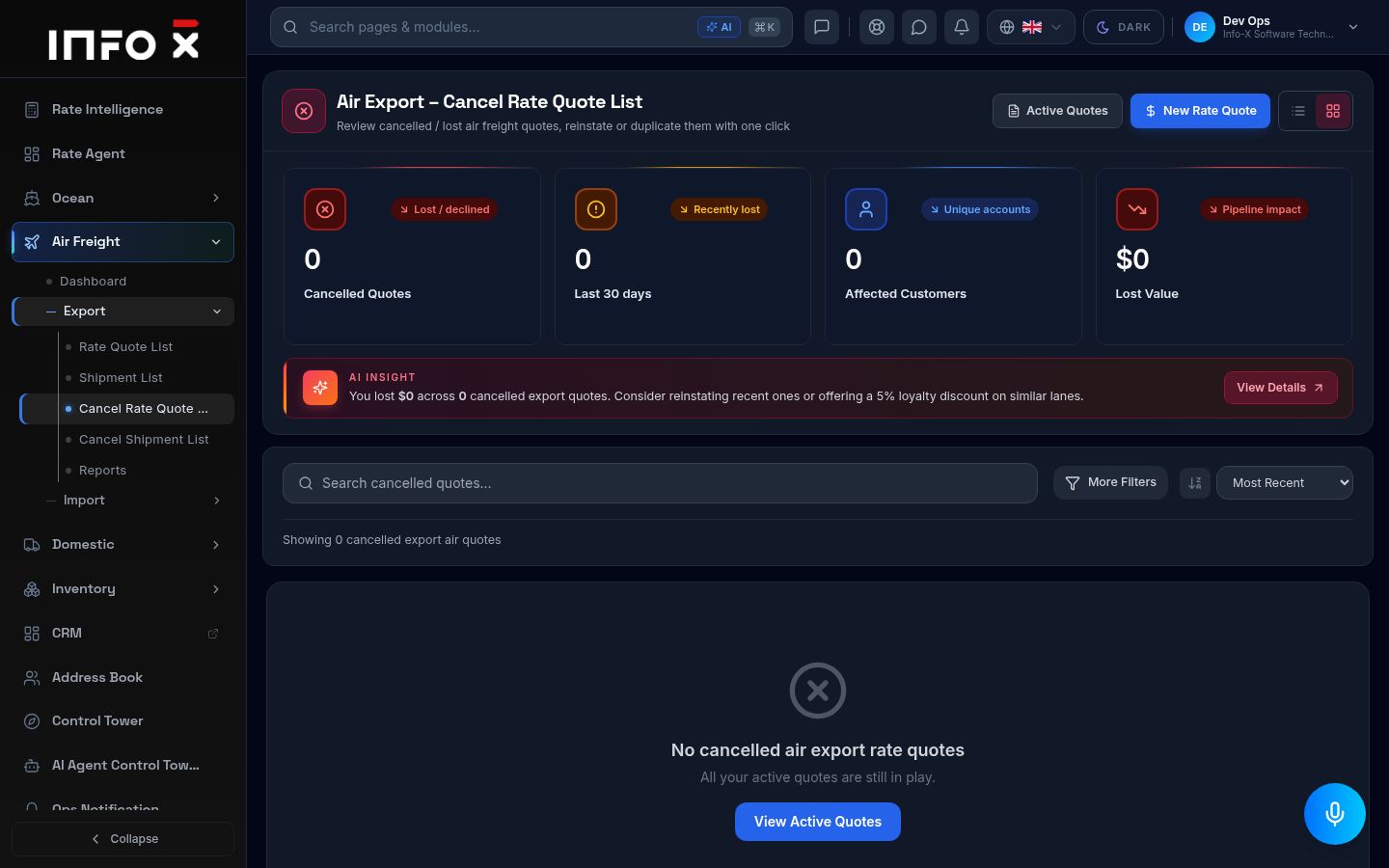
Cancelled / lost air export quotes.
Open guide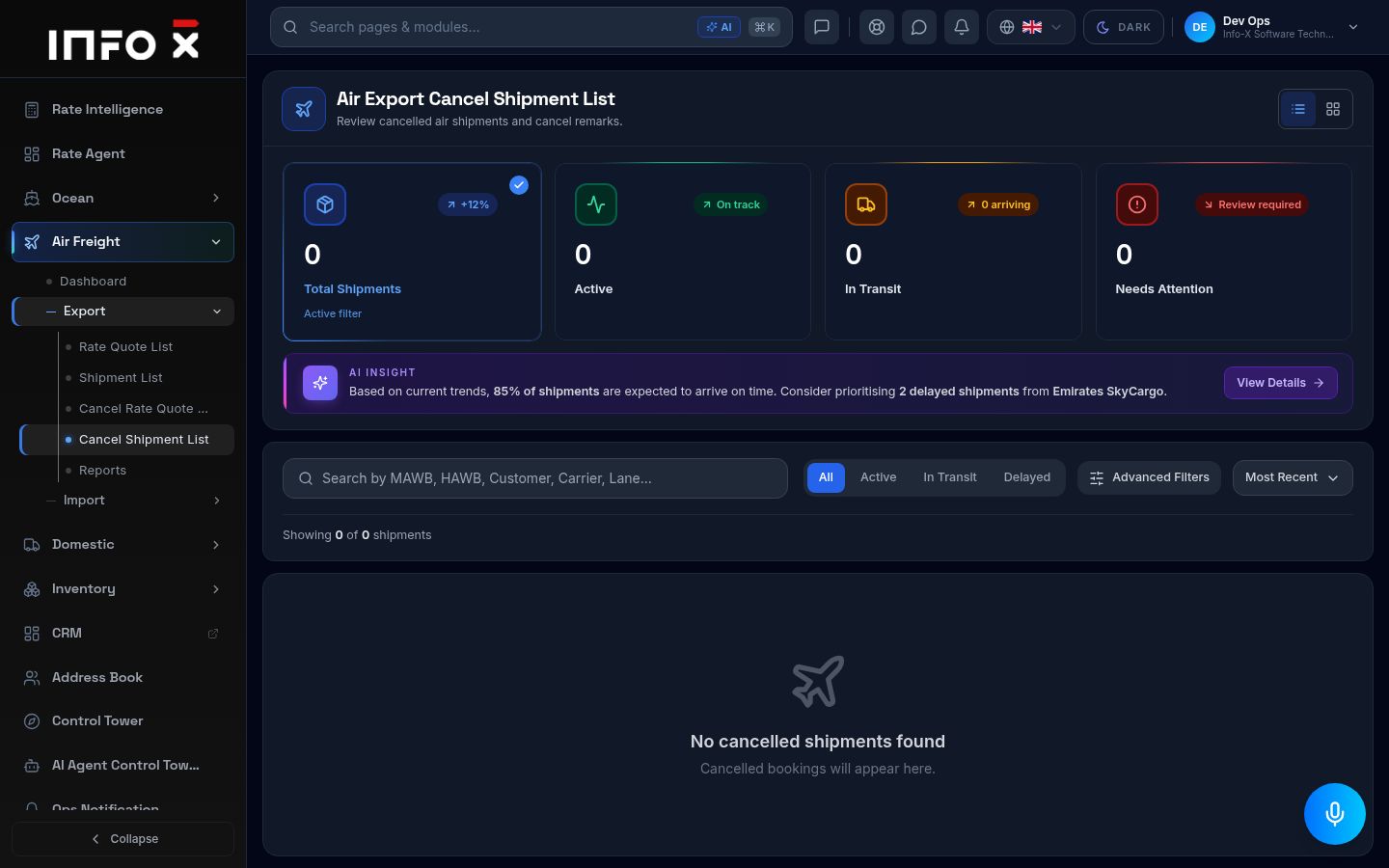
Cancelled air export shipments.
Open guide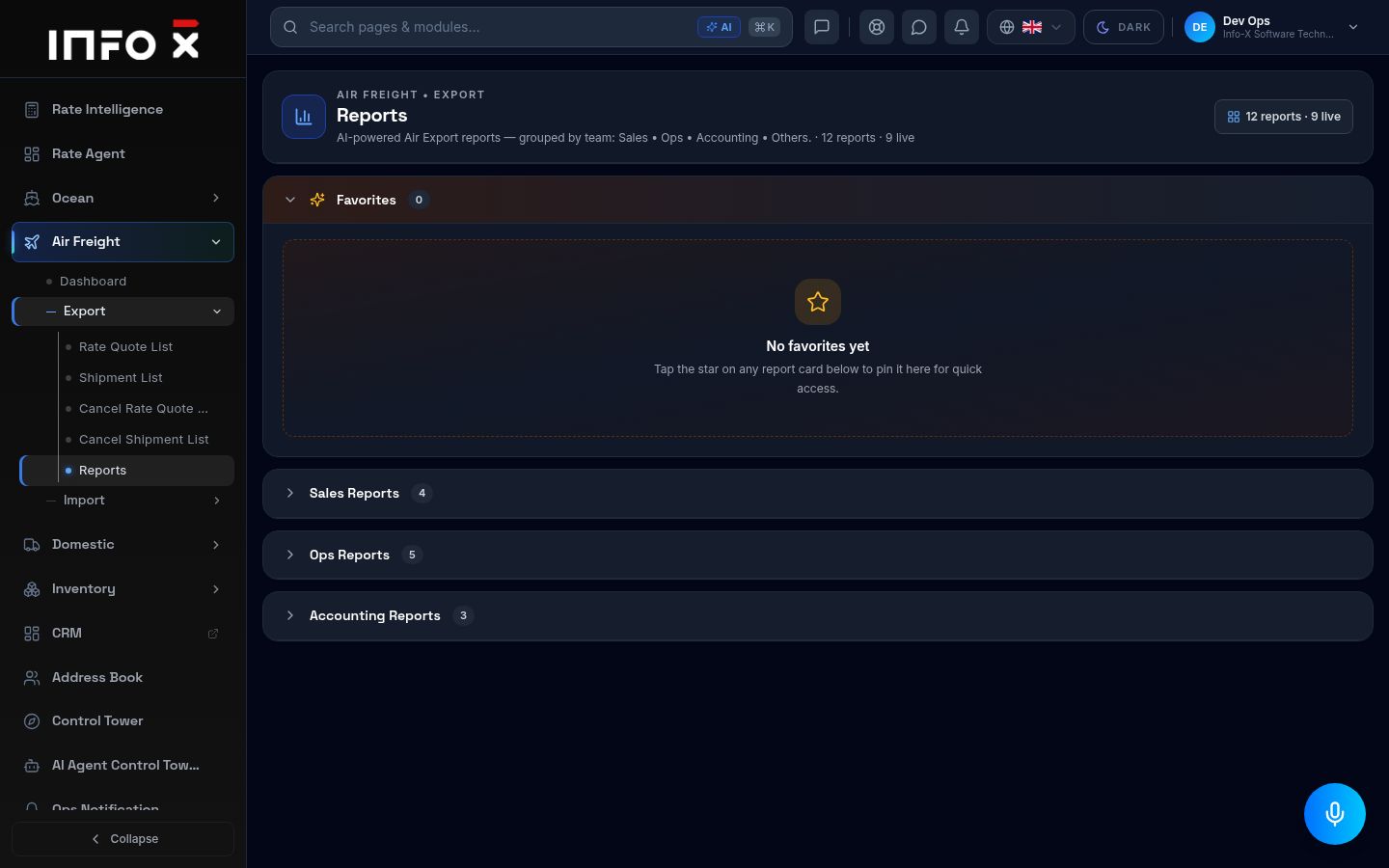
Air export reports grouped by team.
Open guide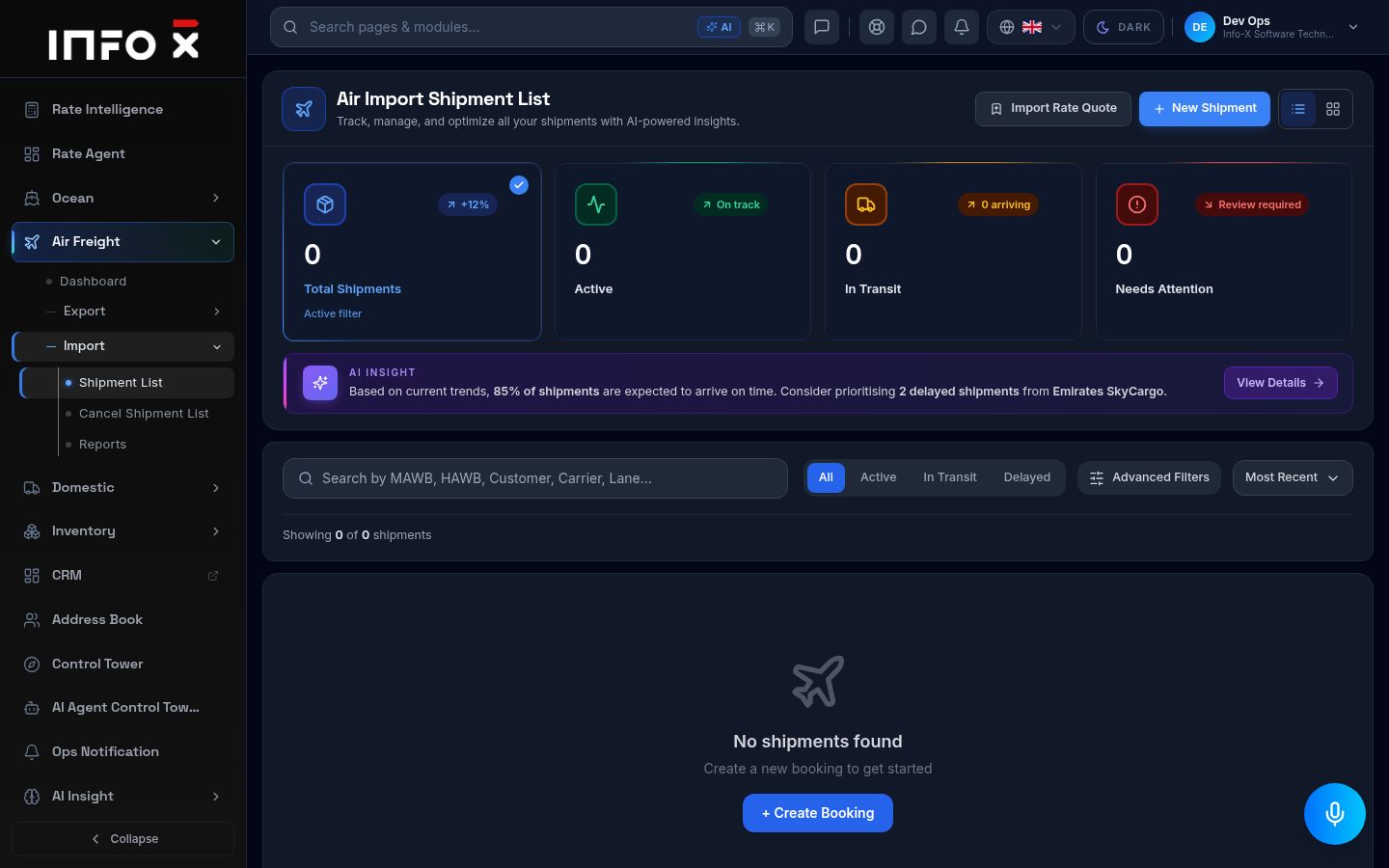
Air import shipments.
Open guide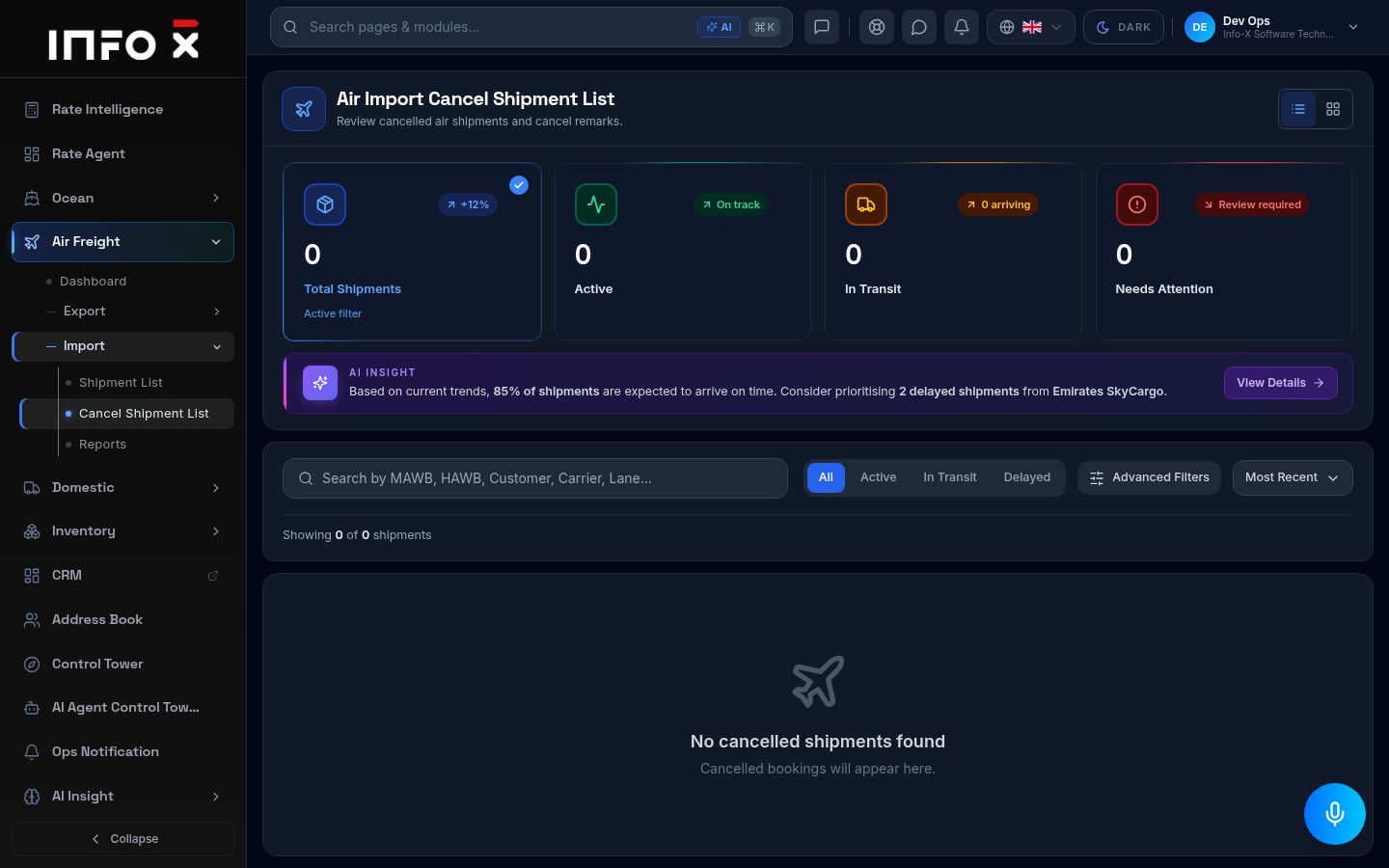
Cancelled air import shipments.
Open guide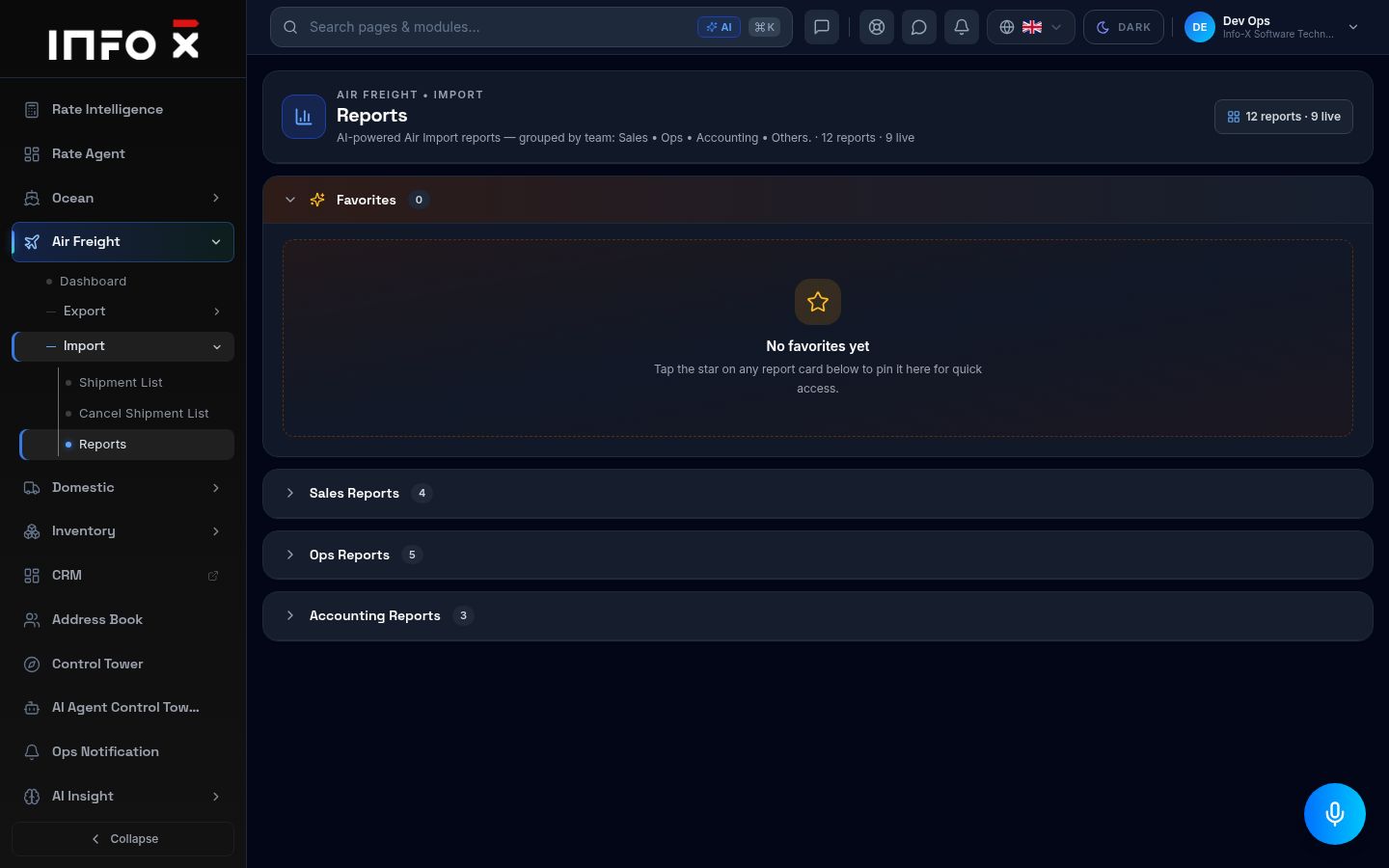
Air import reports grouped by team.
Open guideDomestic
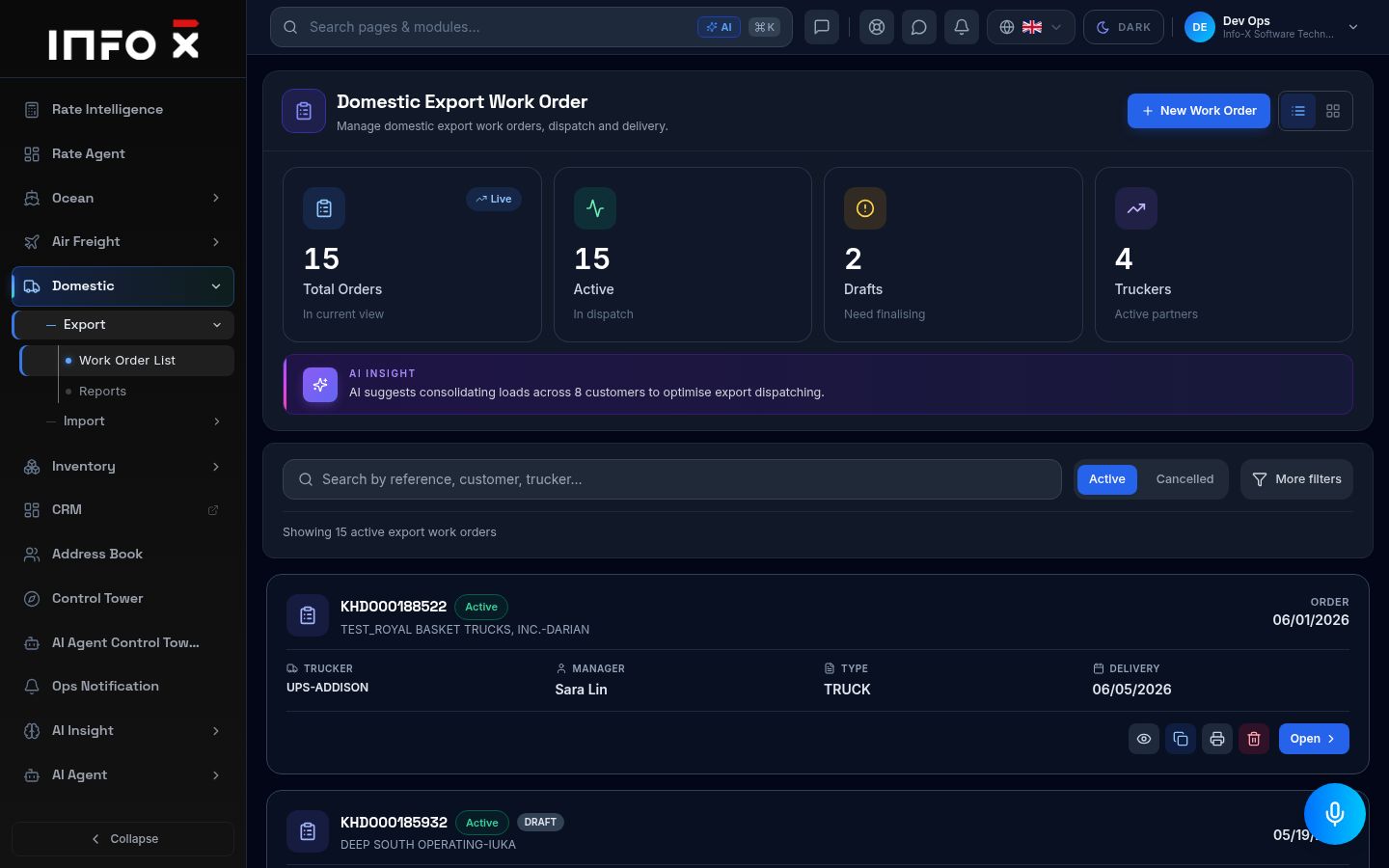
Domestic export trucking work orders.
Open guide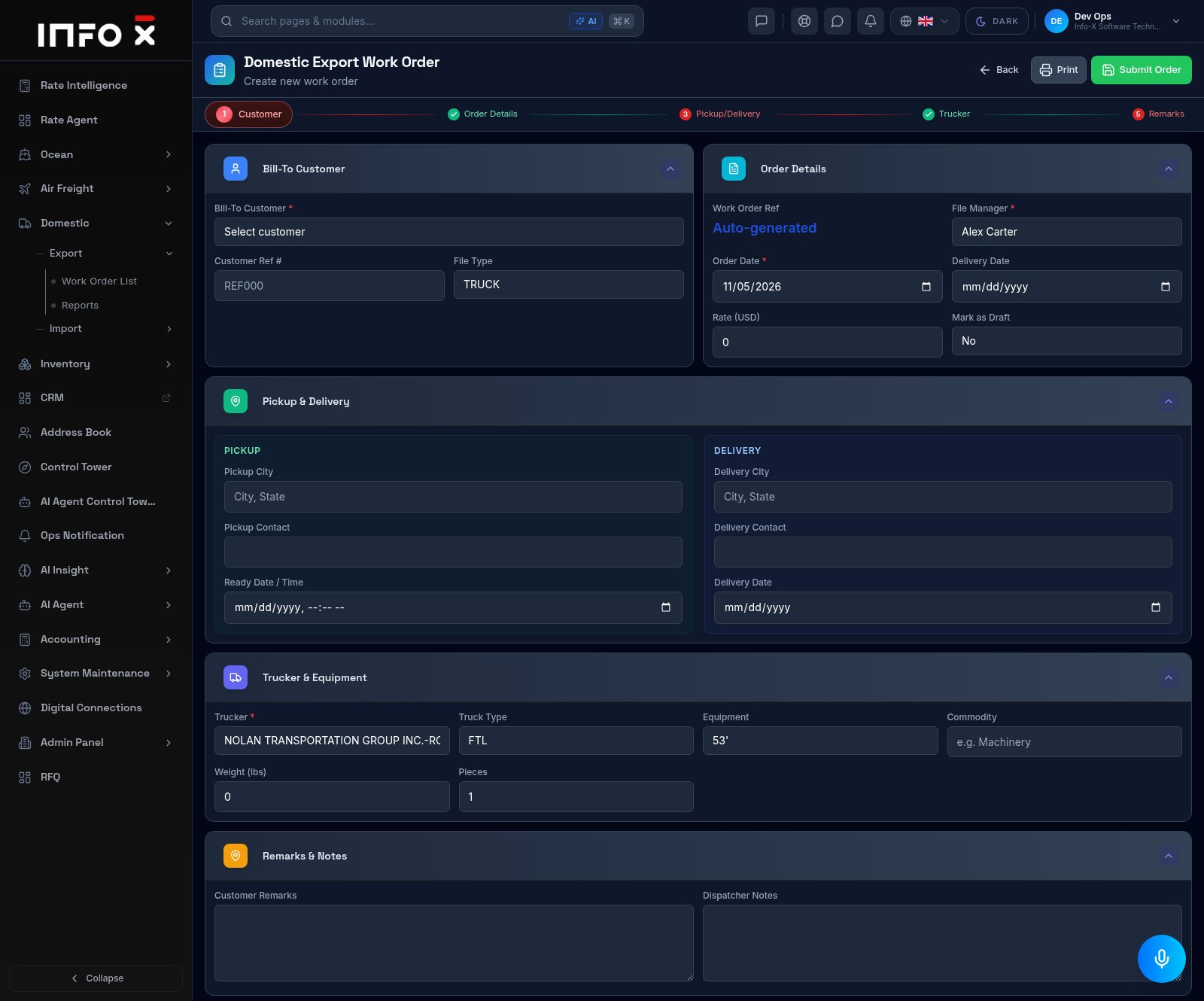
Create a domestic export trucking work order.
Open guide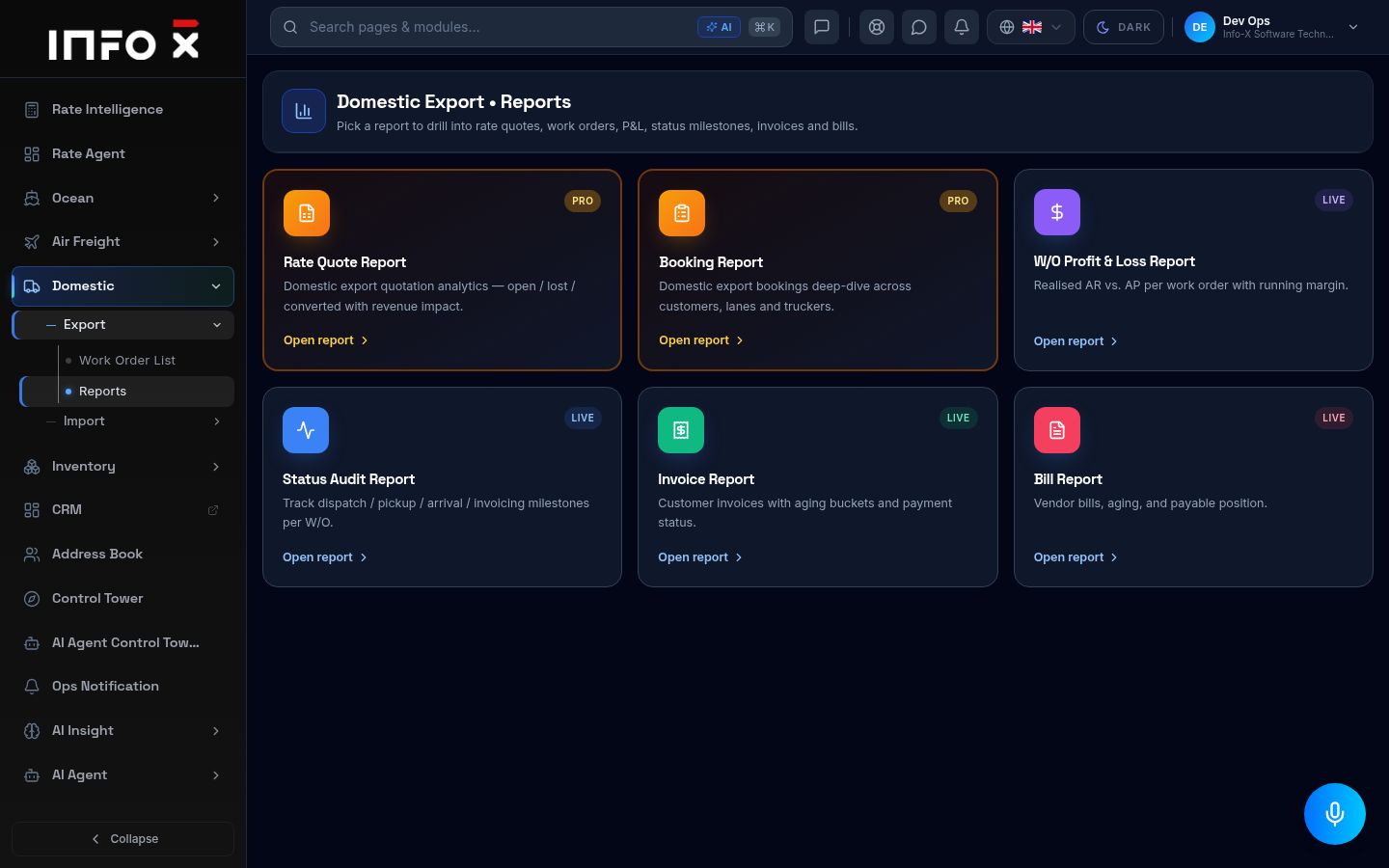
Domestic export reports.
Open guide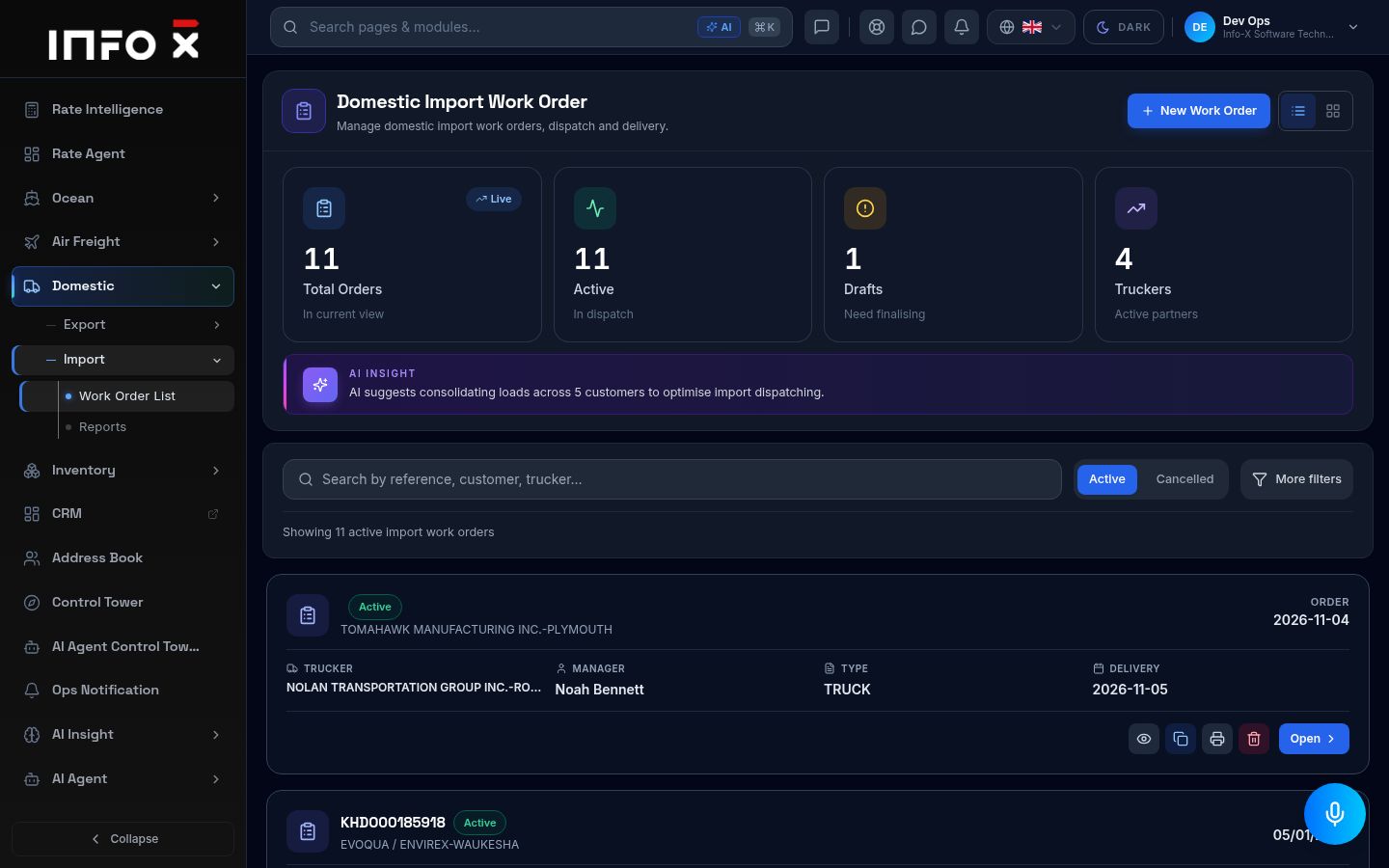
Domestic import trucking work orders.
Open guide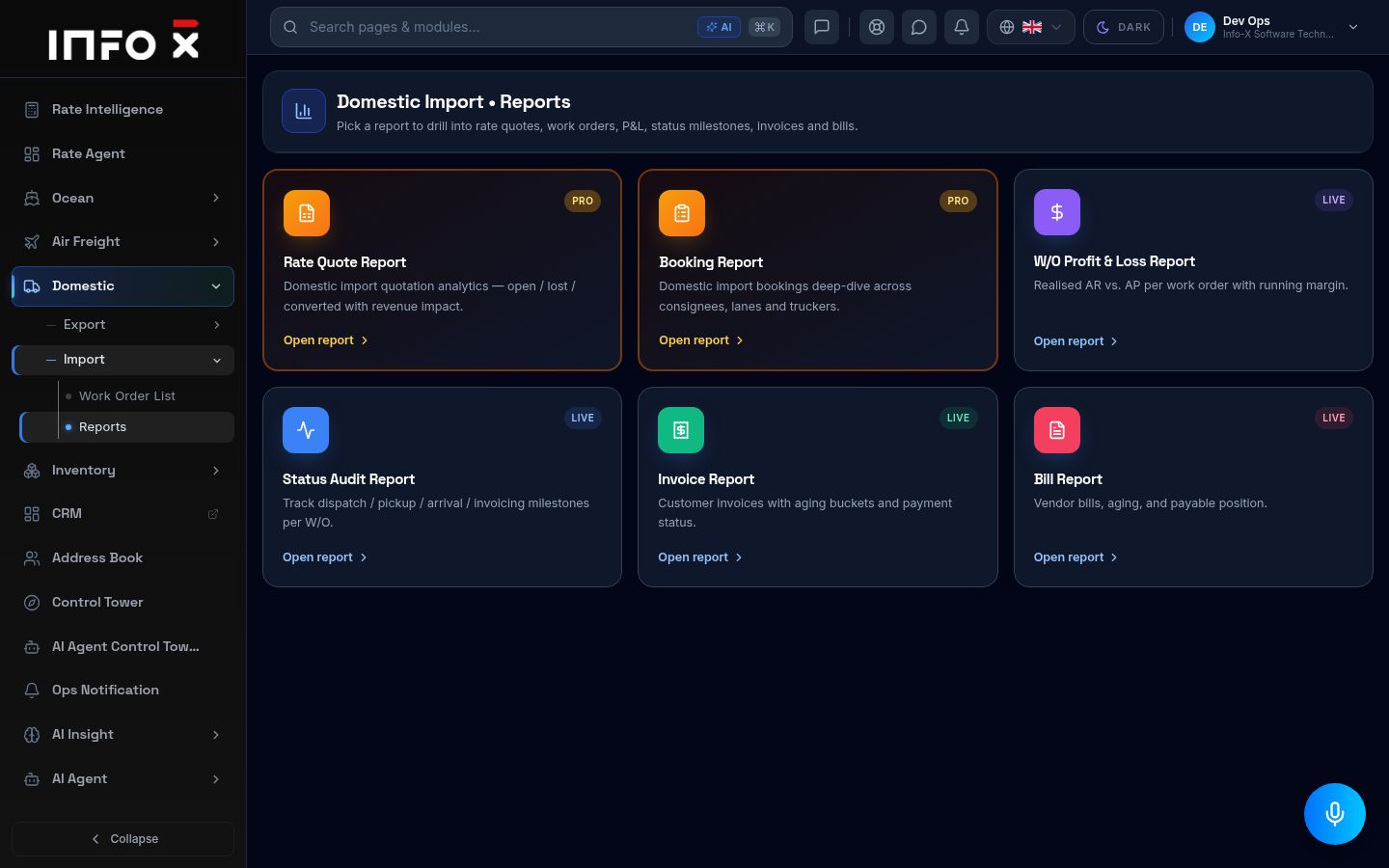
Domestic import reports.
Open guideInventory
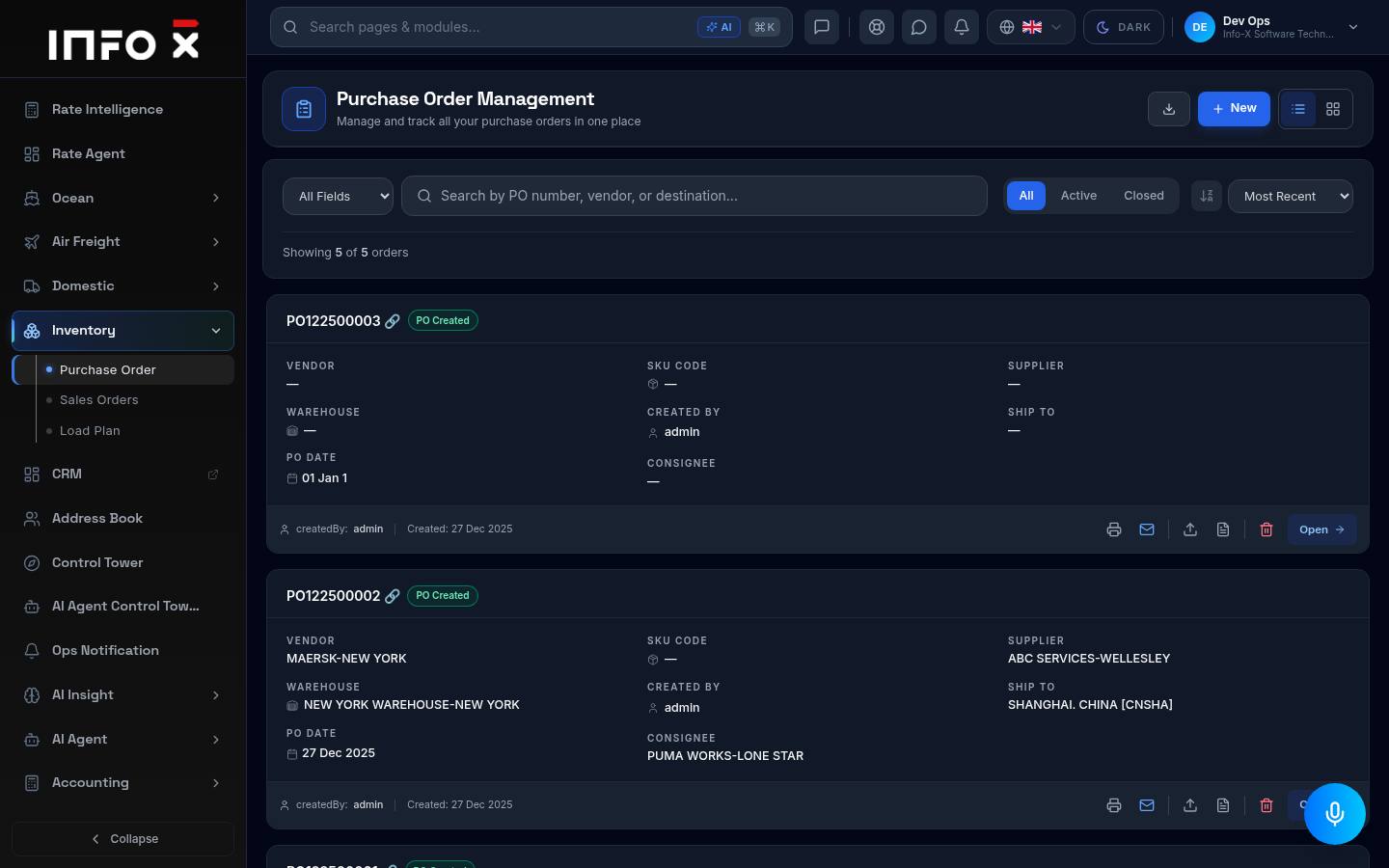
Manage and track all purchase orders.
Open guide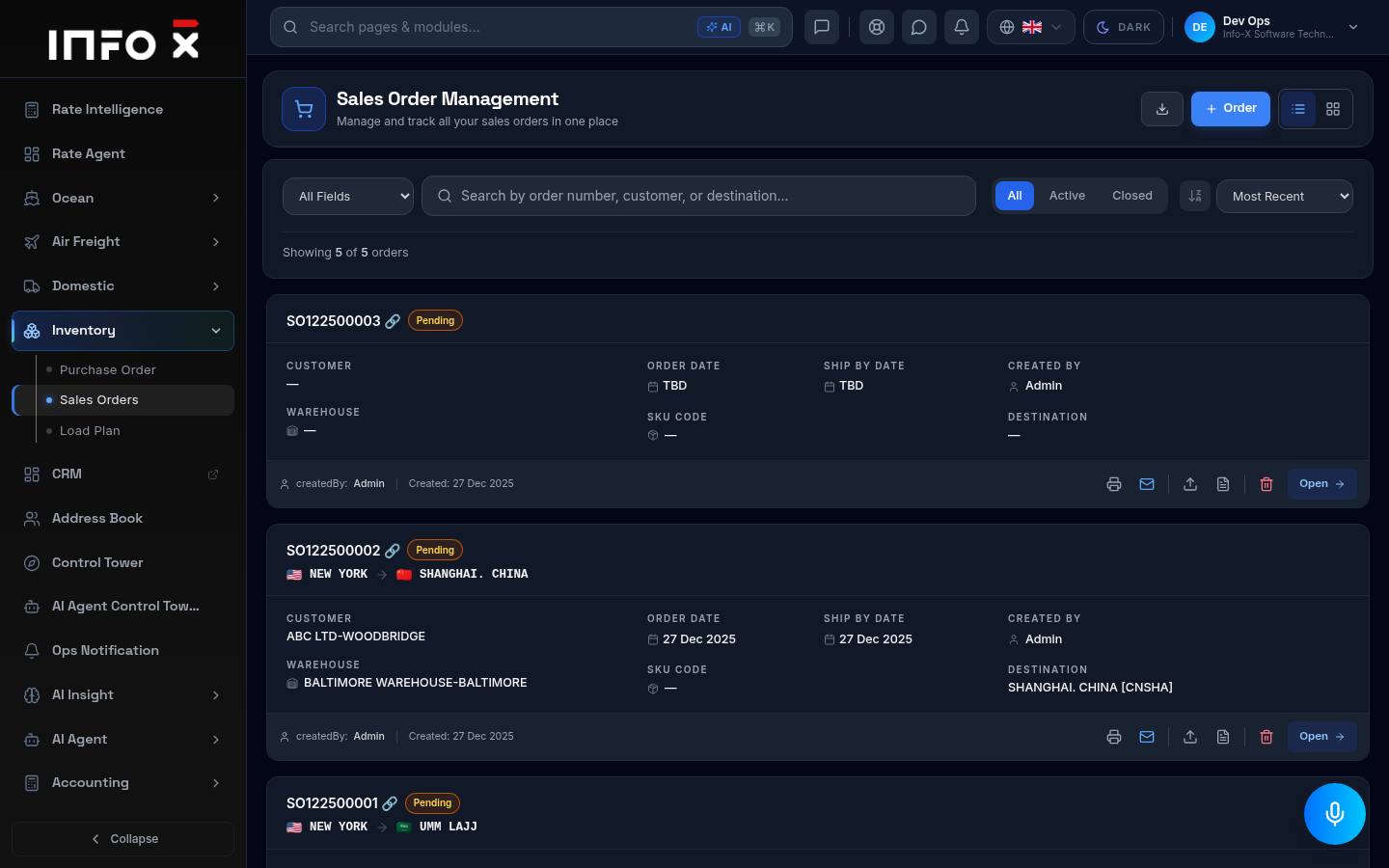
Manage and track all sales orders.
Open guide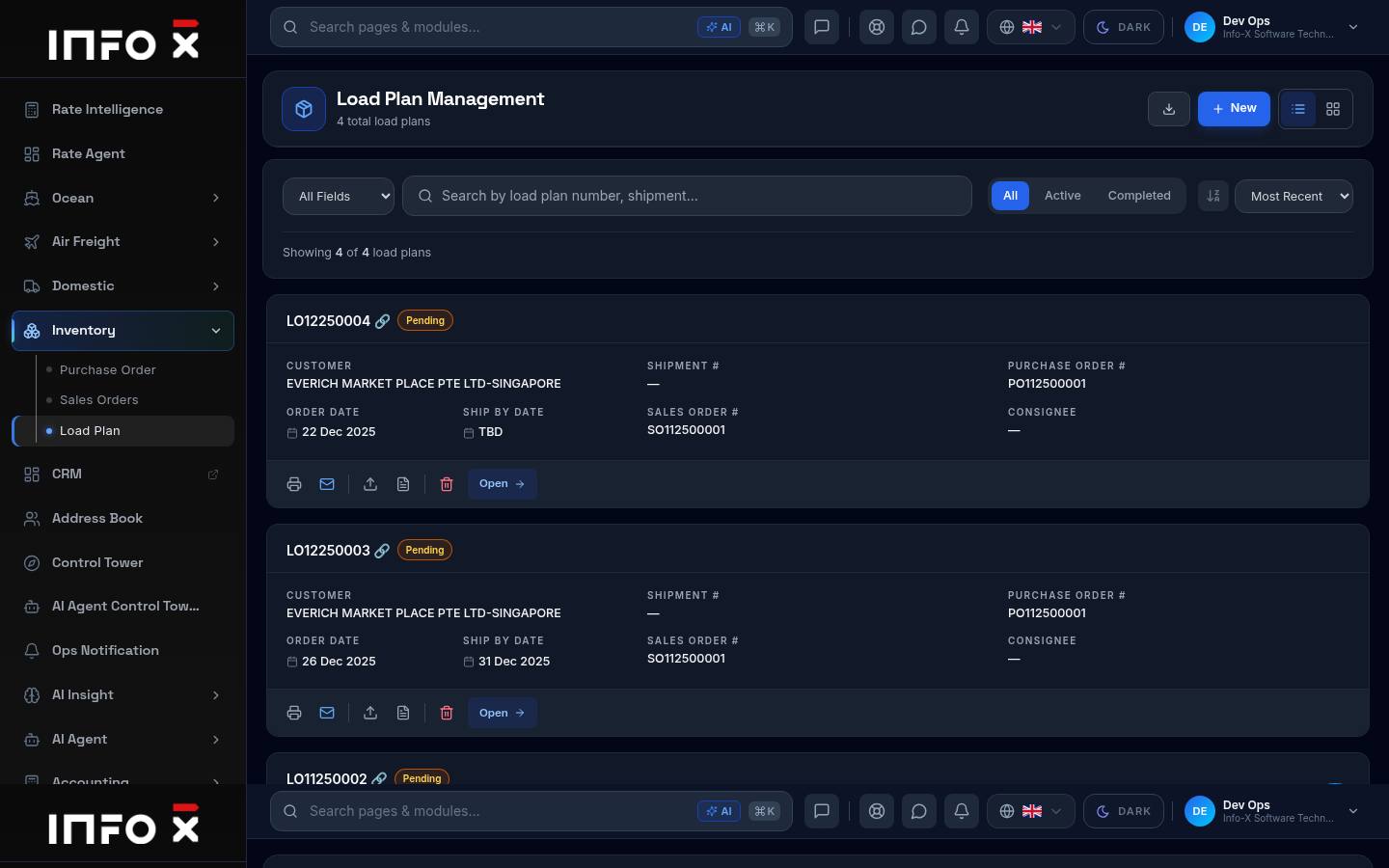
Plan how cargo is loaded into containers.
Open guide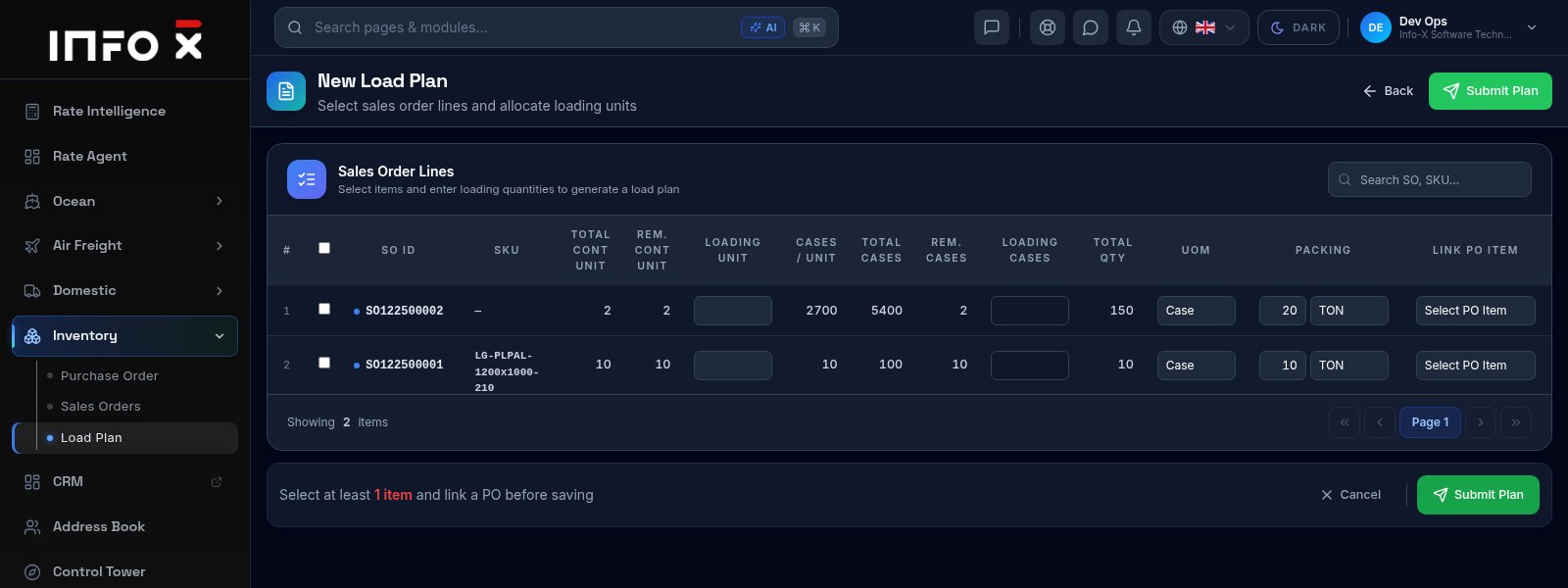
Choose sales order lines and how much of each to load.
Open guide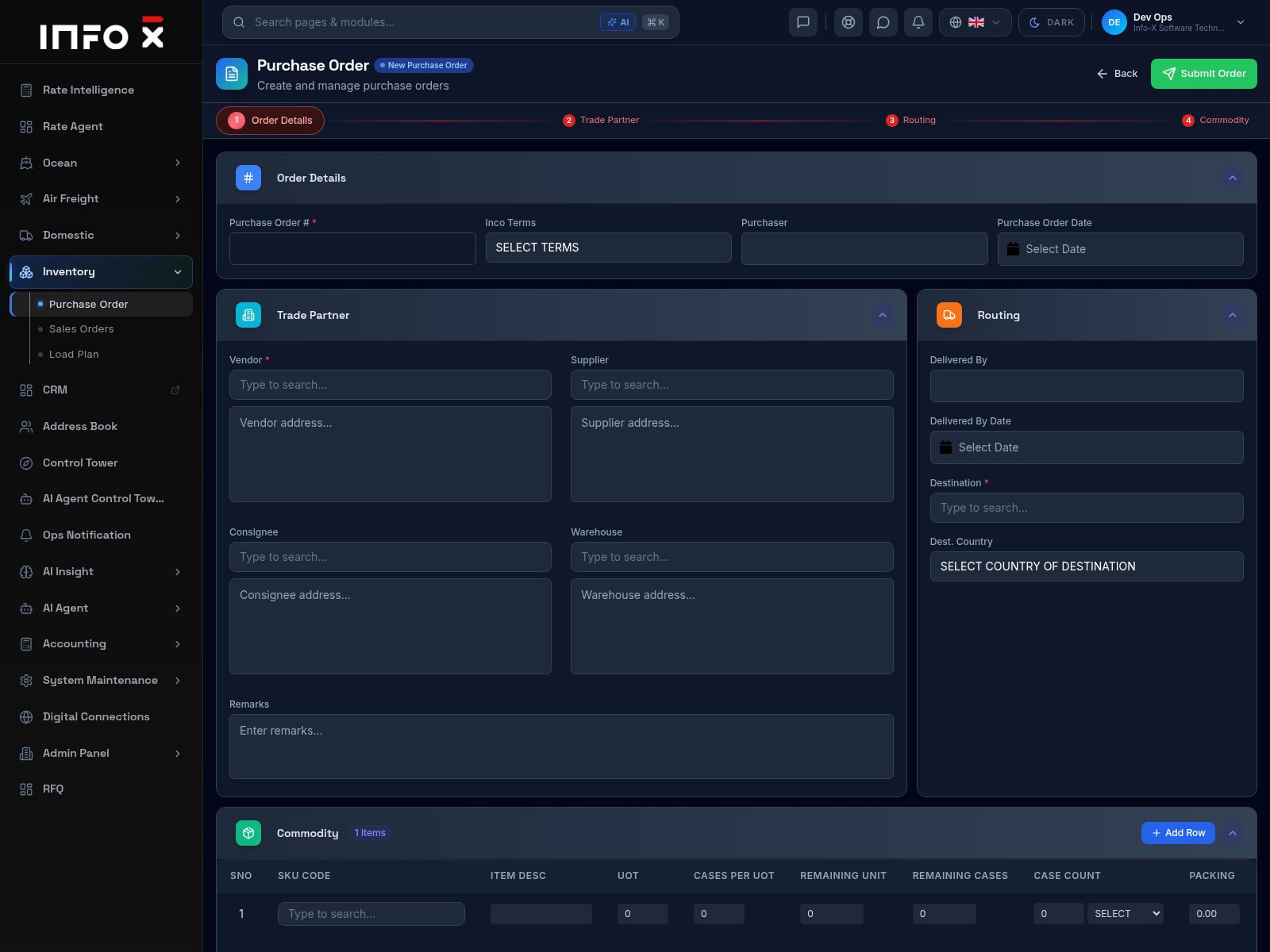
Create a purchase order for goods you are buying.
Open guideVisibility
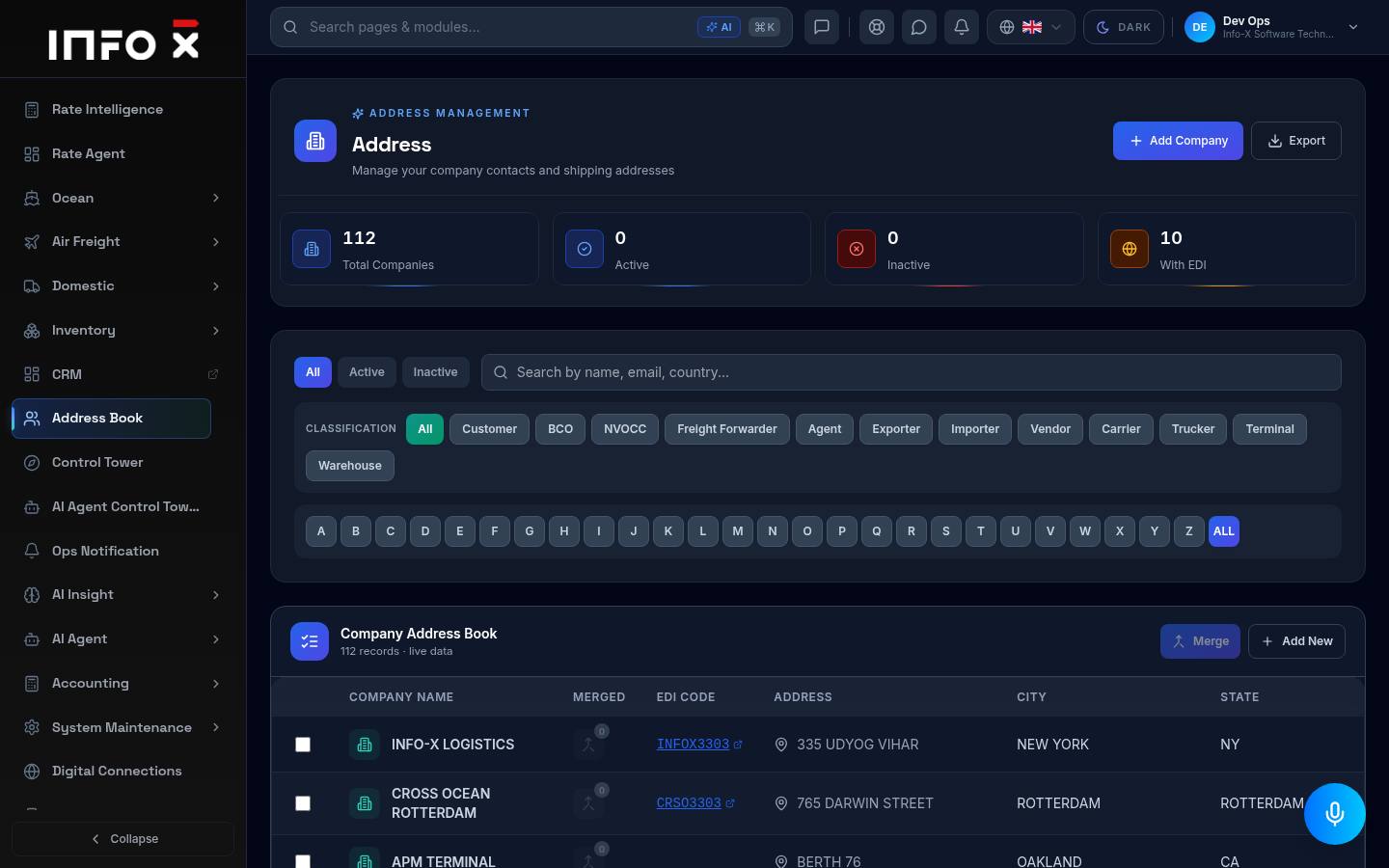
Company contacts and shipping addresses.
Open guide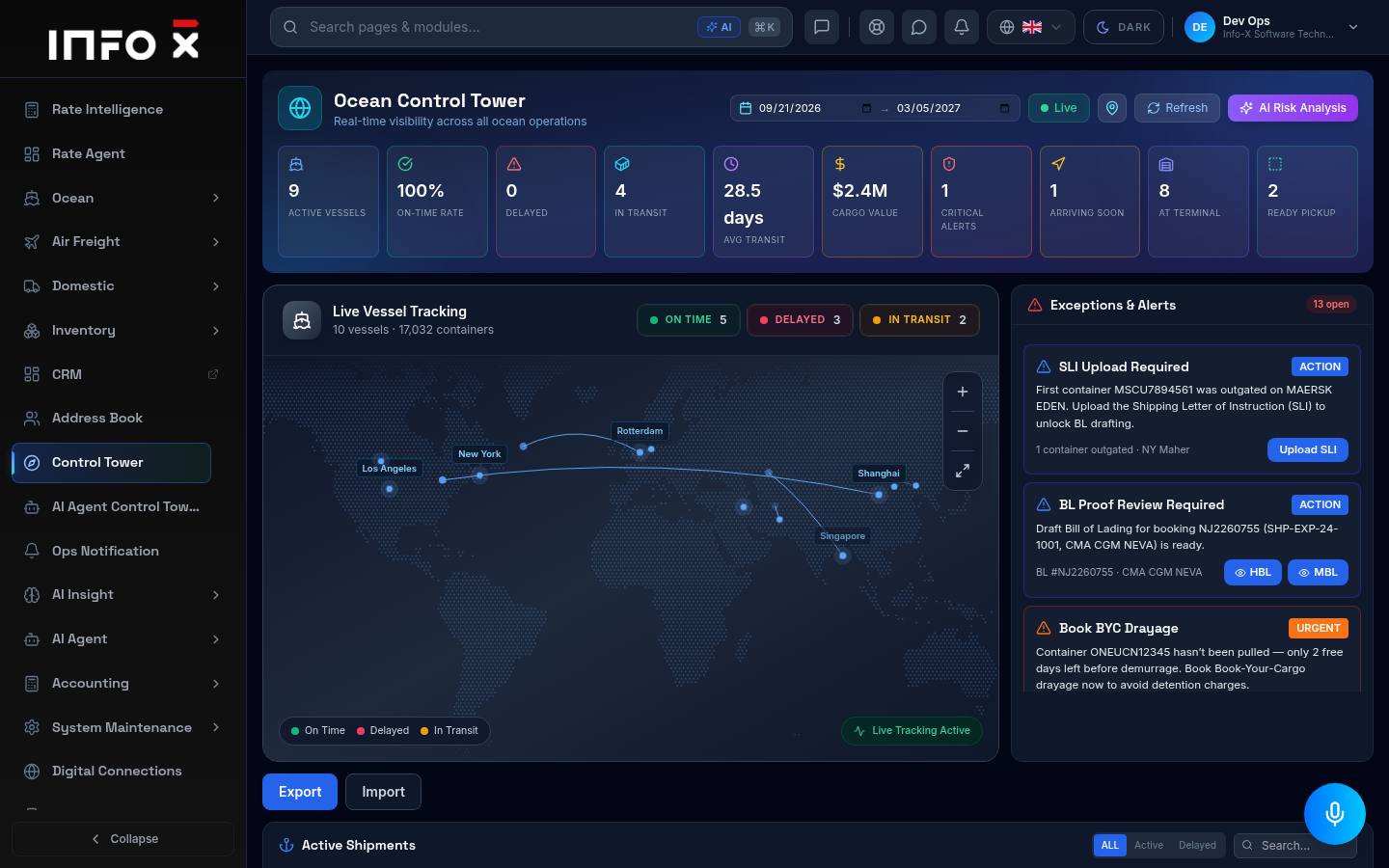
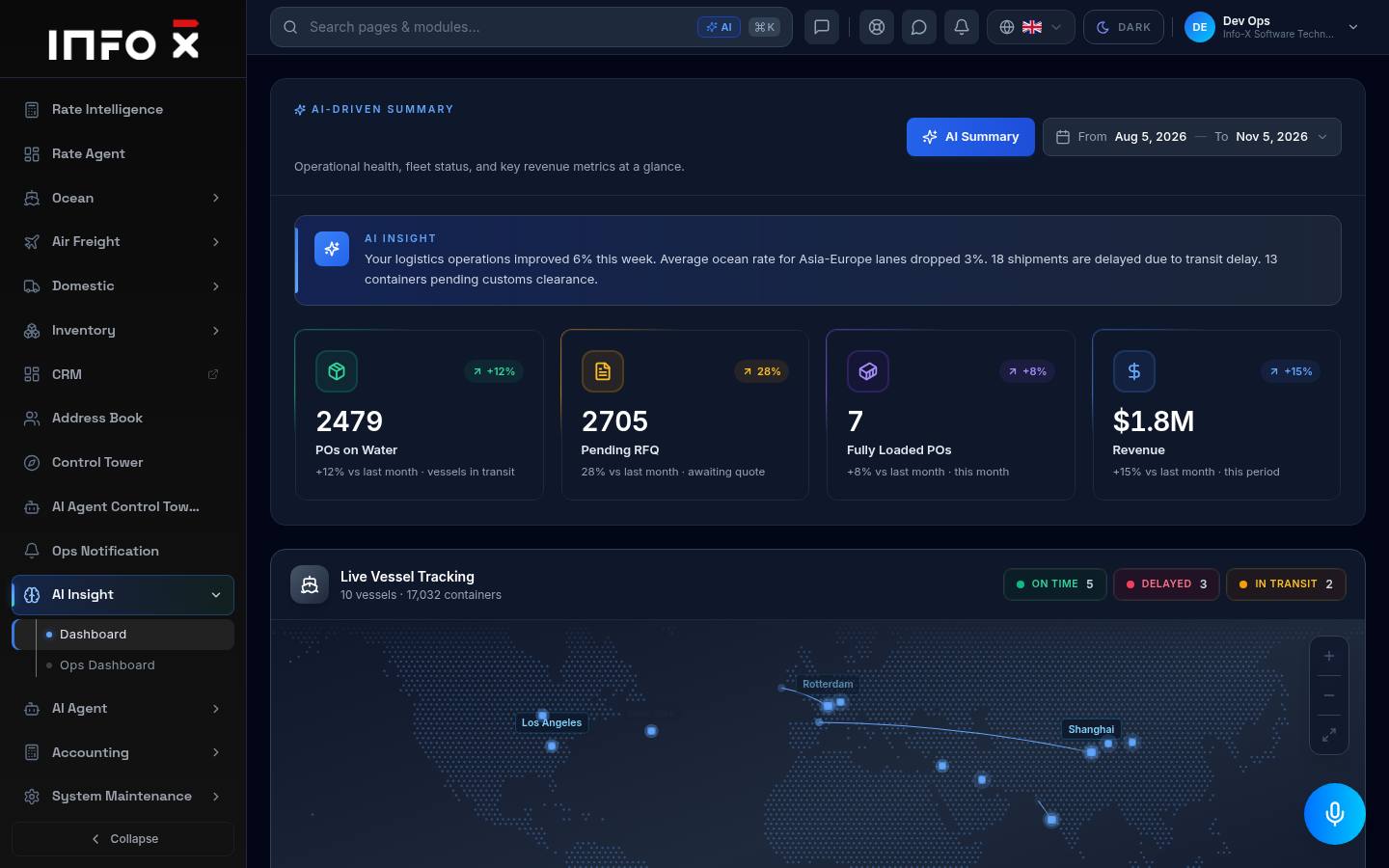
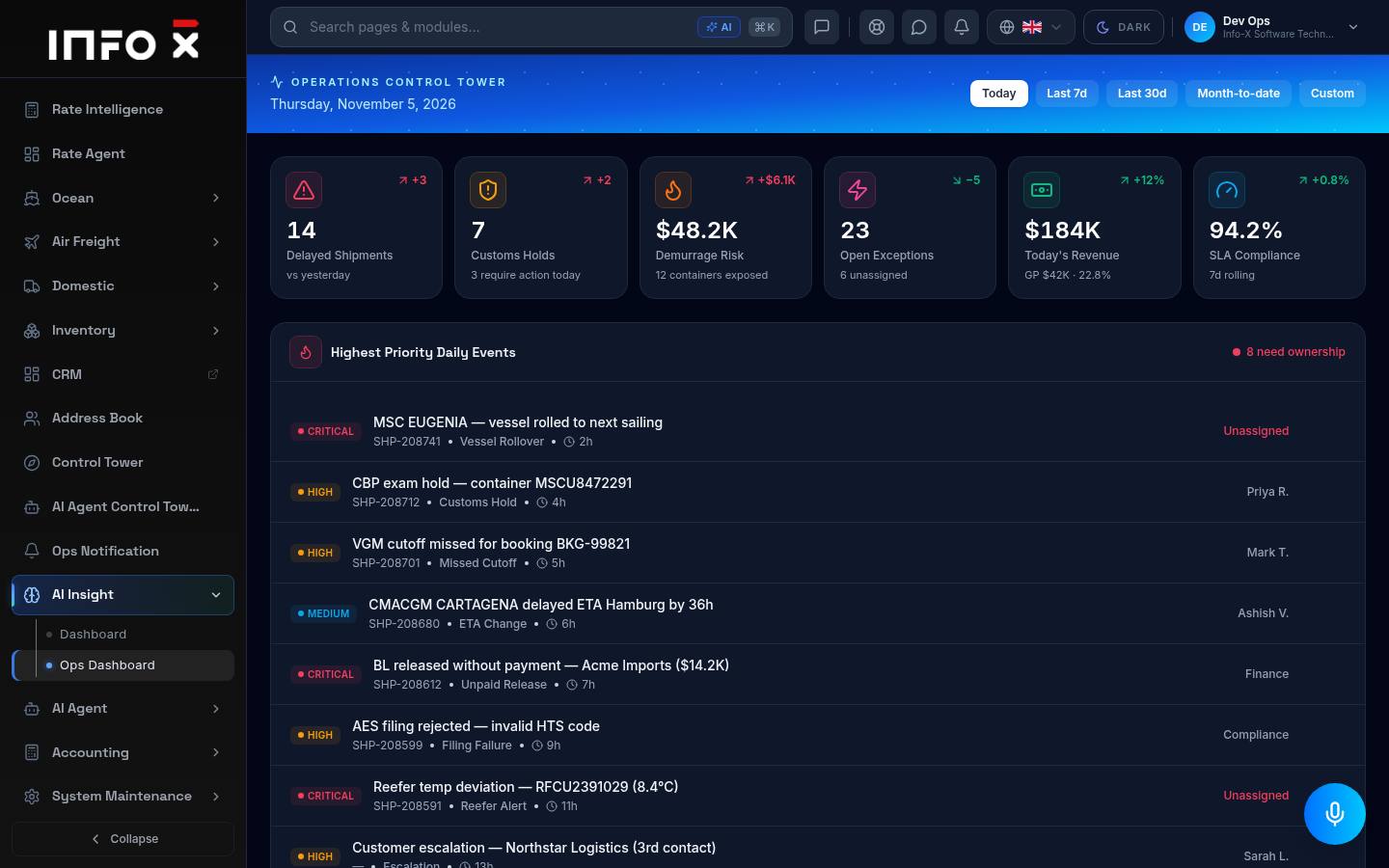
Real-time visibility across all ocean operations.
Open guide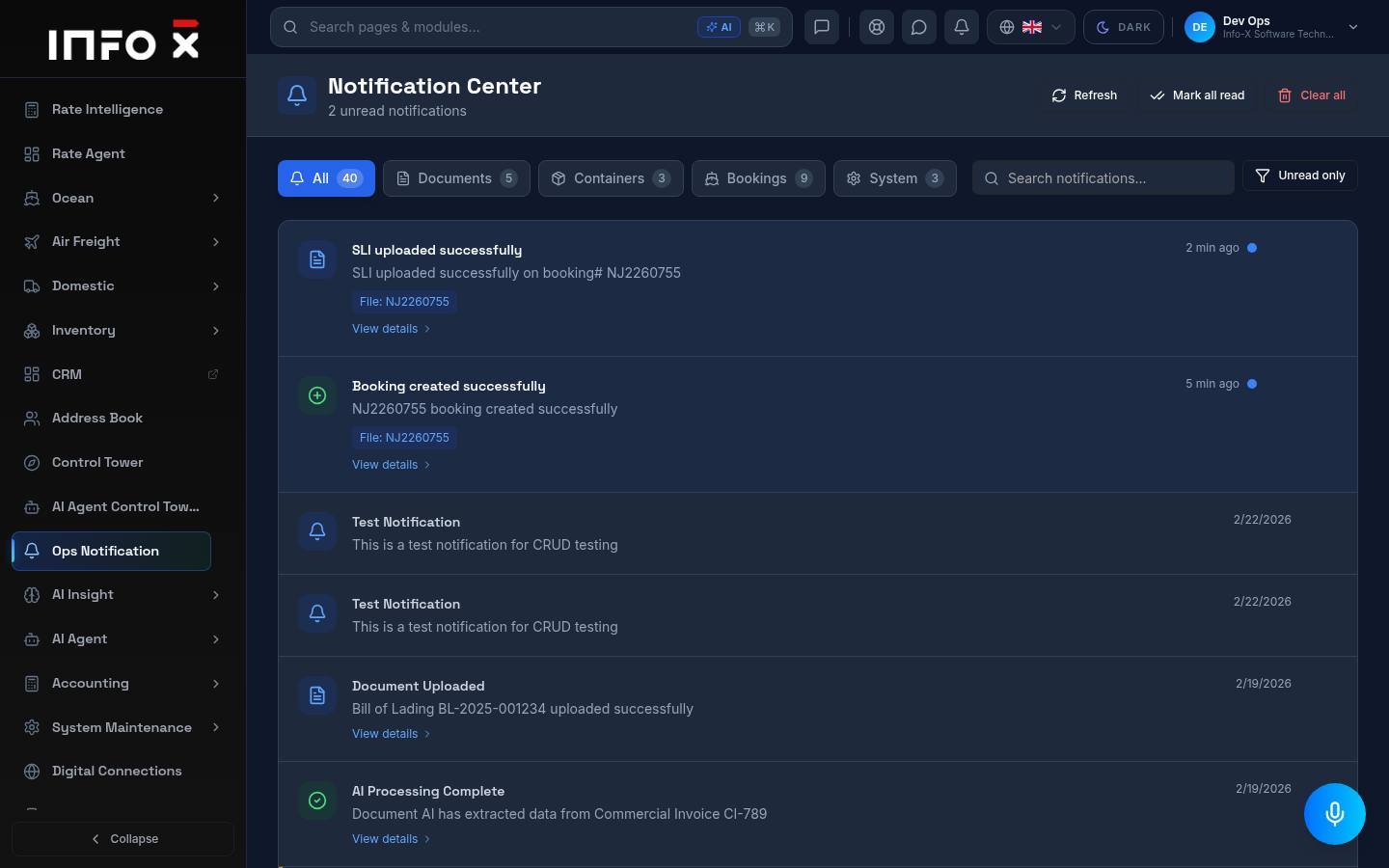
Notification center for documents, containers and bookings.
Open guide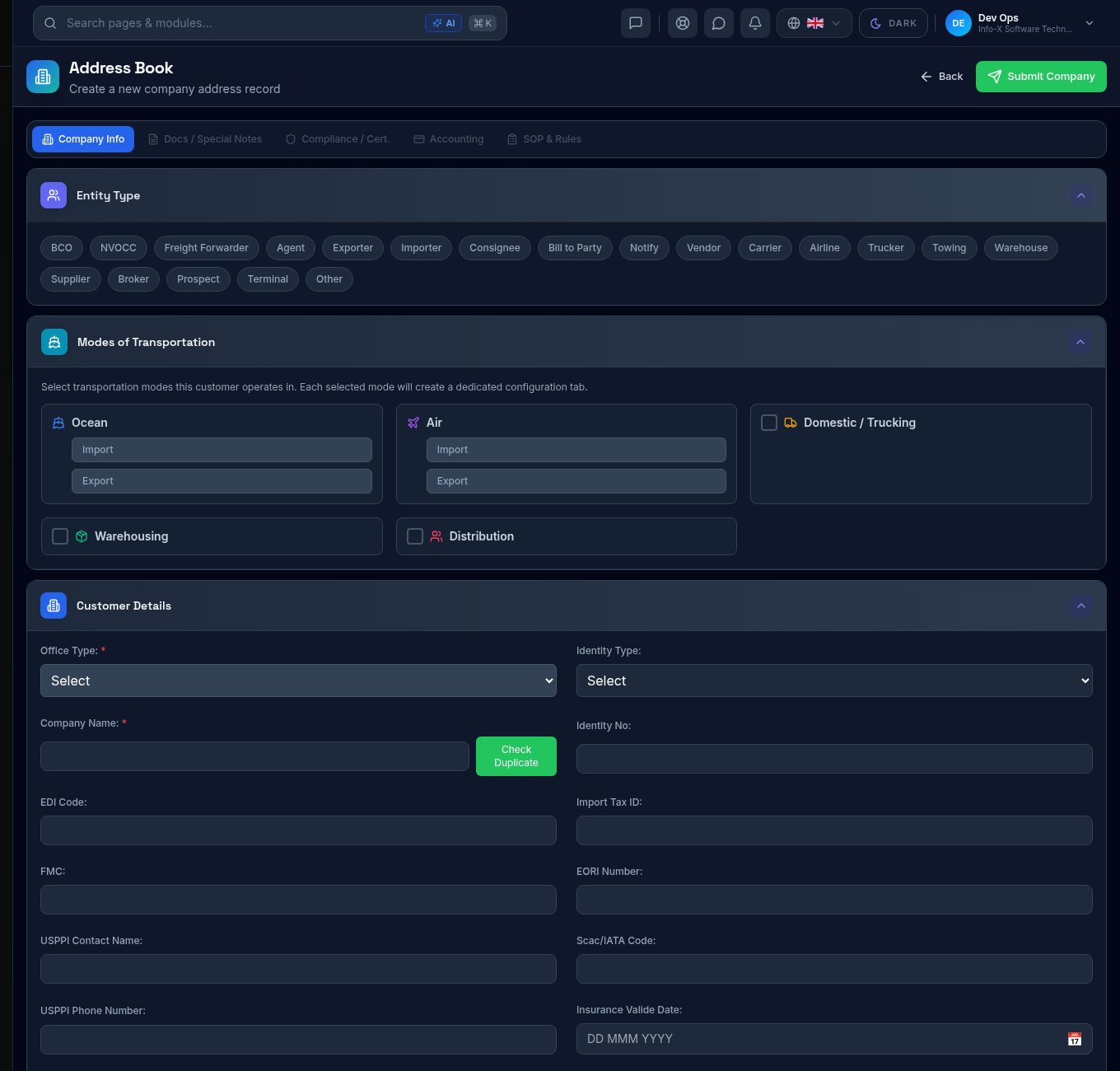
Create a new customer, vendor or partner record.
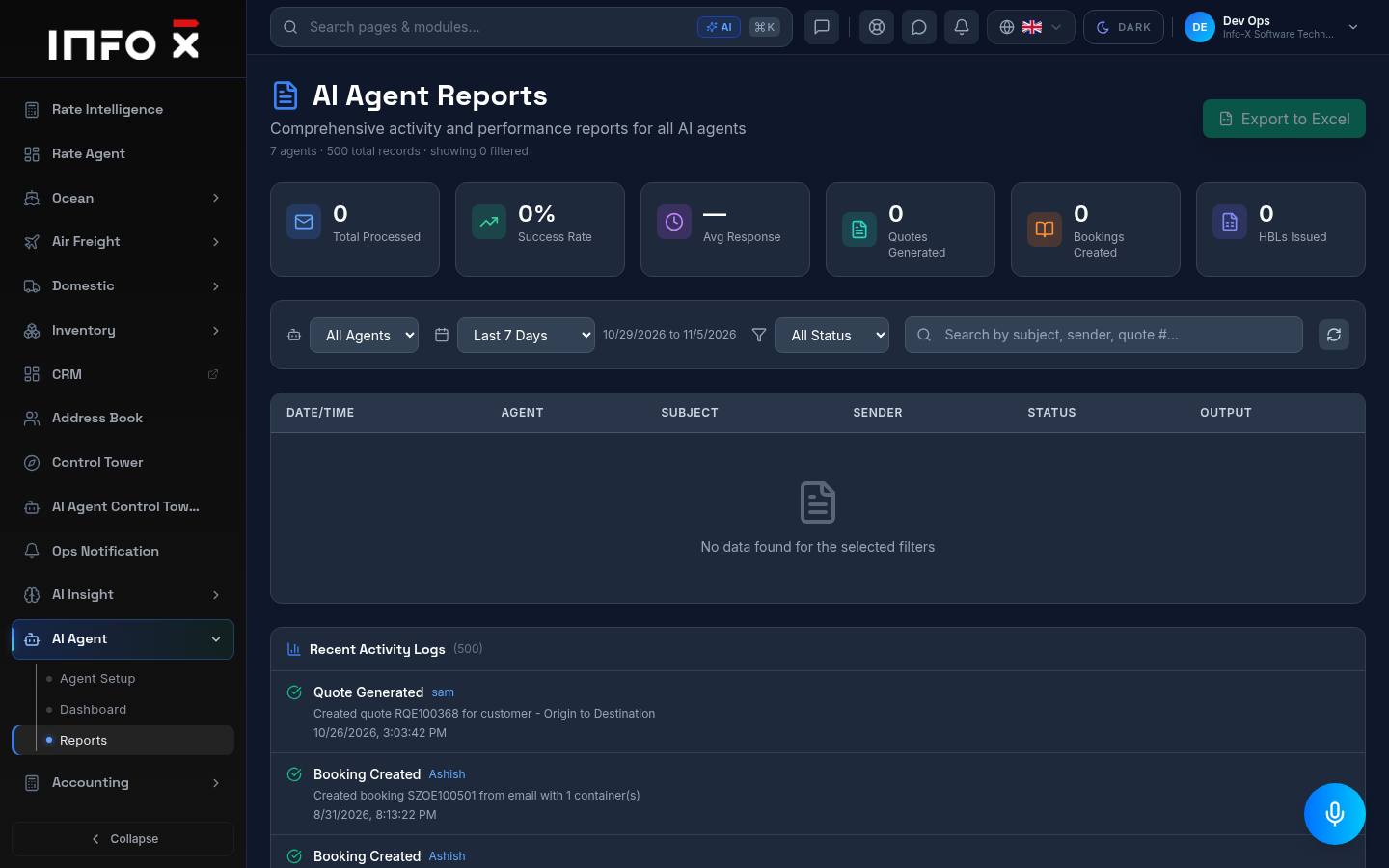
Open guideAI Agents
Accounting
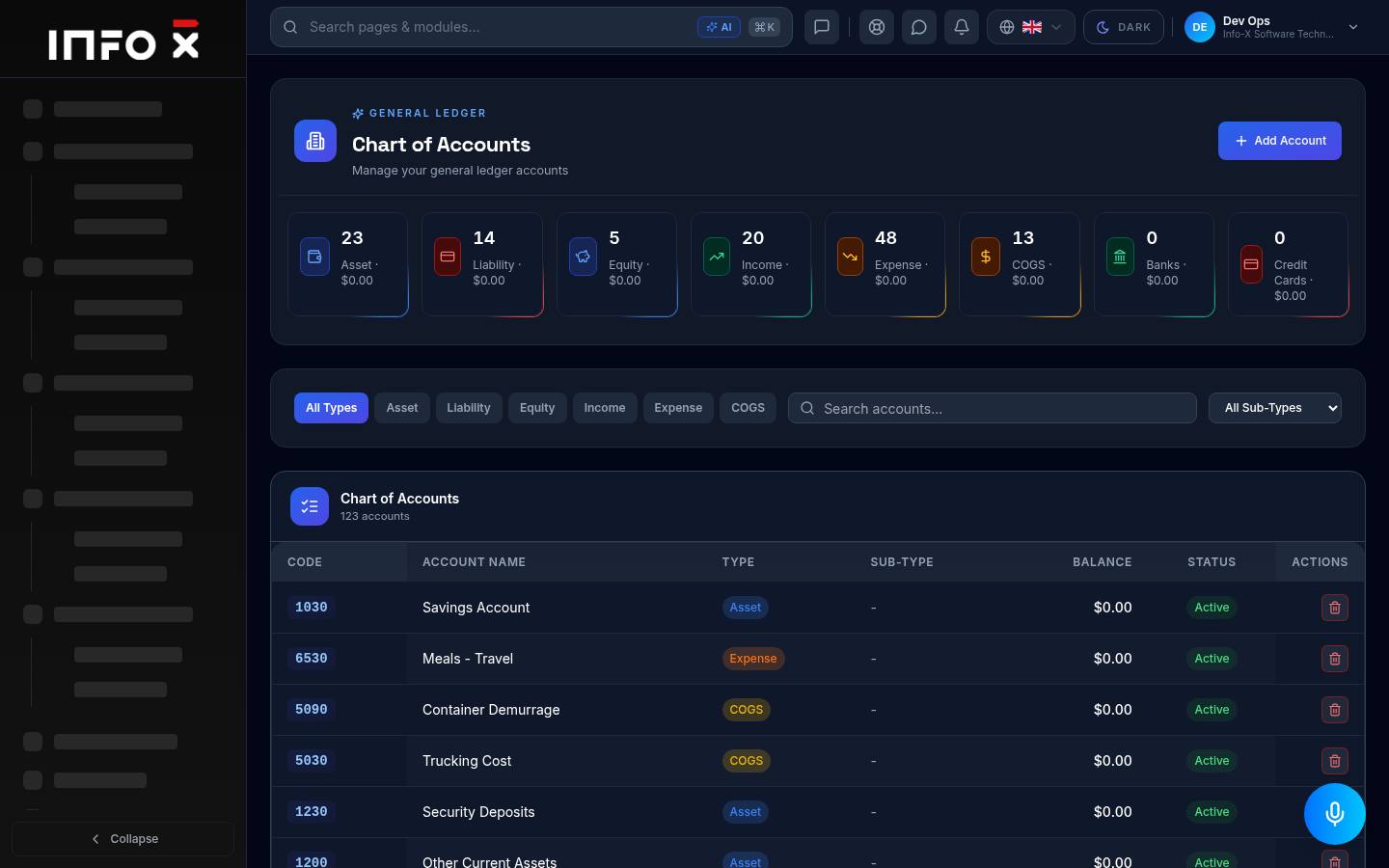
General ledger accounts.
Open guide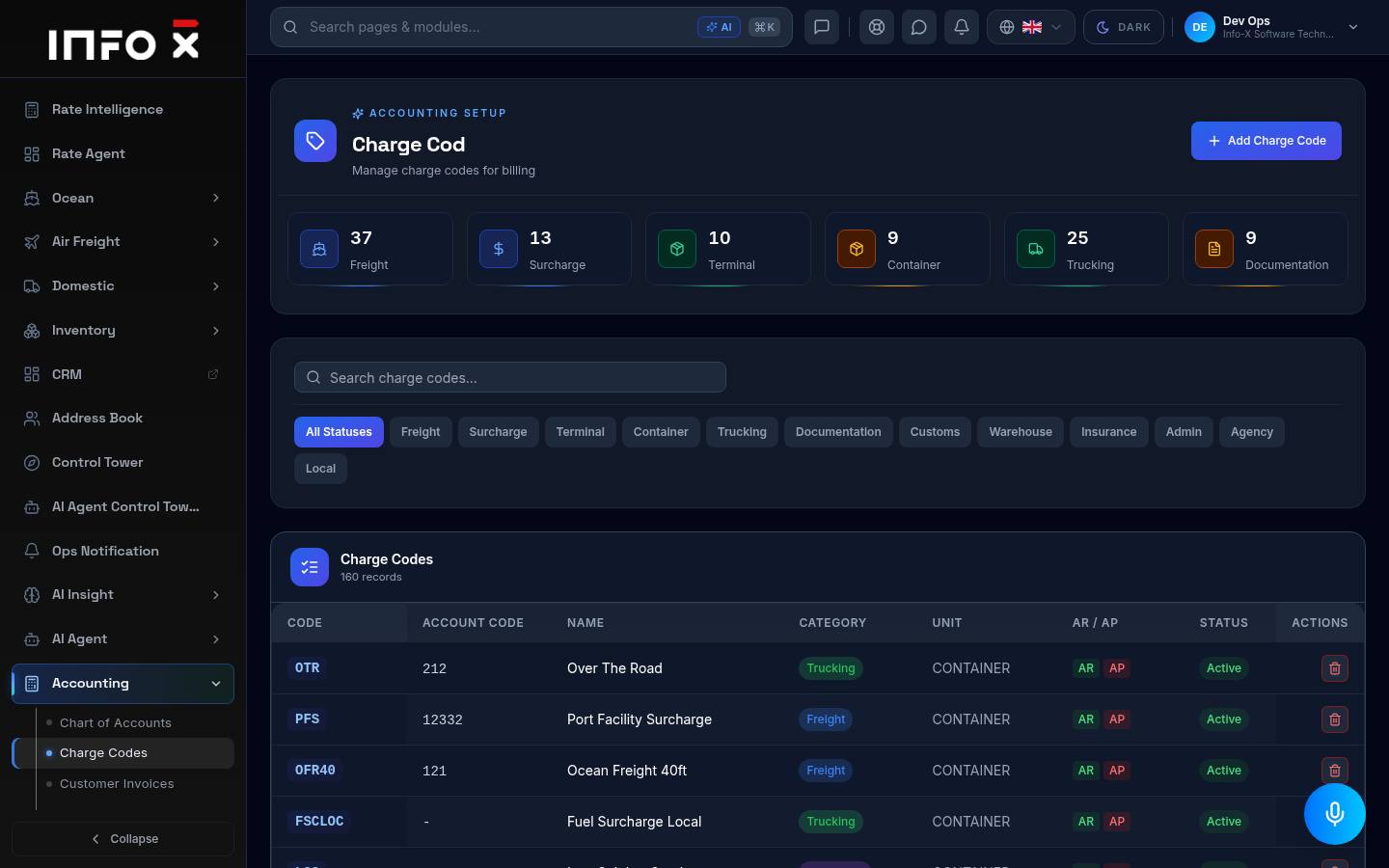
Charge codes used for billing.
Open guide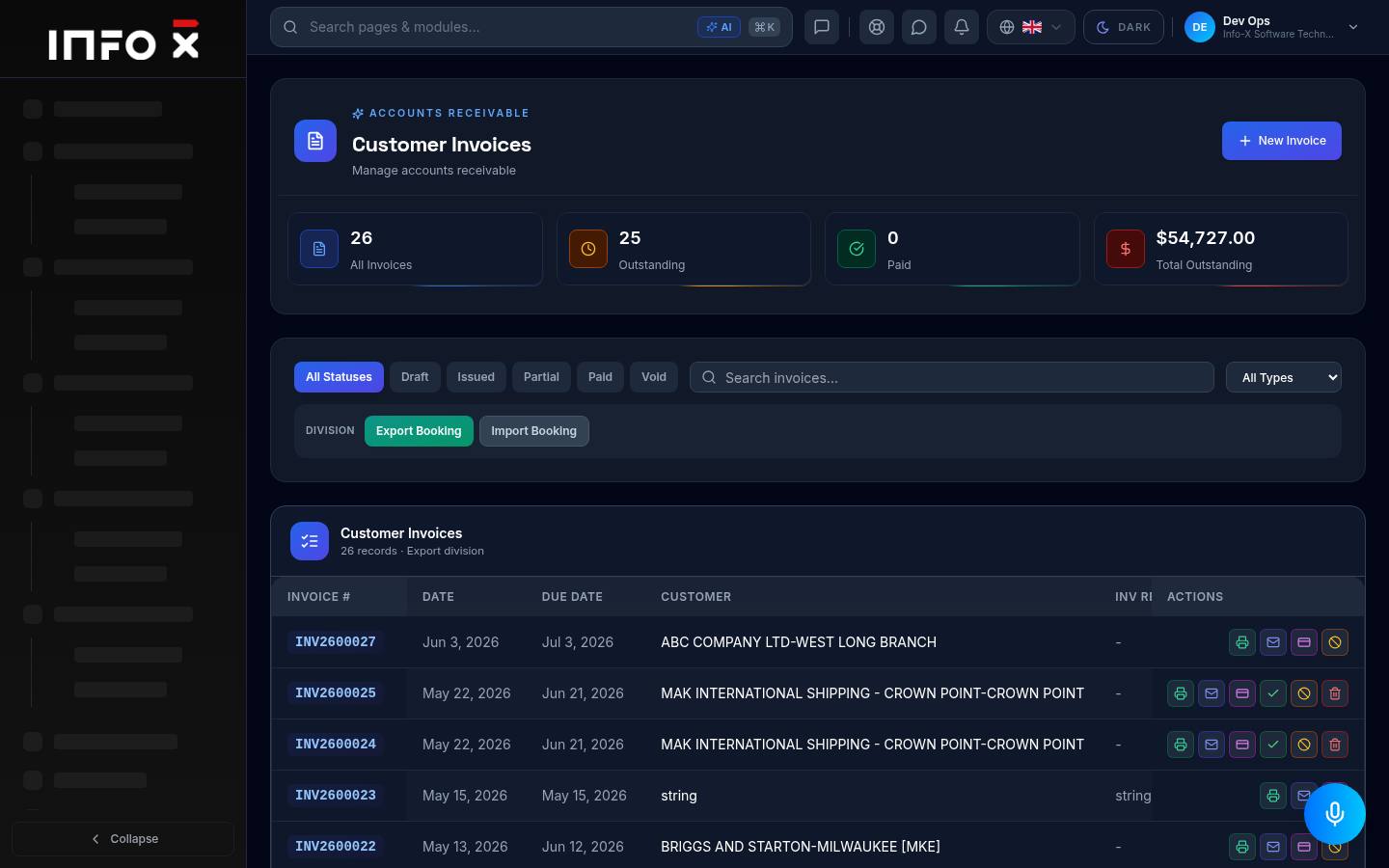
Accounts receivable.
Open guide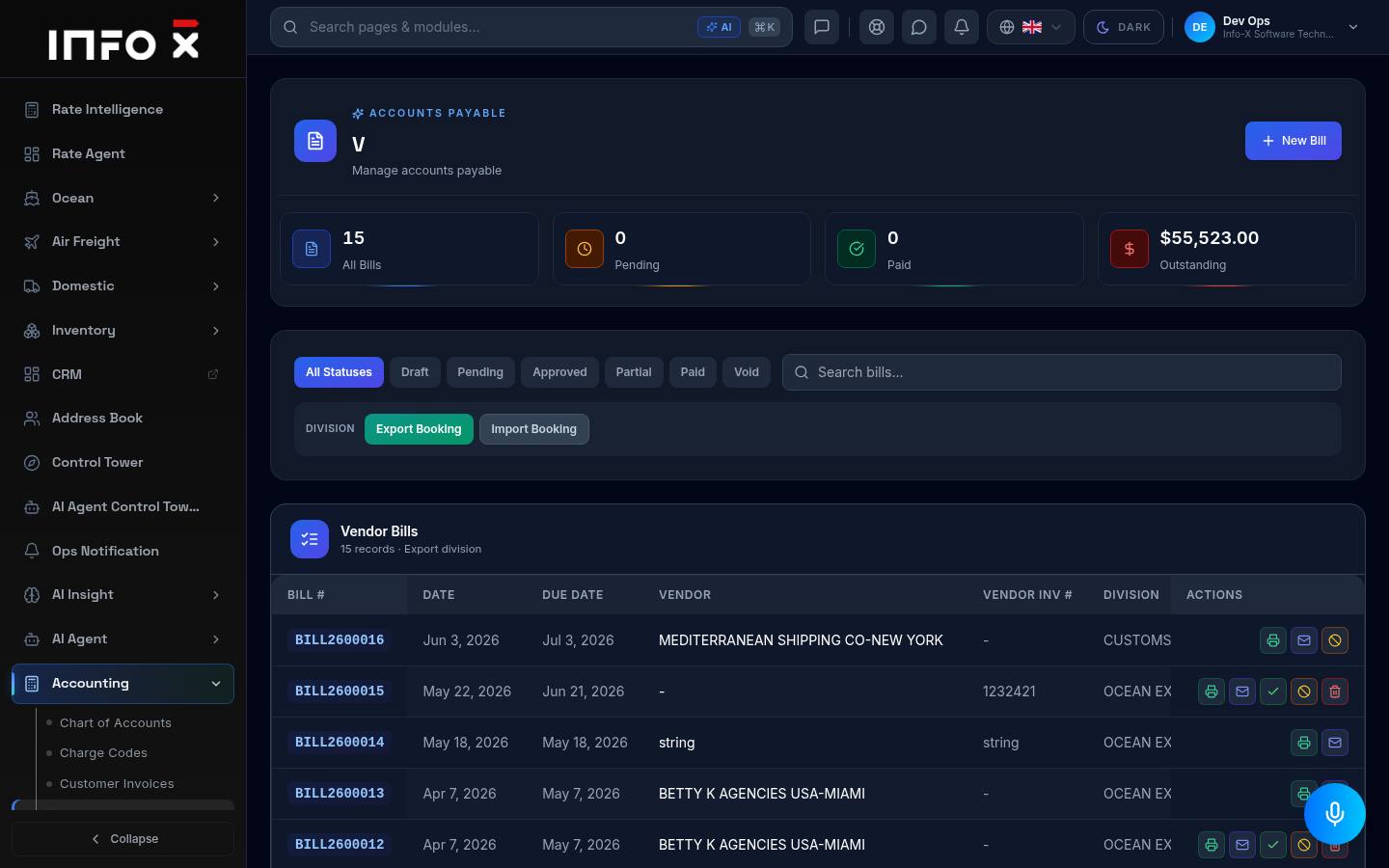
Accounts payable.
Open guide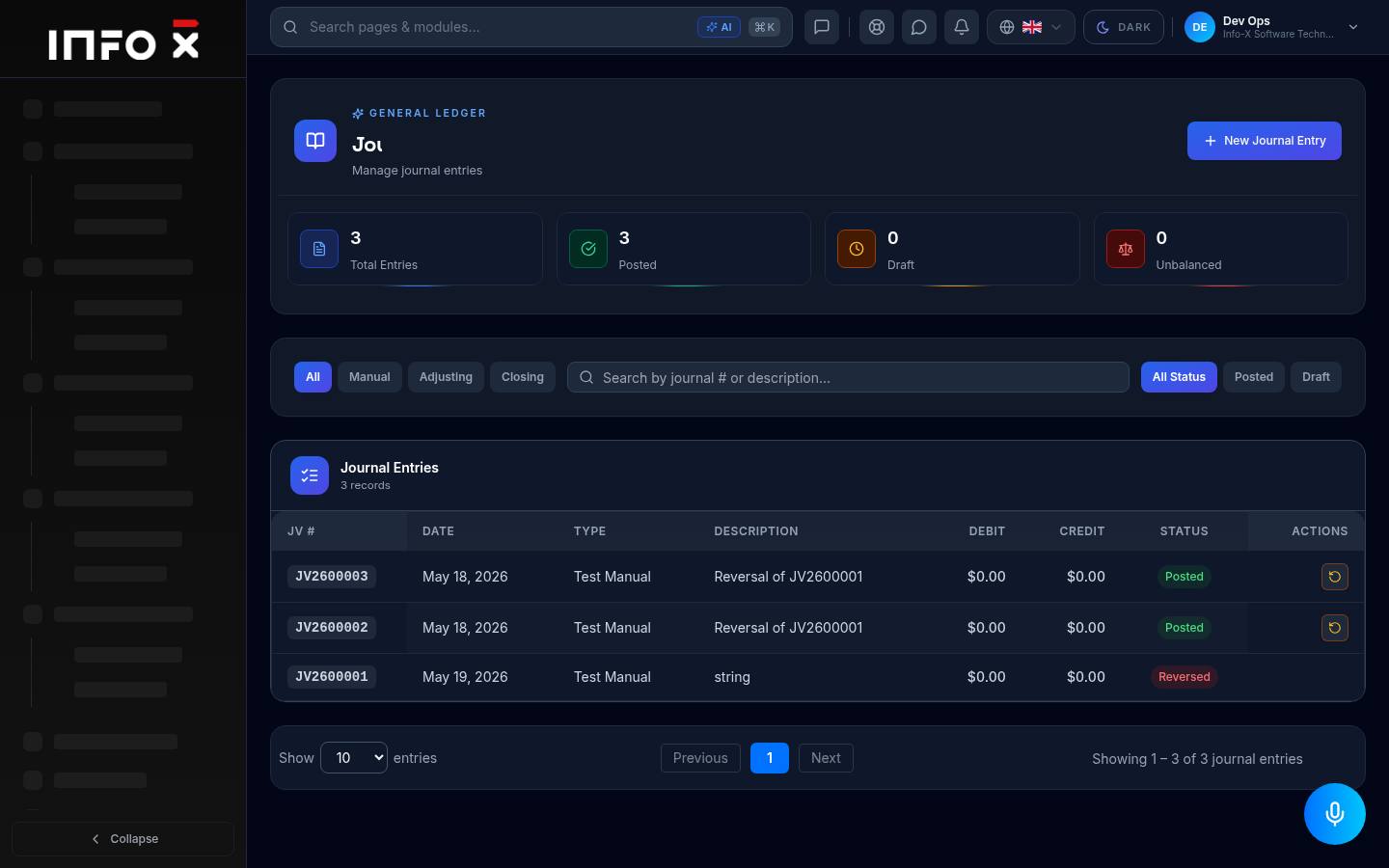
Manual, adjusting and closing entries.
Open guide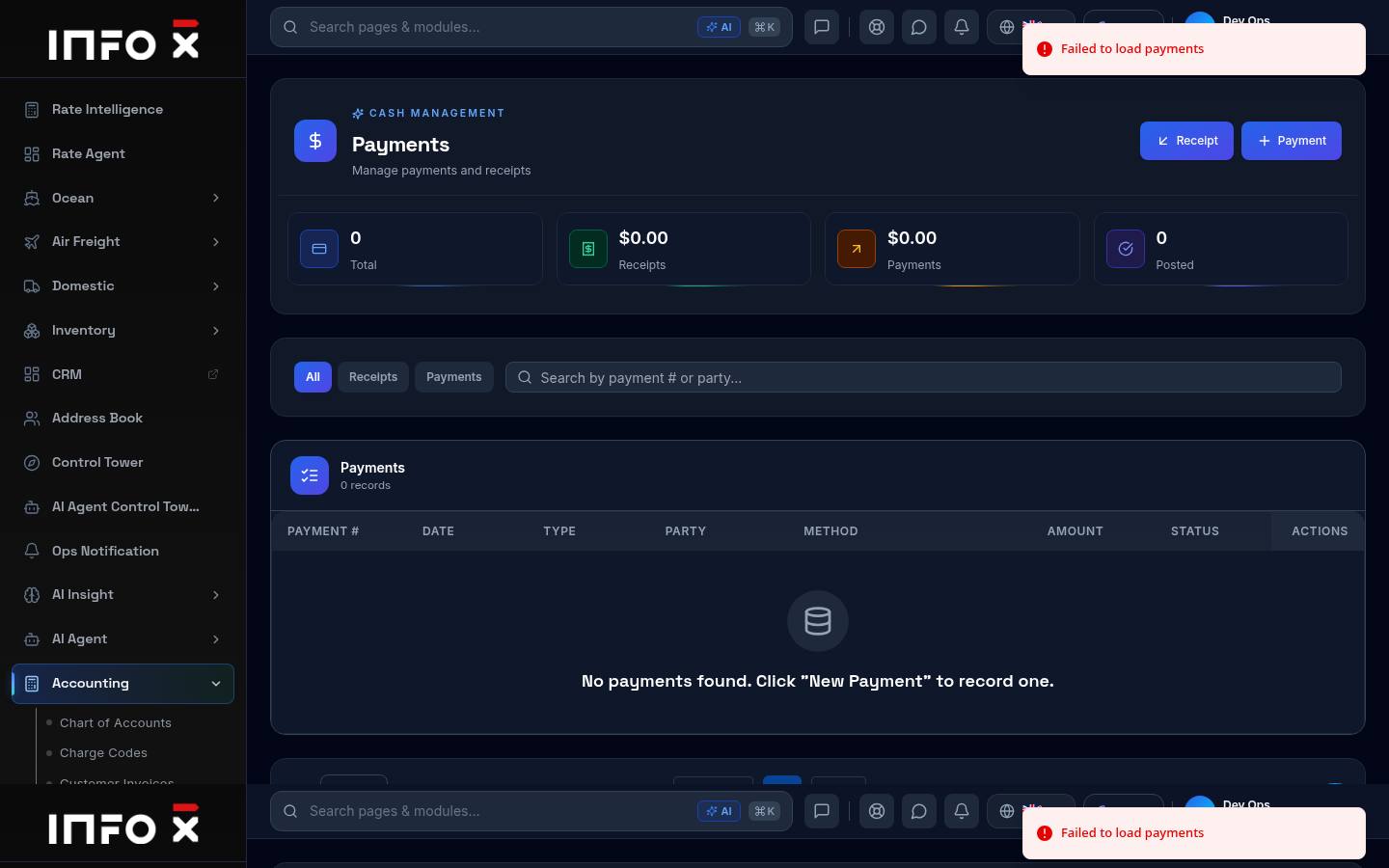
Cash management — receipts and payments.
Open guide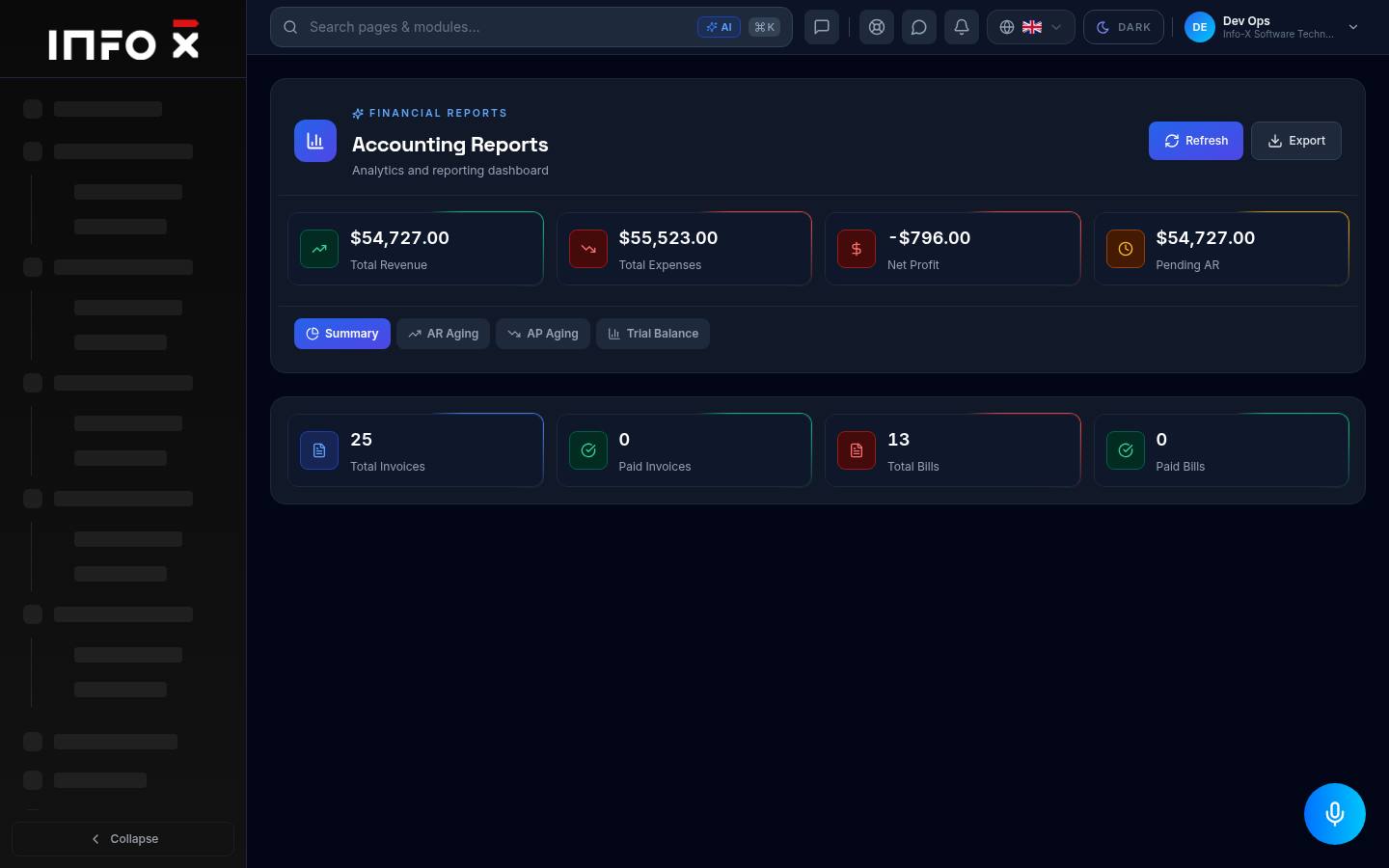
Financial analytics and reporting.
Open guide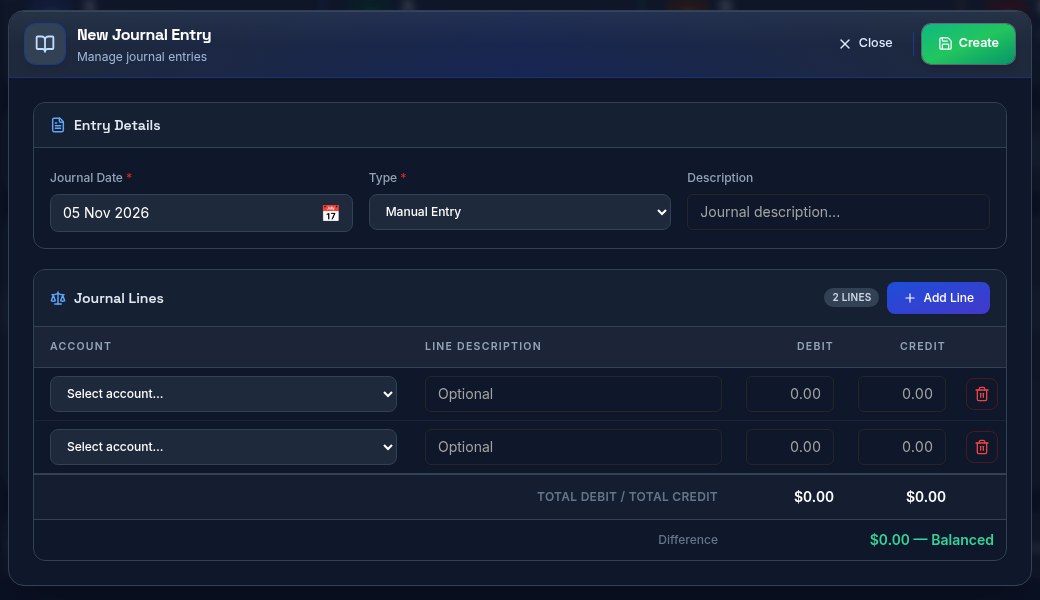
Post a manual debit / credit entry to the ledger.
Open guide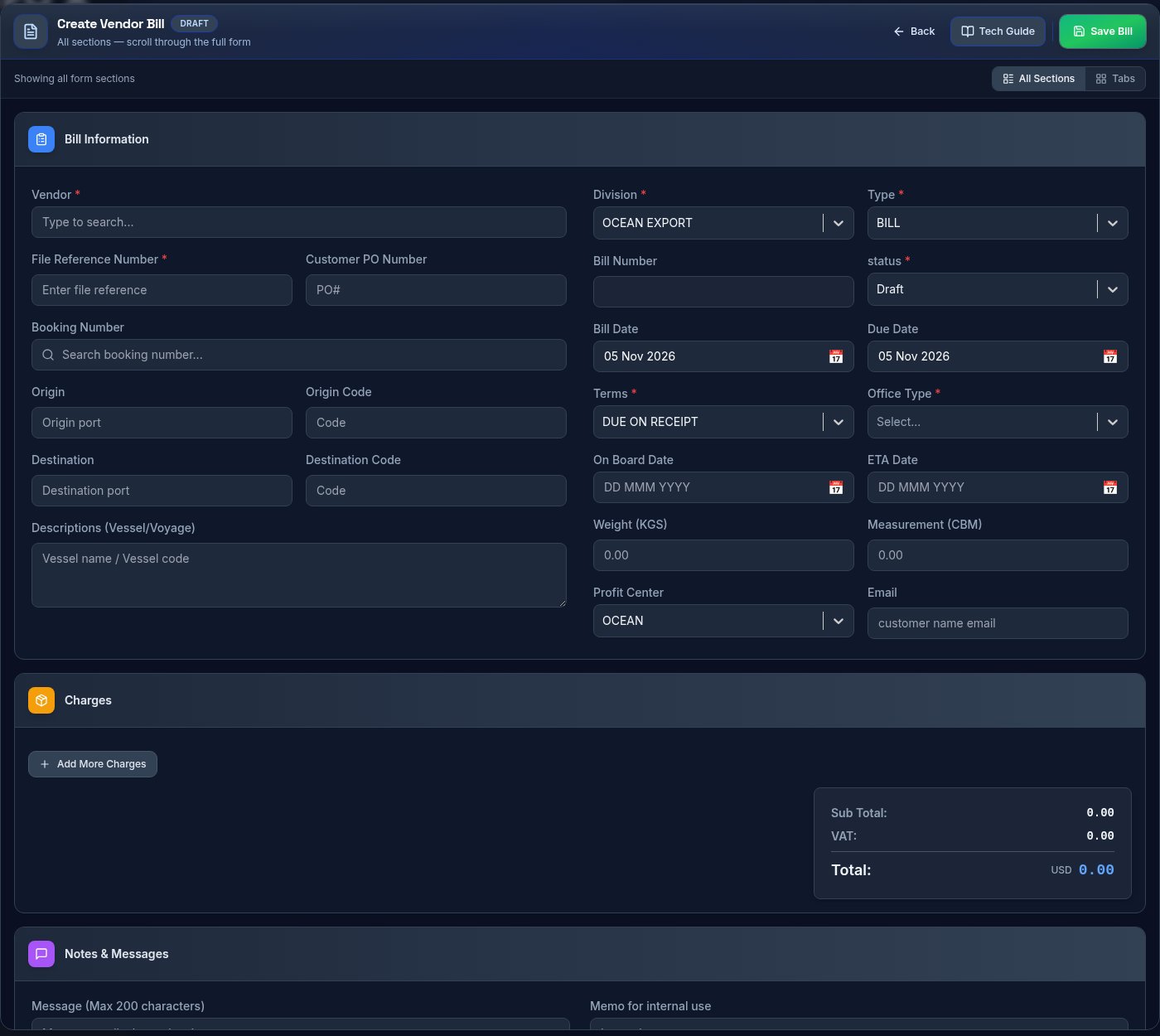
Record a bill a vendor sent you.
Open guide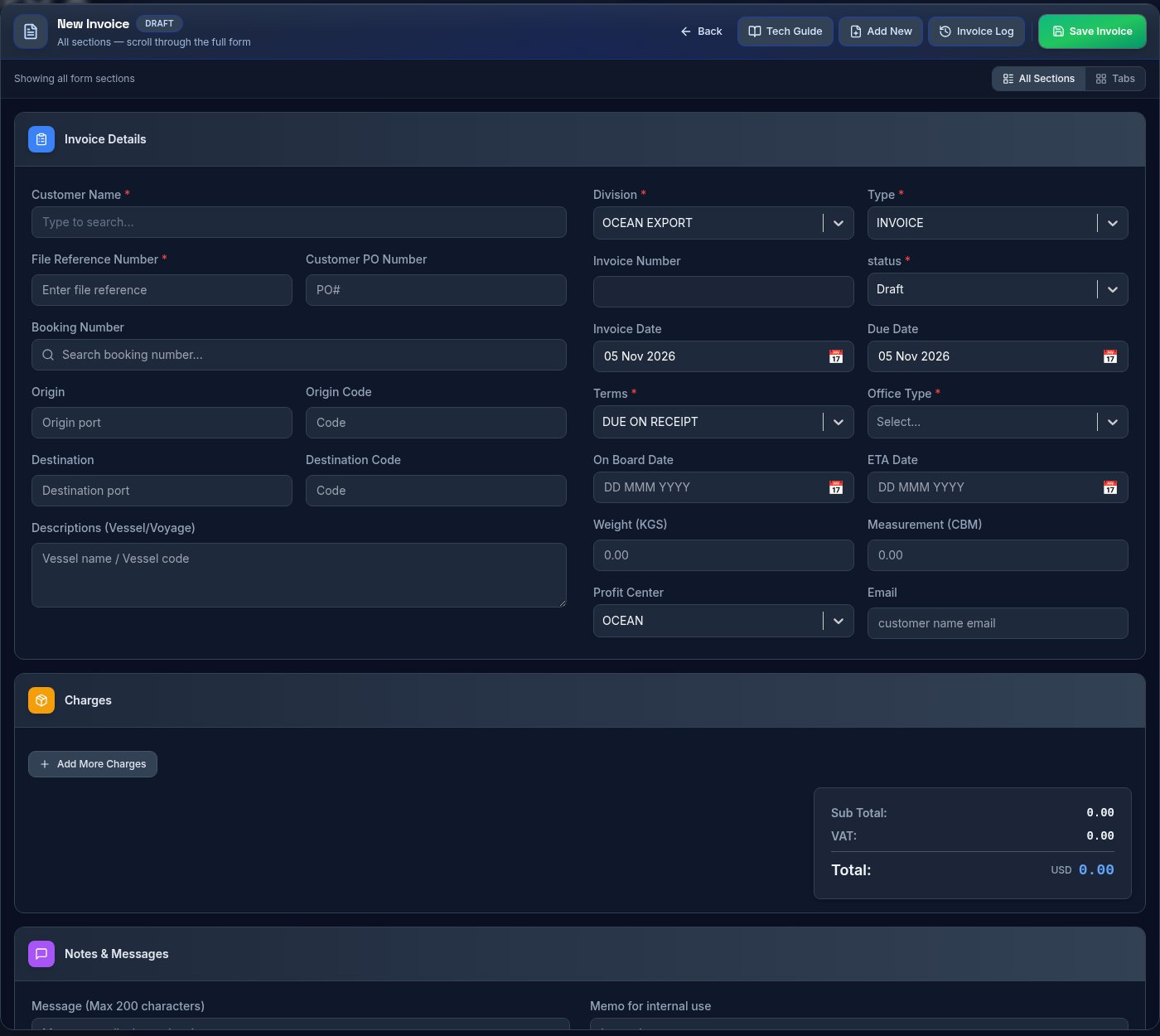
Create a customer invoice.
Open guide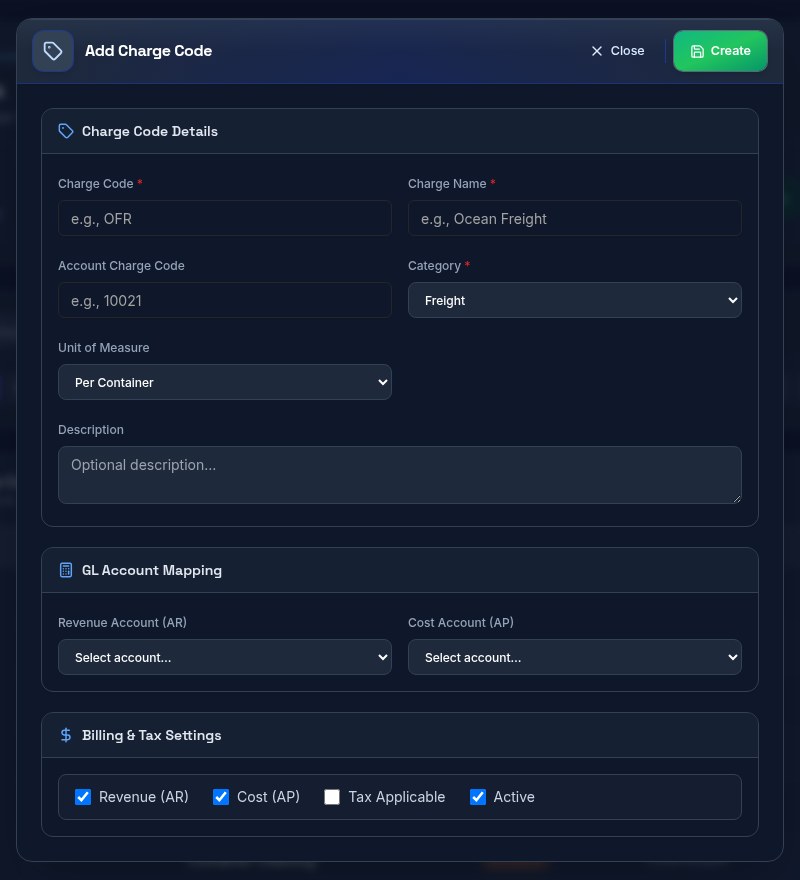
Create a charge code for quotes, invoices and bills.
Open guide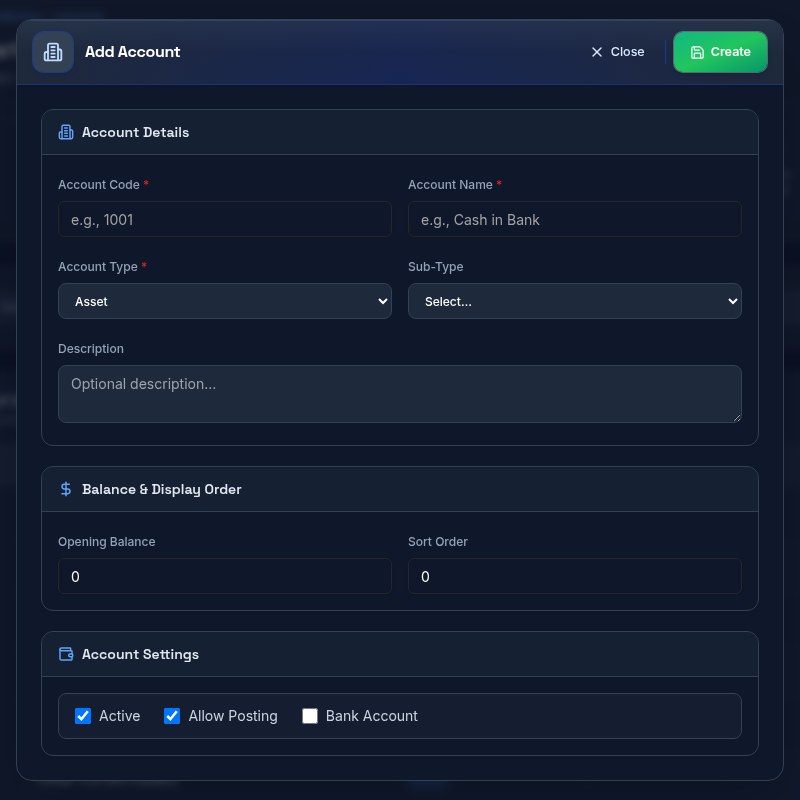
Add a general ledger account to your Chart of Accounts.
Open guideSystem Maintenance
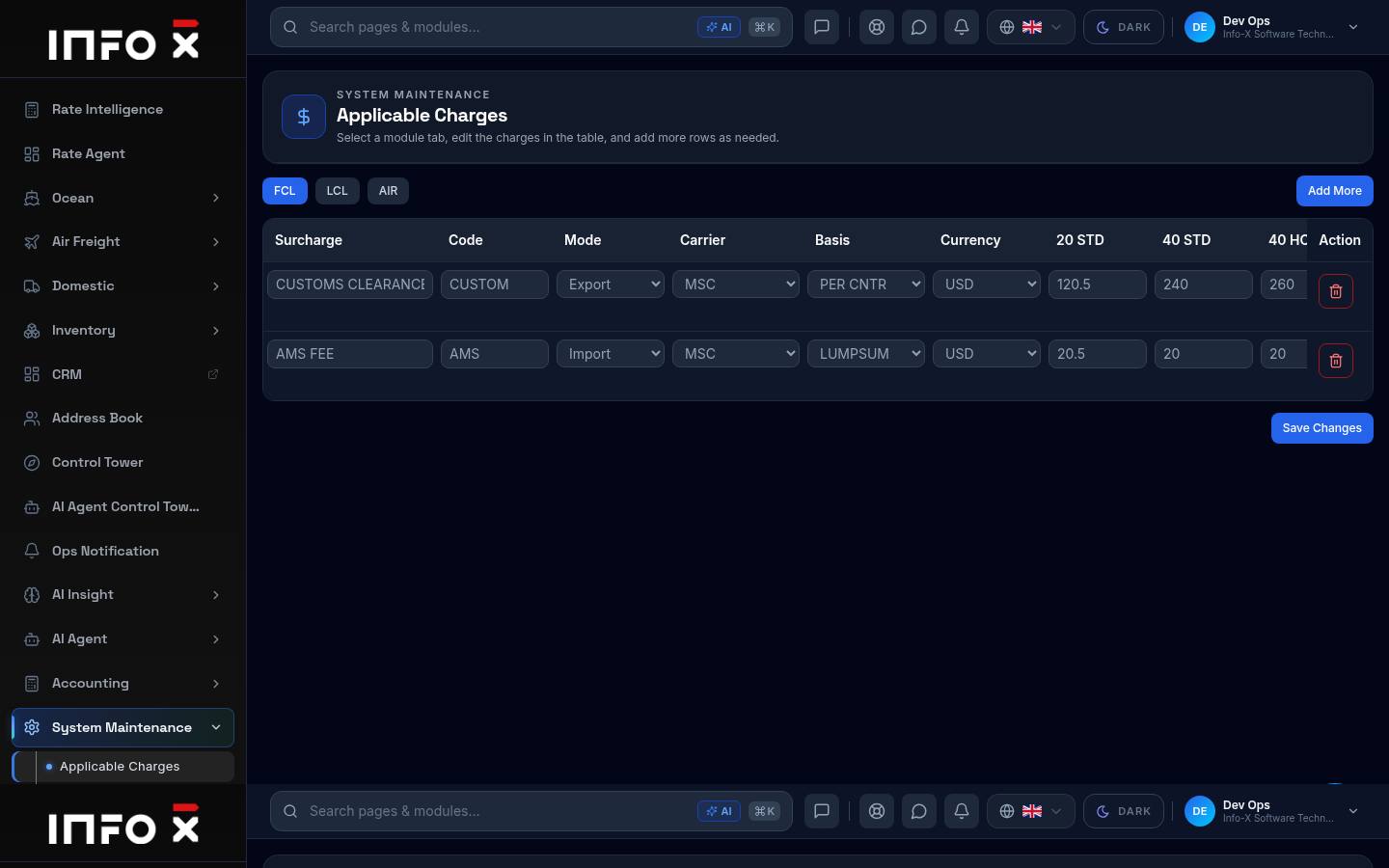
Default surcharges per mode.
Open guide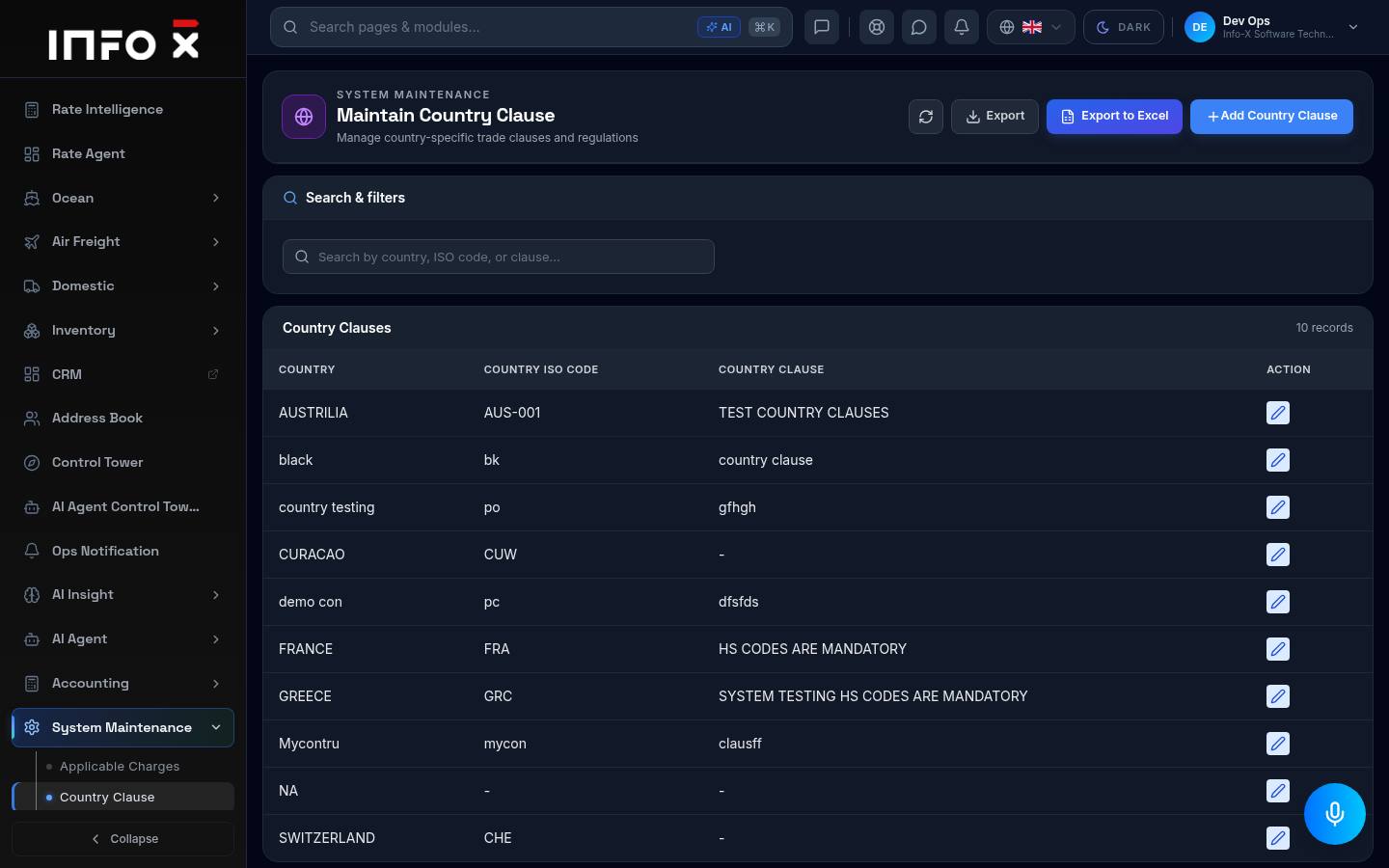
Country-specific trade clauses.
Open guide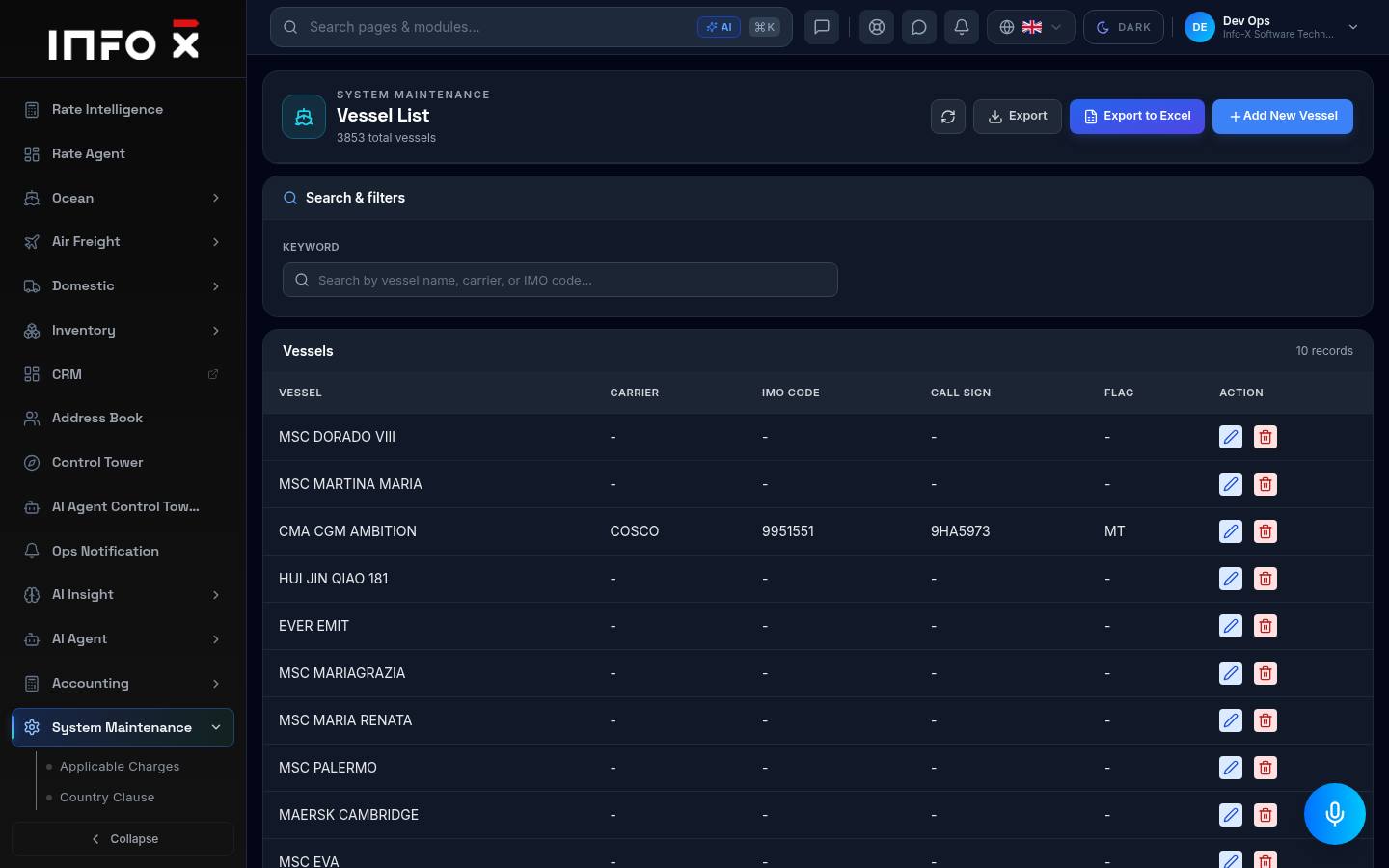
Vessel master list.
Open guide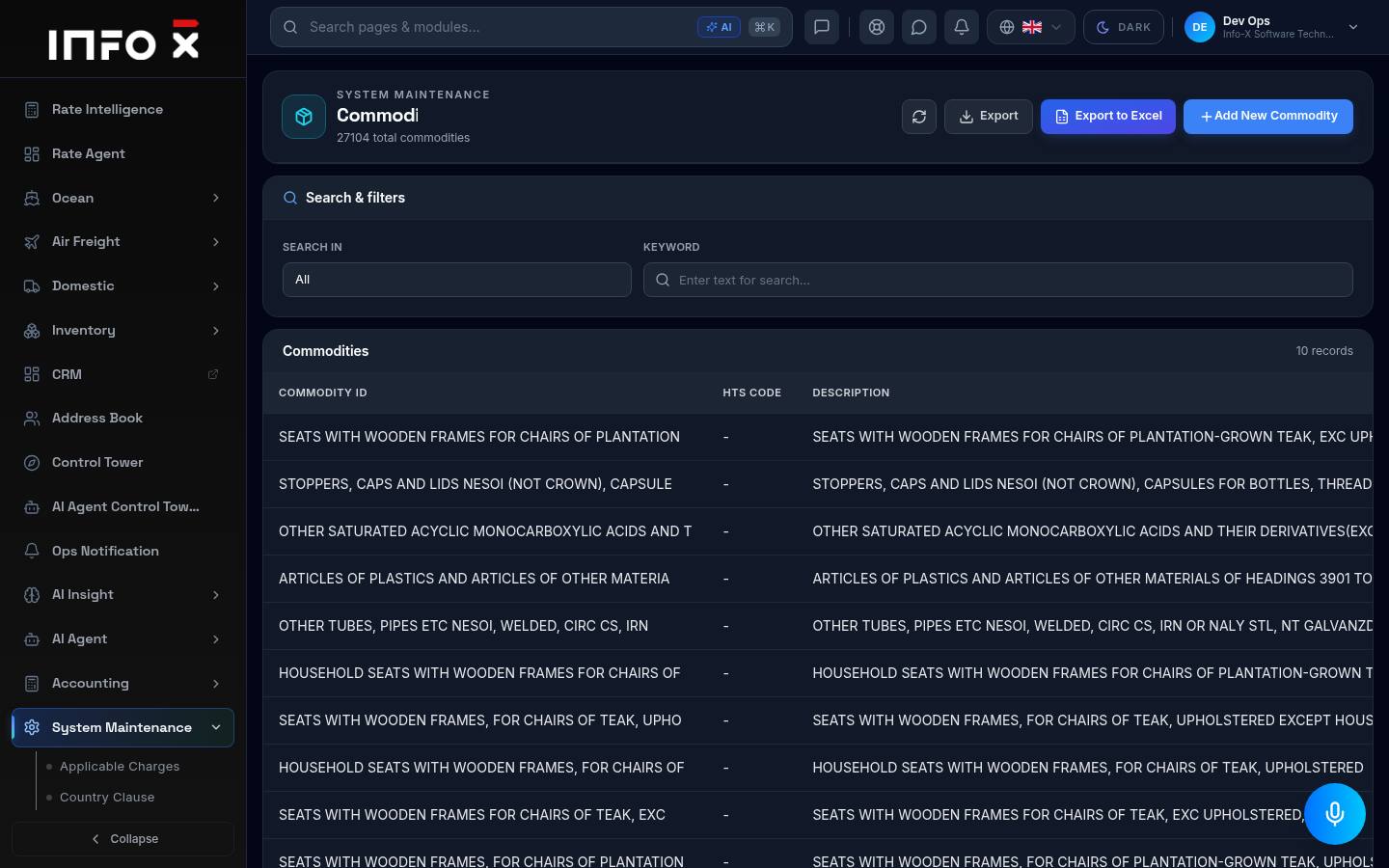
Commodity master with Schedule B.
Open guide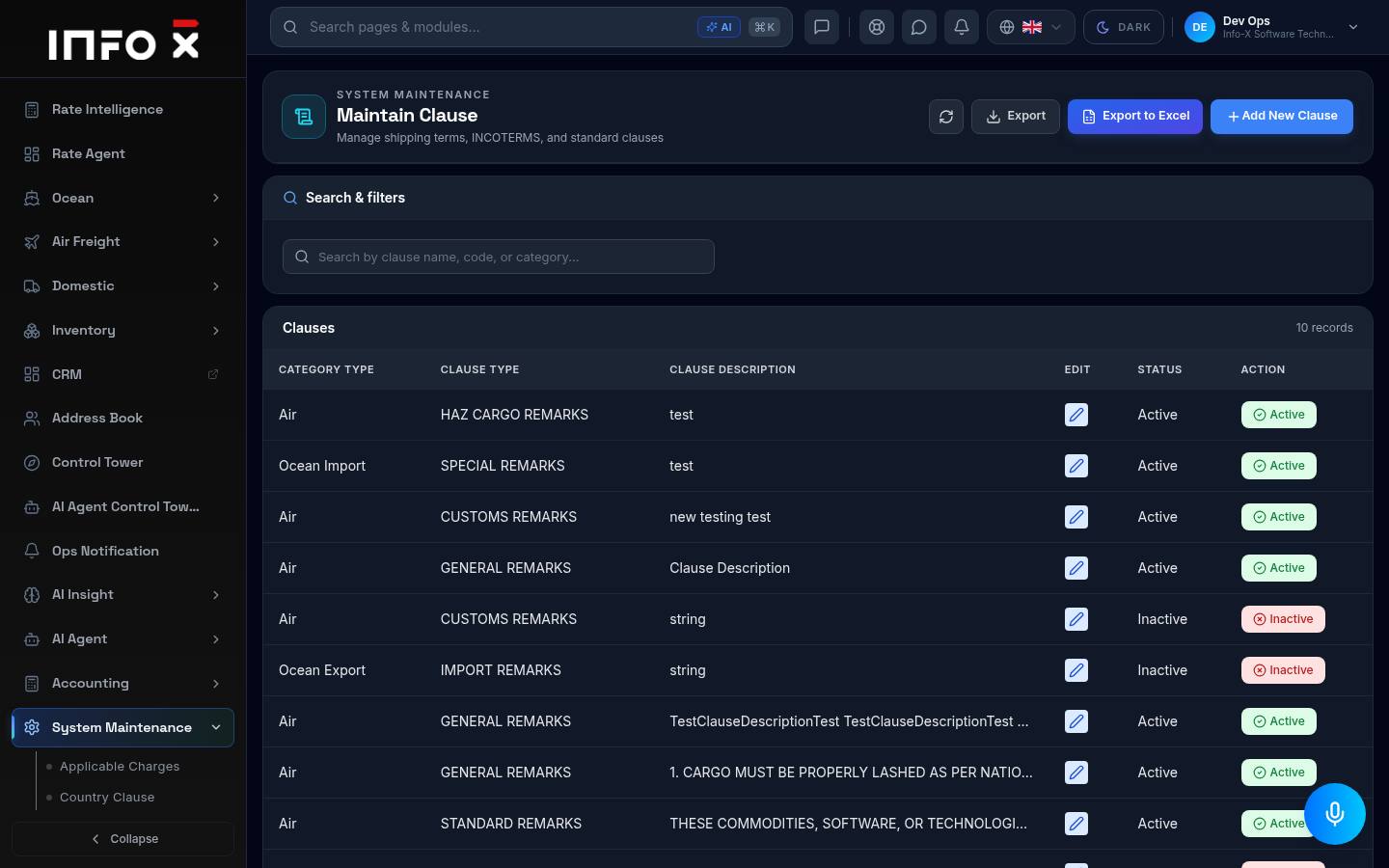
Shipping terms, INCOTERMS and standard clauses.
Open guide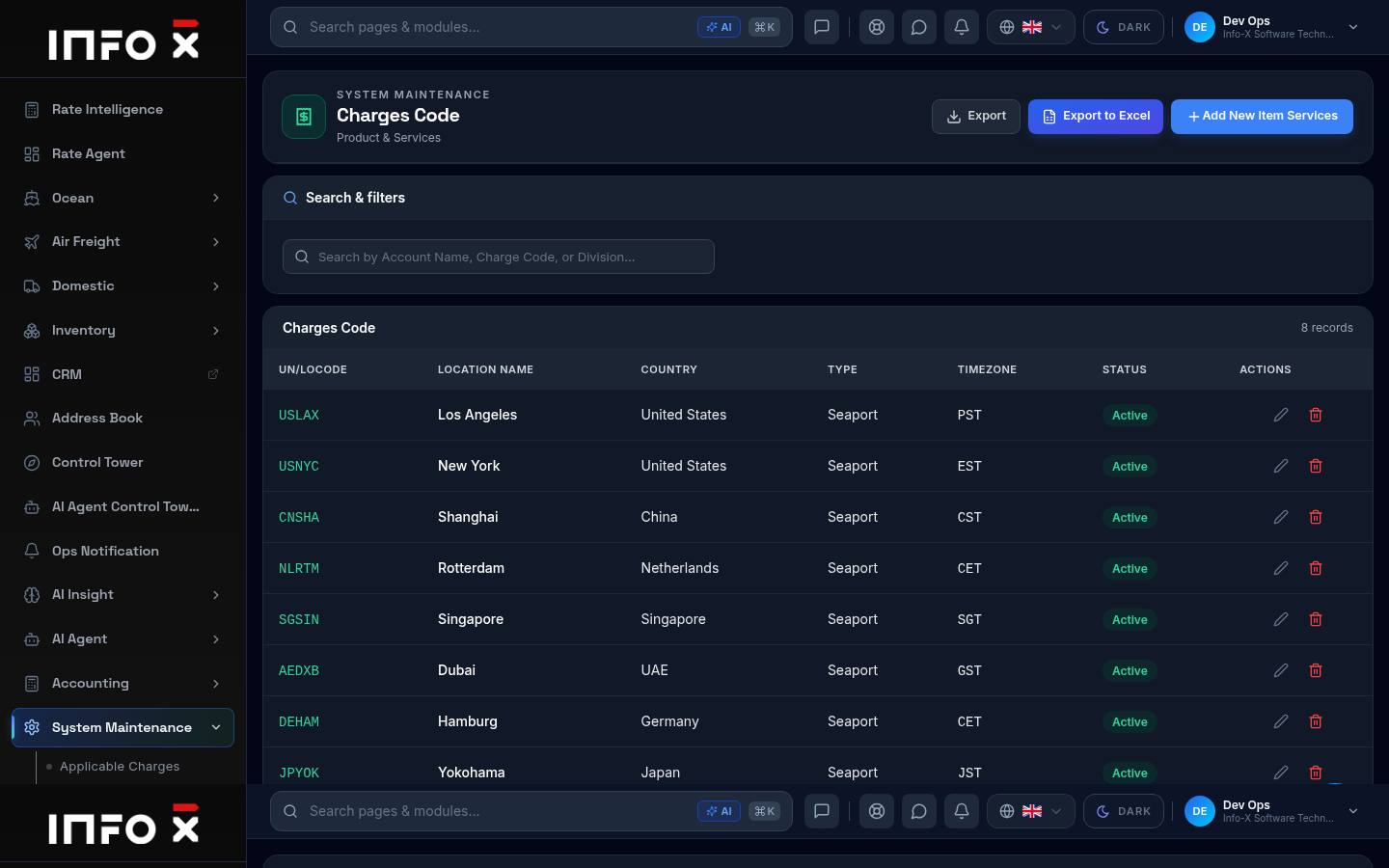
Product & services list.
Open guide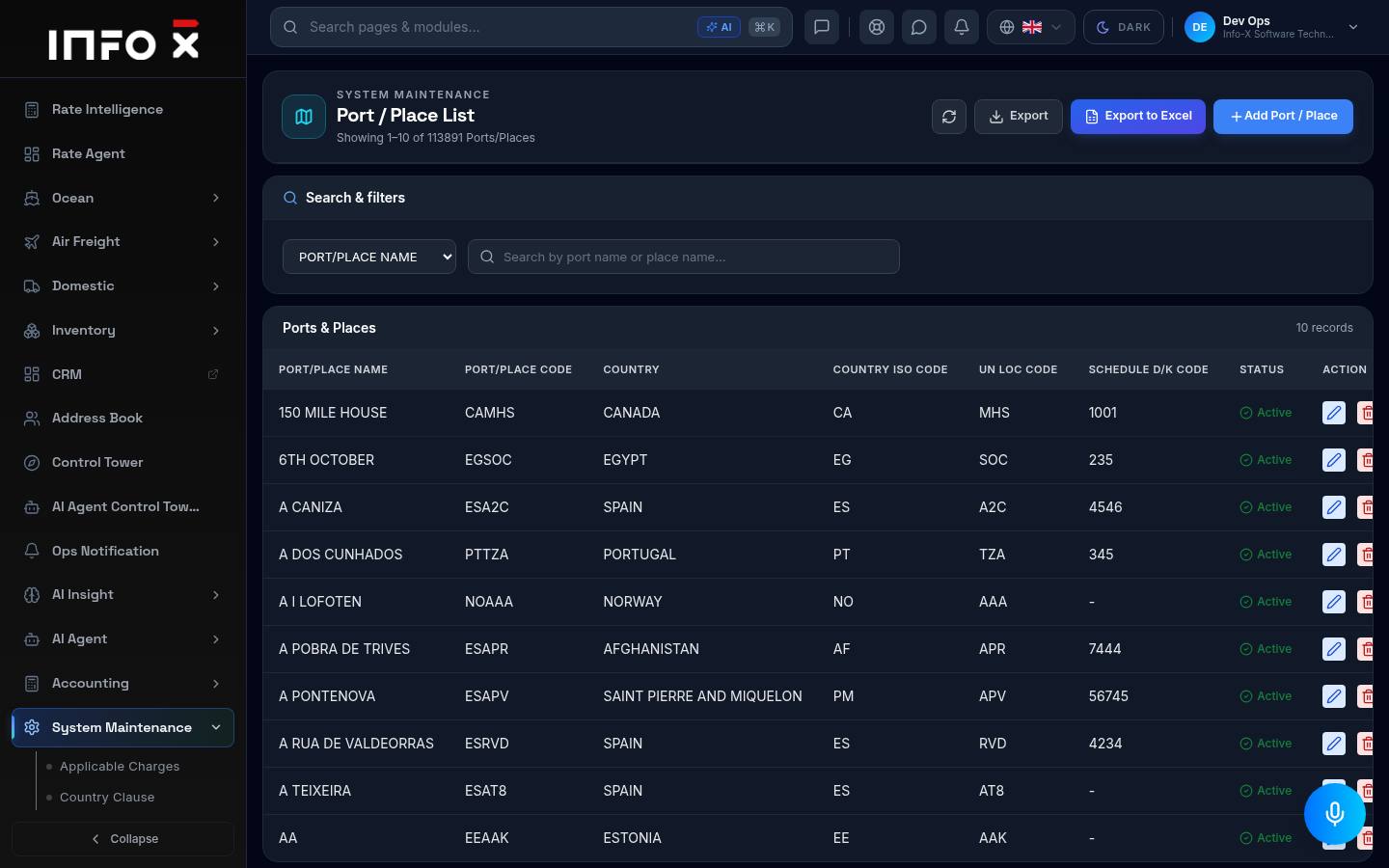
Over 100,000 ports and places.
Open guide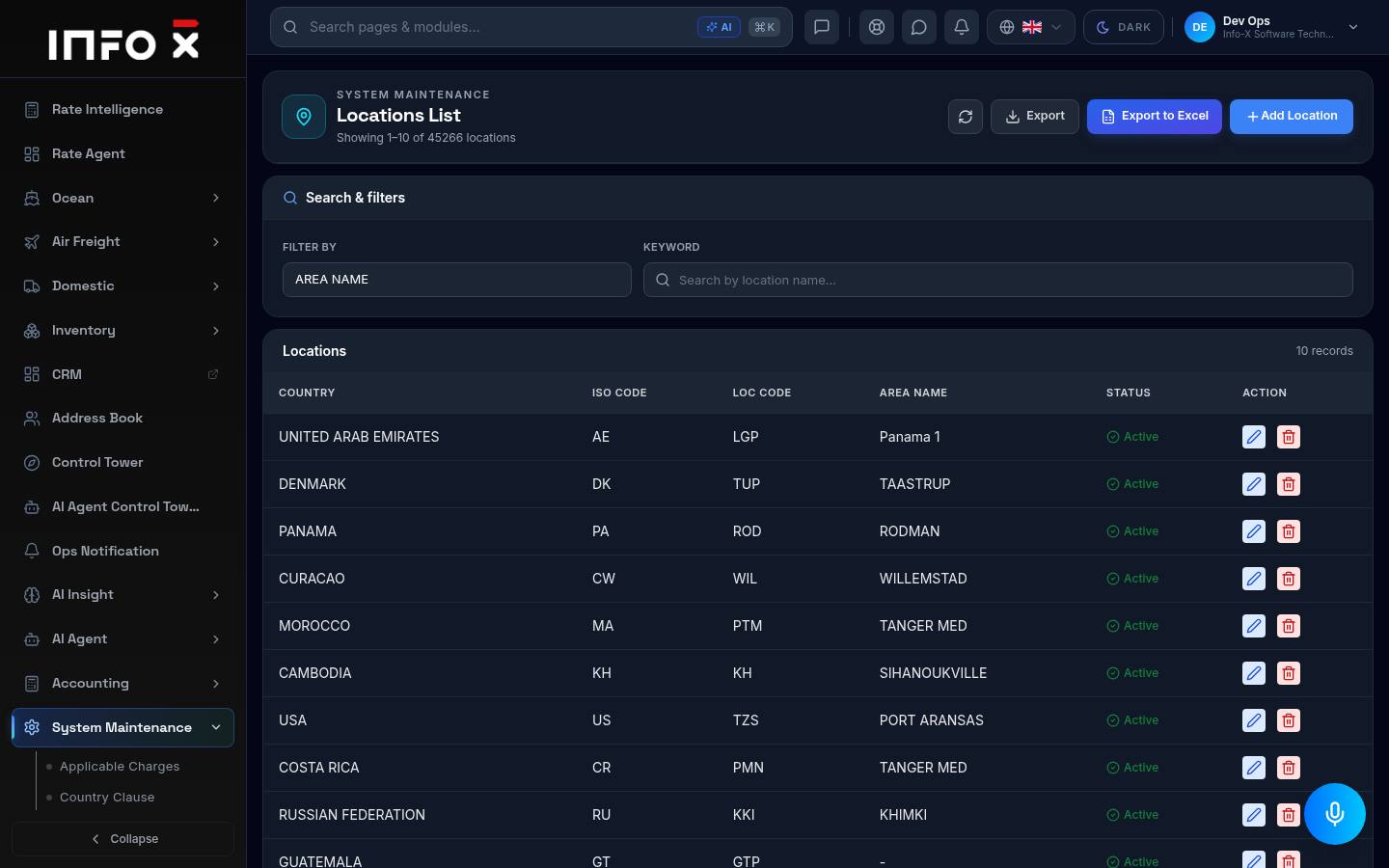
Location master list.
Open guide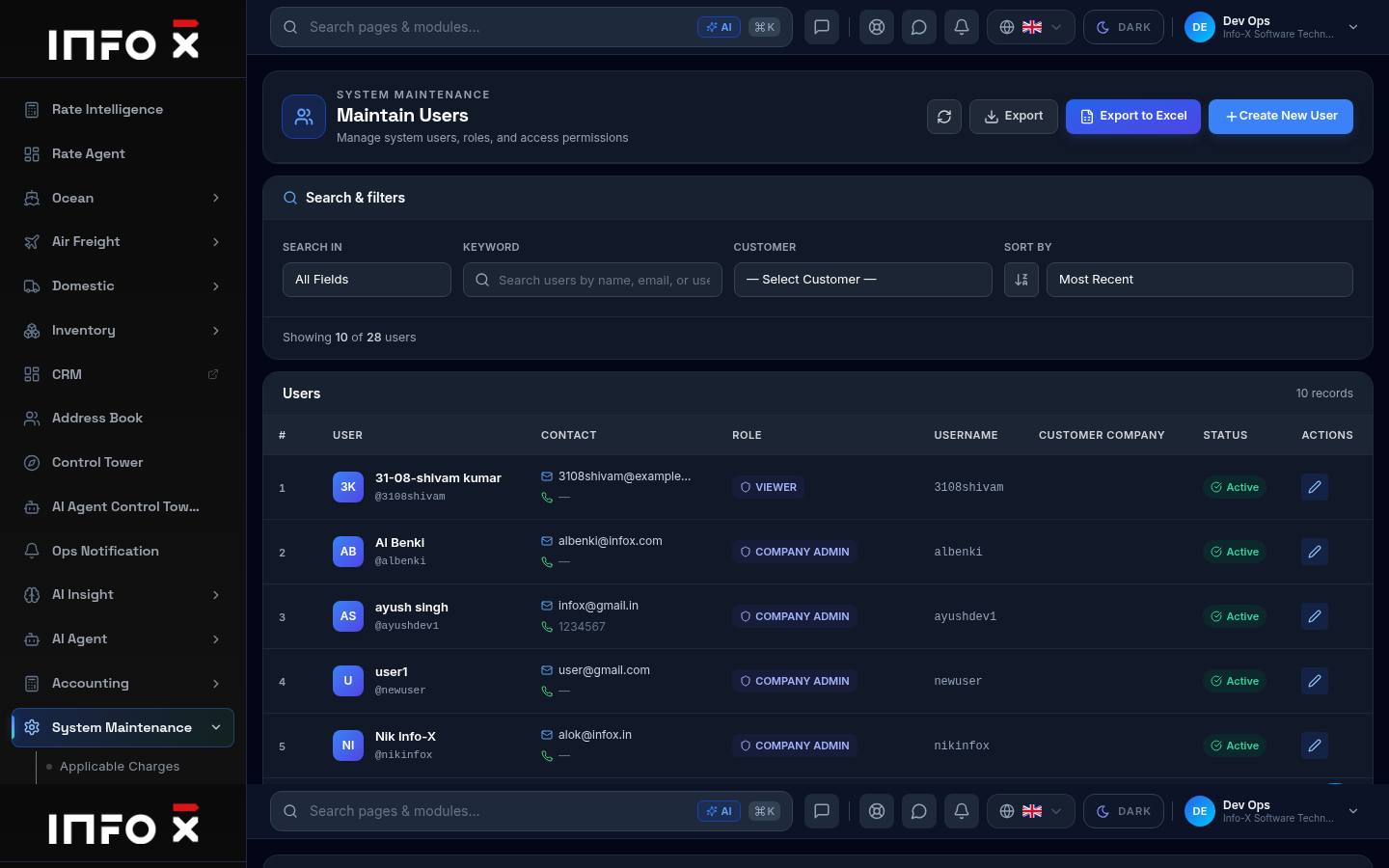
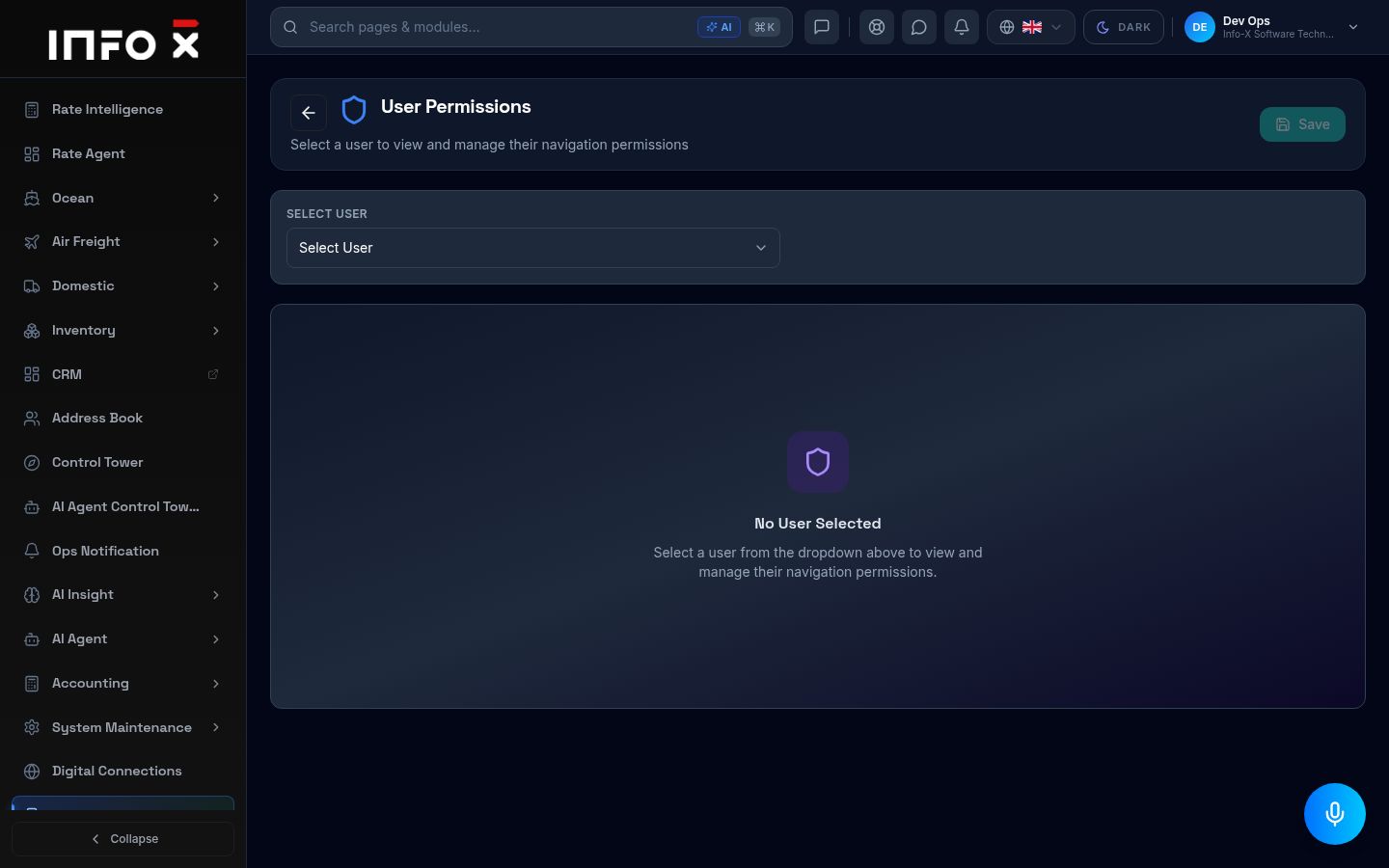
Users, roles and permissions.
Open guide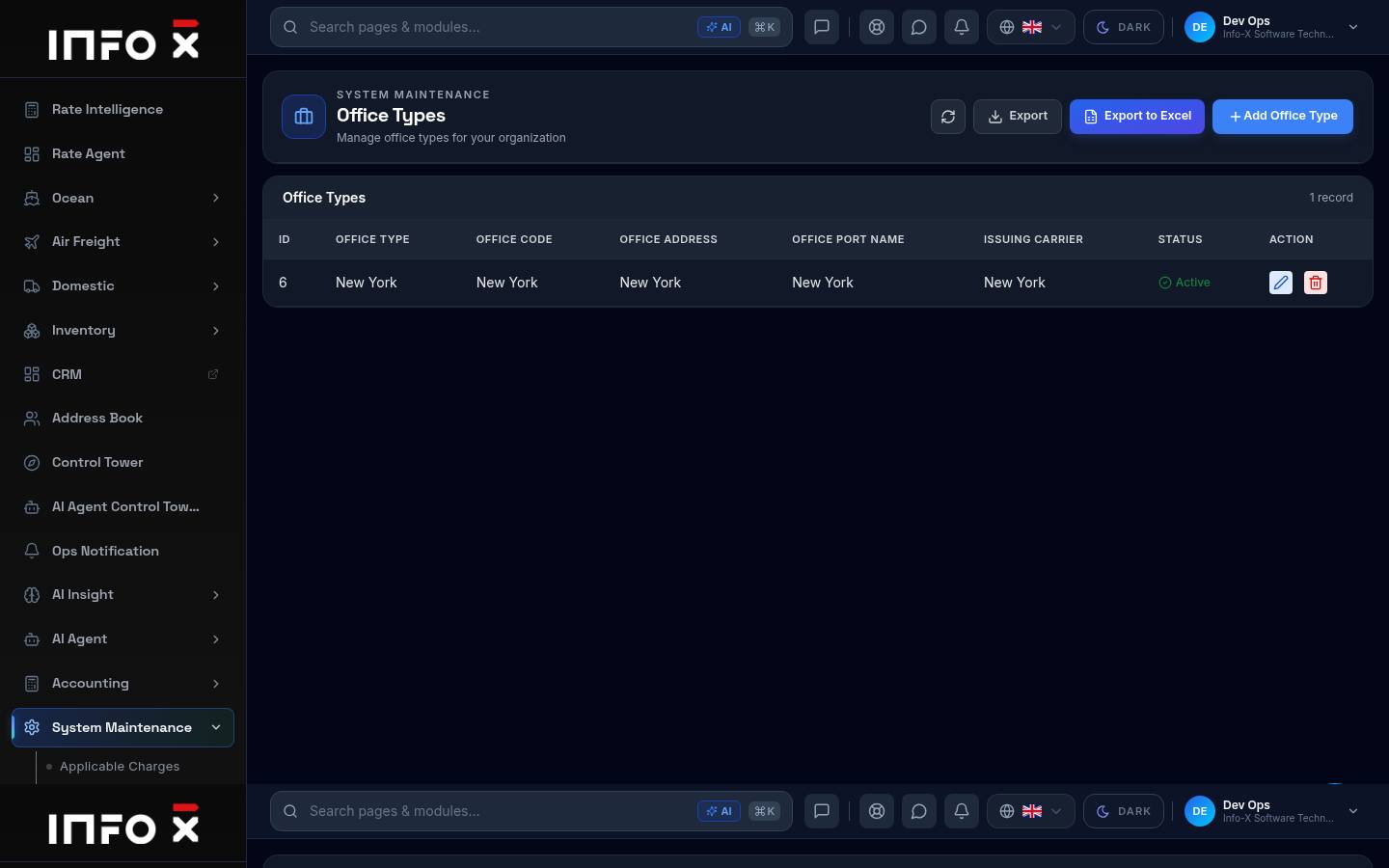
Office types for your organisation.
Open guide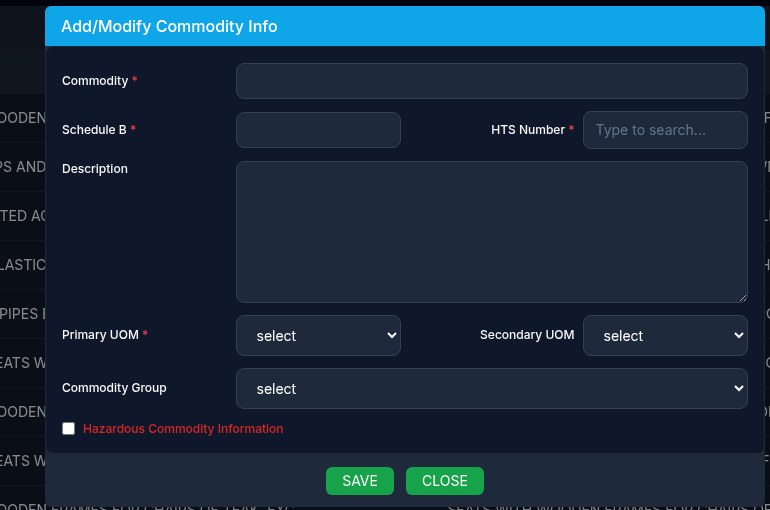
Add a commodity with its Schedule B and HTS codes.
Open guide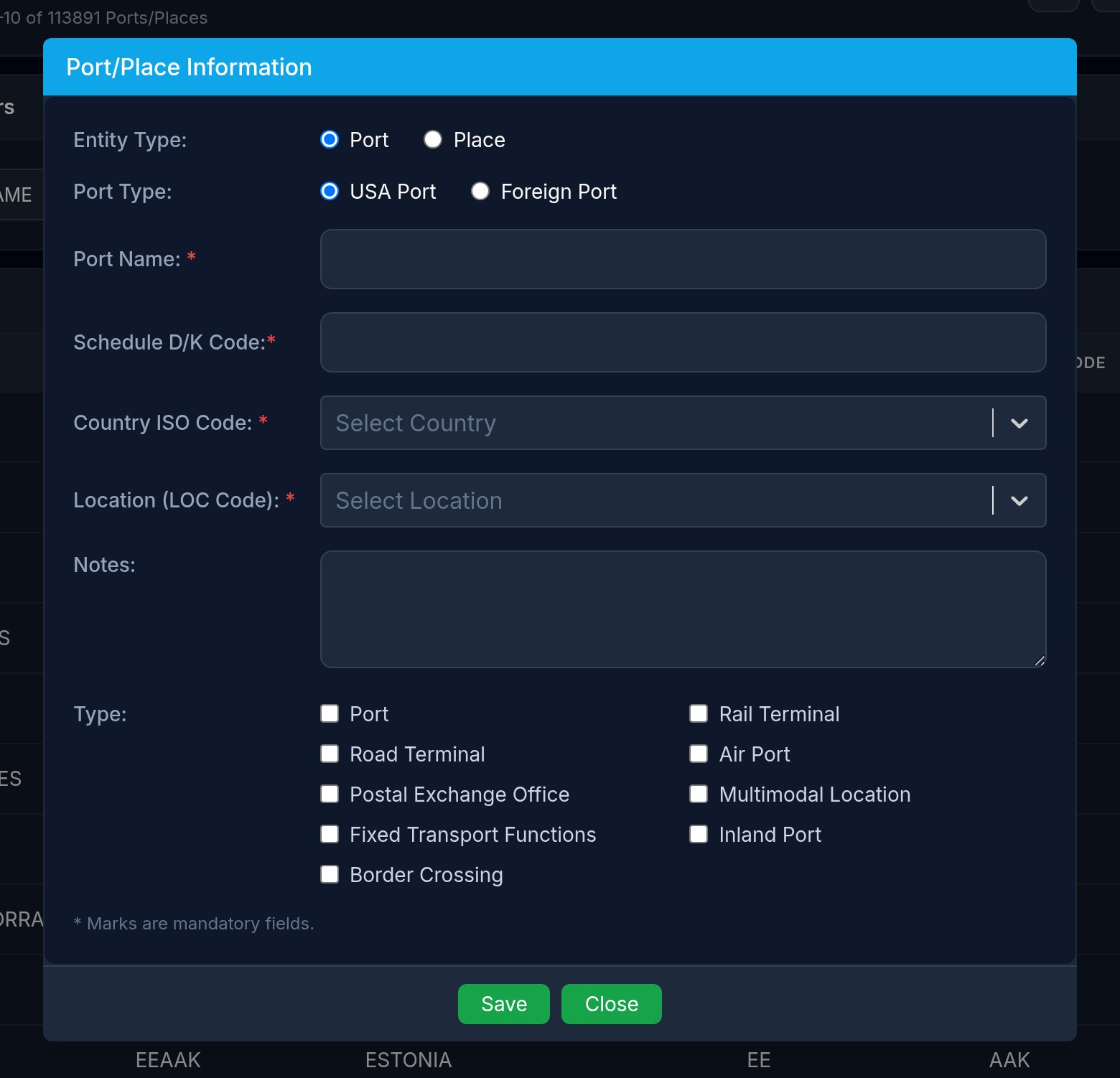
Create a new port or place in the master list.
Open guide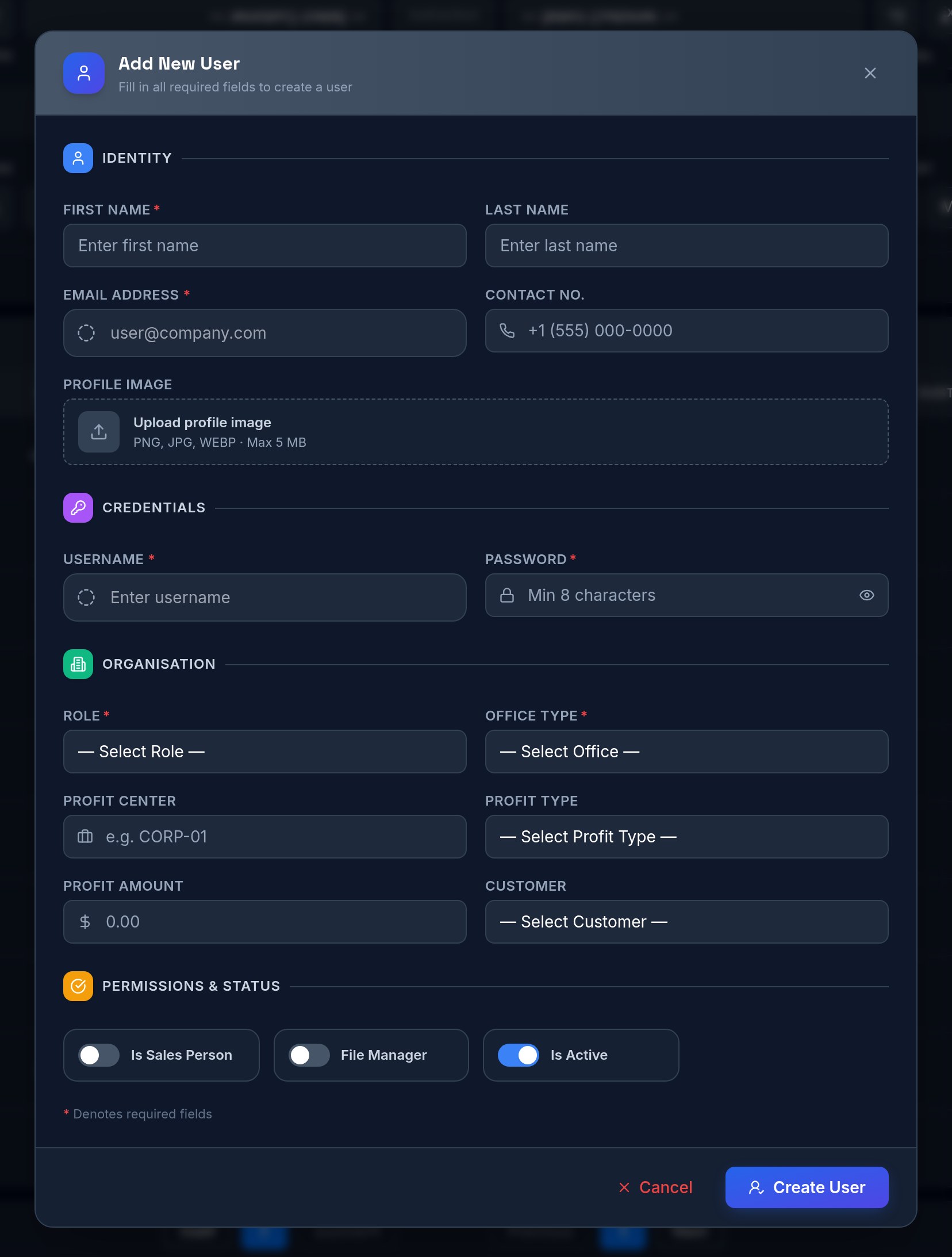
Add a person who can log in to Info-X.
Open guide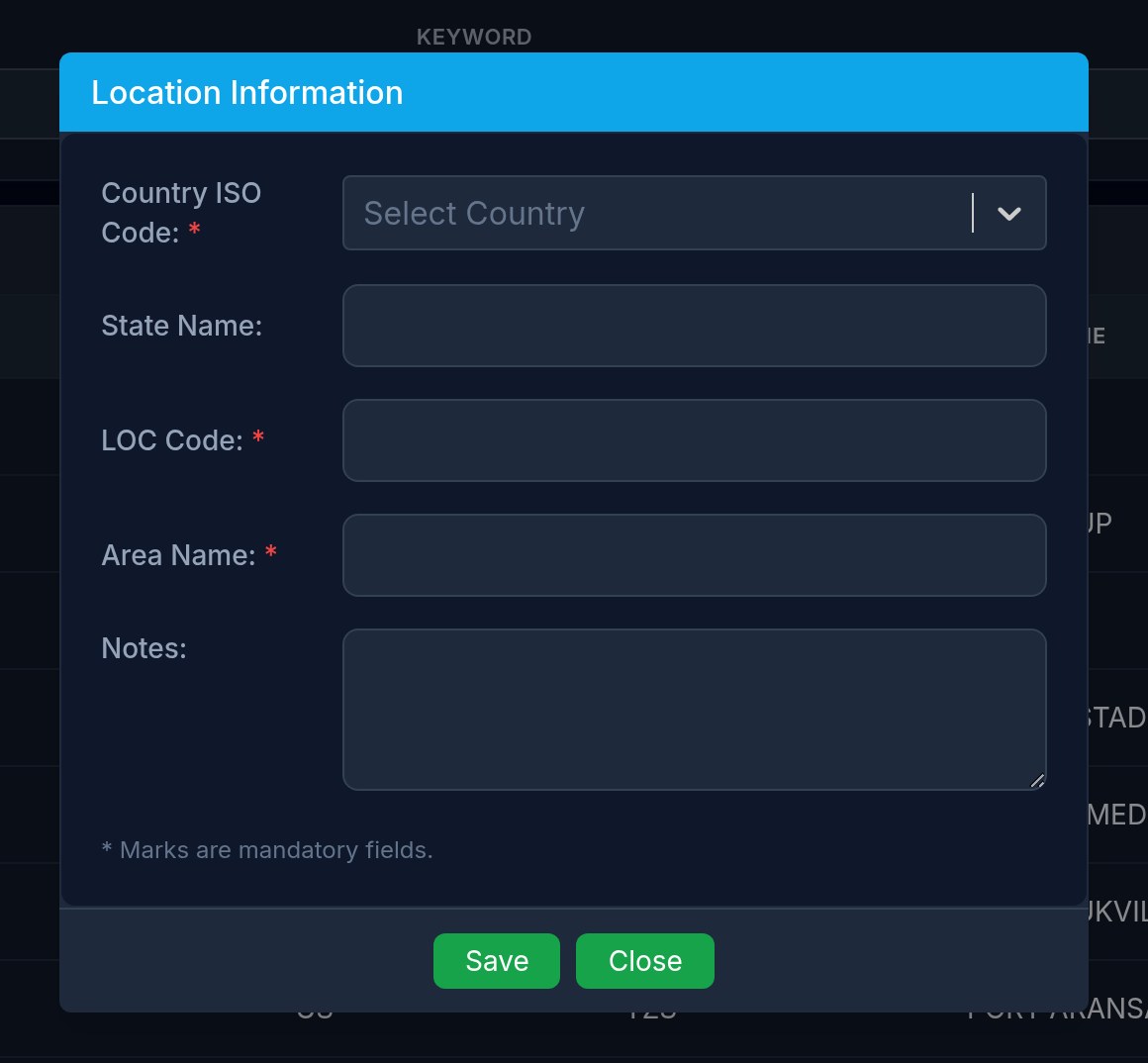
Create a new location in the master list.
Open guide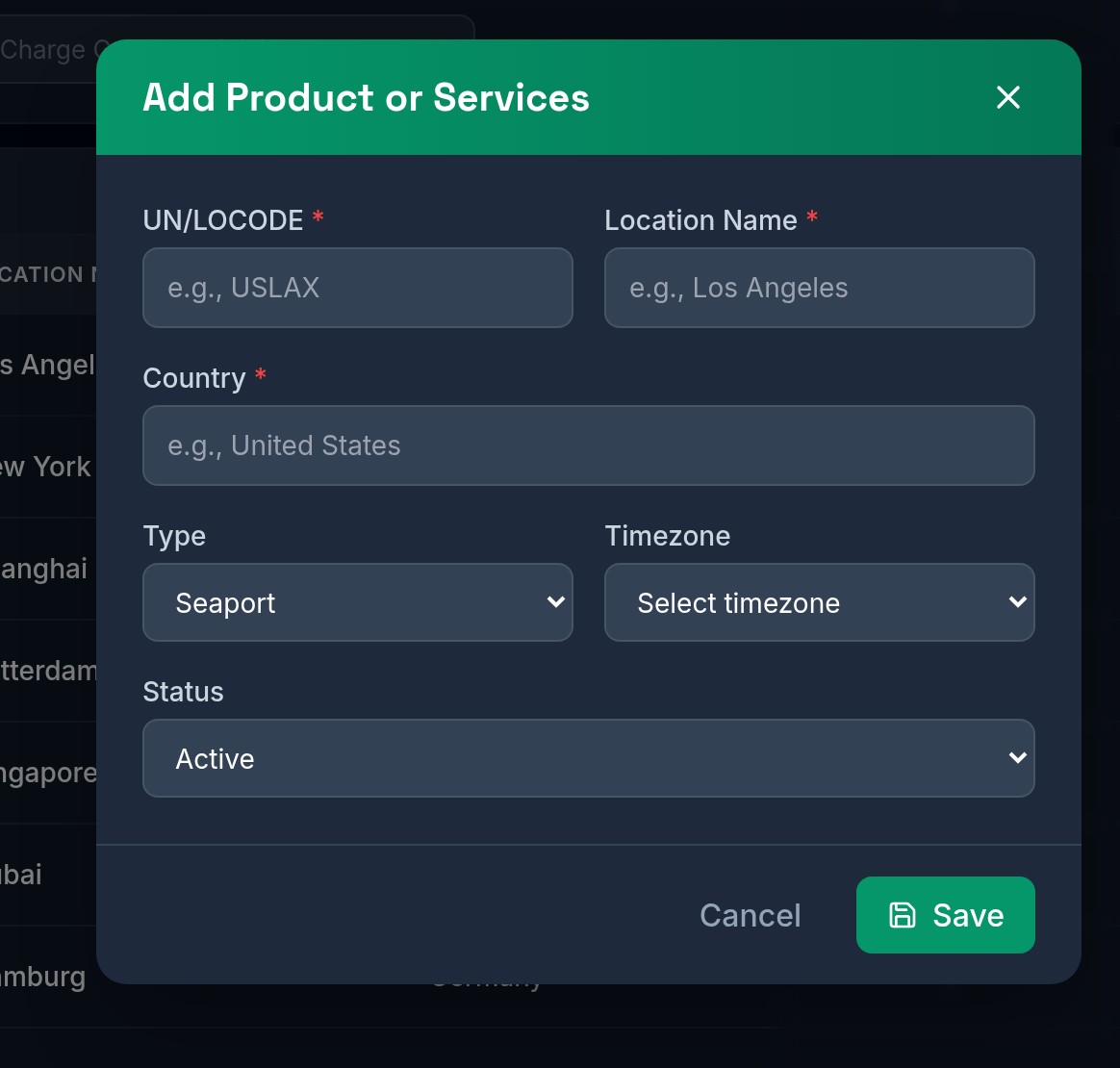
Add a place or service to the charges list.
Open guide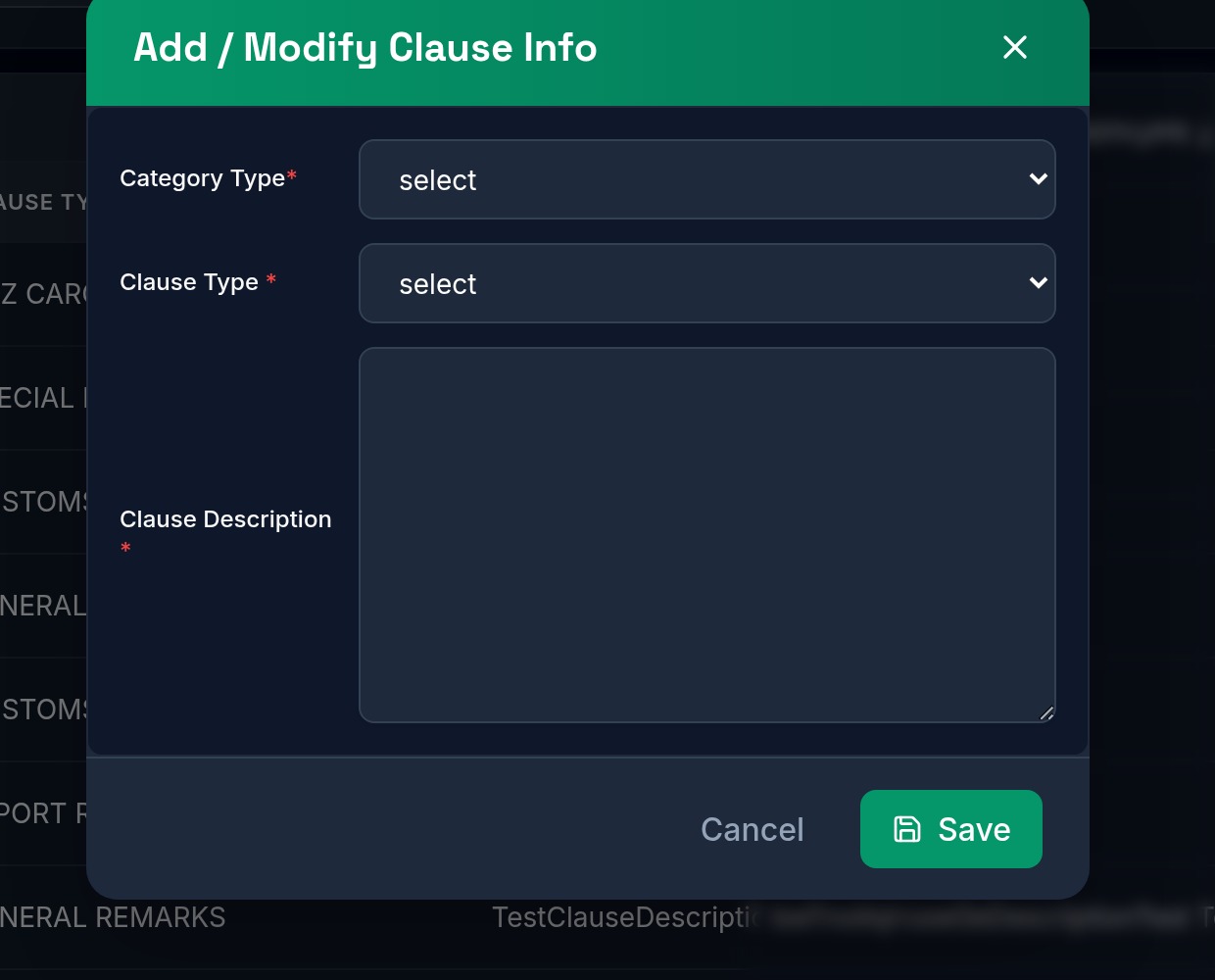
Add a shipping term or standard clause.
Open guide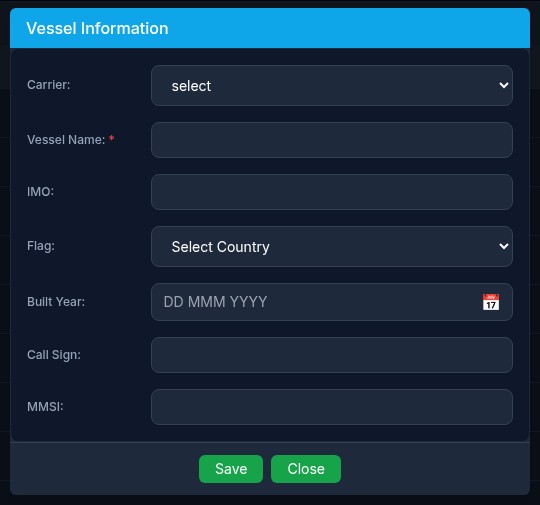
Add a ship to the vessel list.
Open guide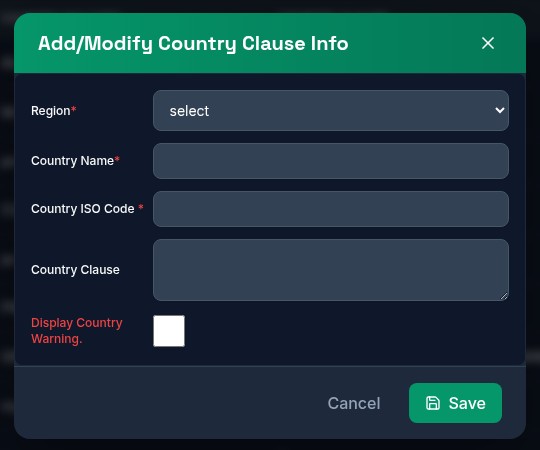
Add a country and the clause printed for it.
Open guide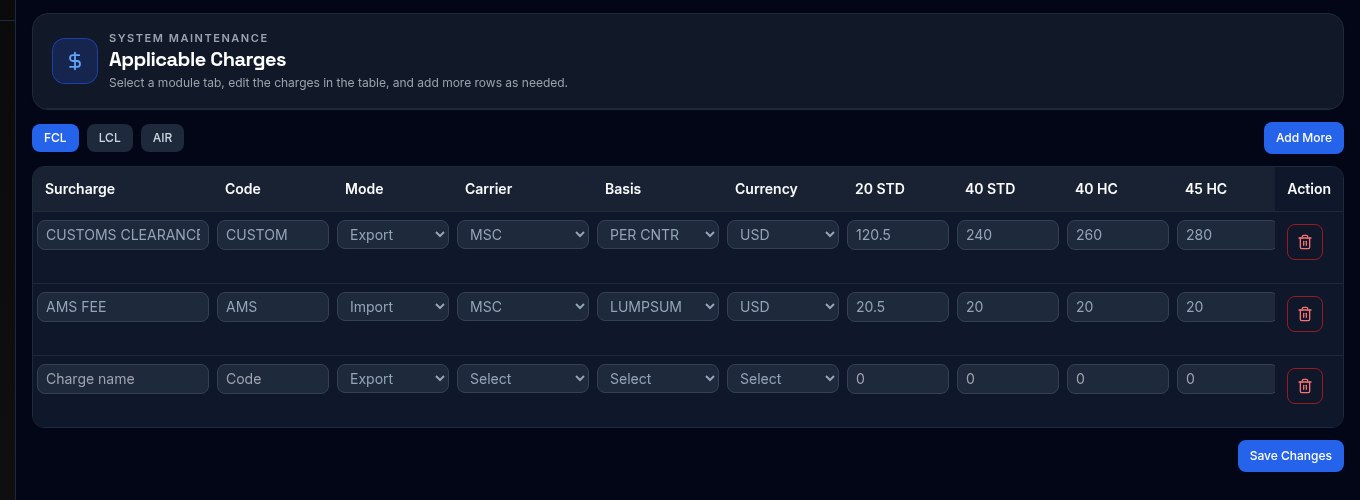
Add a new standard surcharge row for FCL, LCL or Air.
Open guide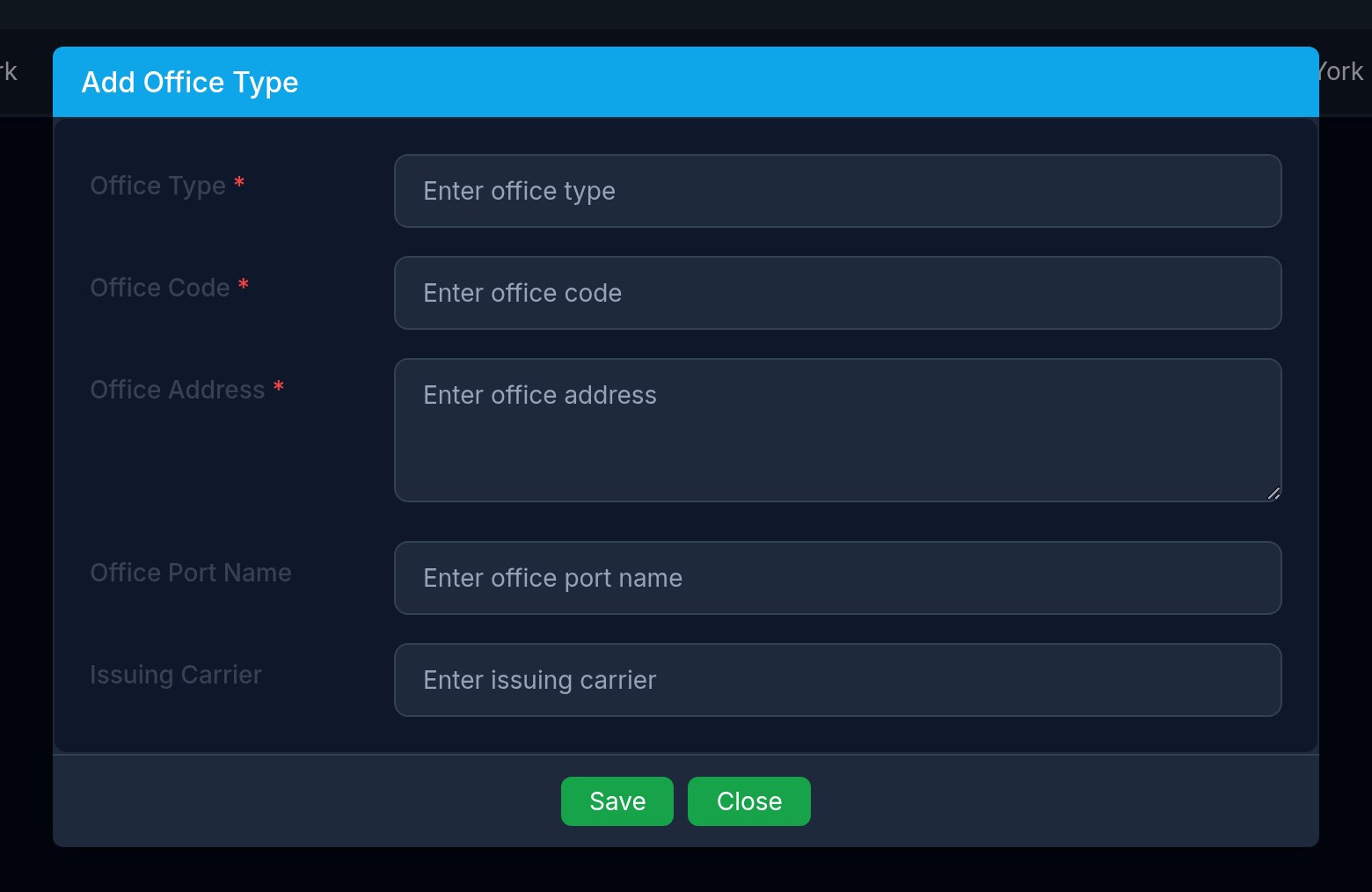
Create a new office type in the master list.
Open guide